
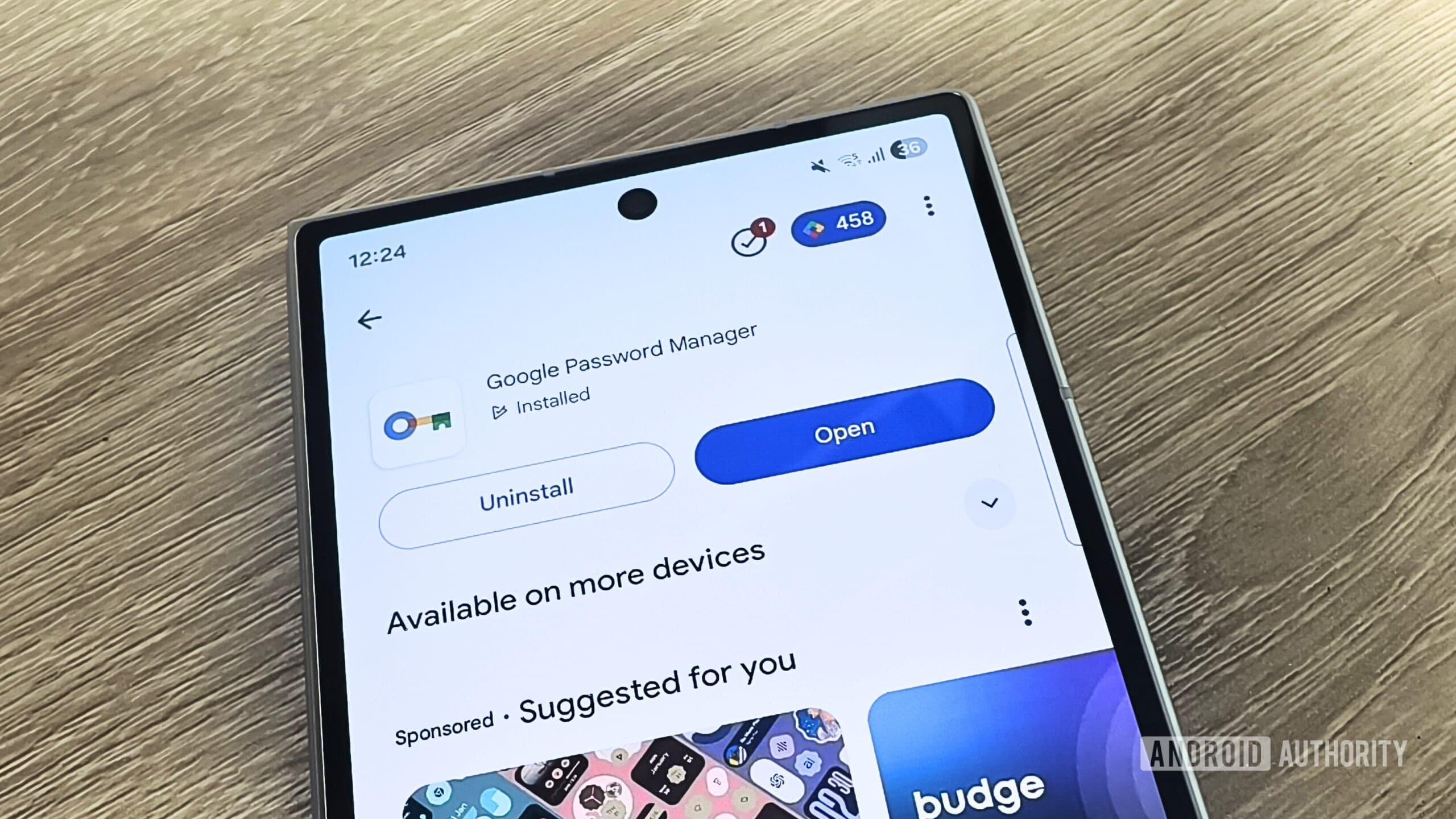
Why You Should Ditch Google Password Manager
Google Password Manager is one of those tools that feels almost invisible — and that is precisely the point. Built directly into Chrome and Android, it quietly saves your credentials and autofills them when you need them. For millions of casual users, it works well enough that they never think to question it. But "well enough" and "best option available" are very different things, and once you start digging into what Google Password Manager actually offers versus what dedicated alternatives provide, the gap becomes hard to ignore.
The core problem is ecosystem lock-in. Google Password Manager is designed, first and foremost, to keep you inside Google's ecosystem. Exporting your saved passwords is possible but clunky, cross-platform support outside of Chrome is limited, and sharing credentials with family members or teammates is far more restricted than it should be in 2024. Add to that the absence of secure file storage, limited identity document vaulting, and a general lack of advanced features, and you start to see why security-conscious users have long favored dedicated third-party tools.
If you are ready to take your password security seriously, here are five apps worth switching to — each offering a stronger, more flexible experience than Google's built-in solution.
1. Bitwarden — The Best Free Open-Source Option
Bitwarden consistently tops lists of Google Password Manager alternatives, and for good reason. It is fully open-source, meaning its code is publicly audited and transparent — a significant trust advantage over closed, proprietary systems. Bitwarden works across virtually every platform and browser, including Chrome, Firefox, Safari, Edge, iOS, Android, Windows, macOS, and Linux.
The free tier is genuinely generous. It covers unlimited password storage, cross-device sync, and basic secure sharing, making it one of the few password managers where you do not need to pay just to get the essentials. The premium plan, priced at just a few dollars per year, adds features like encrypted file attachments, emergency access, and advanced two-factor authentication options.
If data sovereignty is a priority, Bitwarden also allows self-hosting, giving technically savvy users complete control over where their vault data lives. For anyone uncomfortable with a company holding their credentials, this option is essentially unmatched in the consumer space.
2. 1Password — Premium Experience for Individuals and Teams
1Password has long been regarded as the gold standard of third-party password managers, and it remains one of the most polished, feature-rich options available. Its interface is clean, intuitive, and thoughtfully designed, making it accessible even to users who are not especially tech-savvy.
Beyond standard password storage, 1Password offers secure storage for passports, credit cards, identity documents, software licenses, and encrypted notes. Its Travel Mode feature allows users to temporarily hide sensitive vaults when crossing borders — a feature with no equivalent in Google Password Manager. The Watchtower security dashboard continuously monitors your credentials for breaches, weak passwords, and reused logins.
For families and small businesses, 1Password's shared vault system is notably superior, allowing granular permission settings and easy collaboration without sacrificing security. The downside is price — there is no meaningful free tier — but for users who want a premium, all-in-one solution, the cost is well justified.
3. Dashlane — Best for Security Monitoring Features
Dashlane approaches password management with a strong emphasis on proactive security. Its built-in dark web monitoring scans breach databases and alerts you if any of your credentials appear in known data leaks — a genuinely useful feature that Google Password Manager does not offer at the same depth.
Dashlane also includes a VPN bundled into its premium plan, making it a compelling two-in-one privacy tool. Password health scoring gives users a clear overview of how secure their vault is overall, breaking down weak, reused, and compromised passwords in an easy-to-read dashboard. The app's autofill capabilities are among the most accurate and reliable in the industry, handling complex login forms that simpler tools often fumble.
4. NordPass — Simple, Modern, and Privacy-Focused
Built by the team behind NordVPN, NordPass brings a clean, minimalist design and a strong privacy-first philosophy. It uses XChaCha20 encryption — a modern algorithm considered by many cryptographers to be even more future-resistant than the AES-256 standard used by most competitors.
NordPass is particularly appealing to users who want a straightforward experience without being overwhelmed by settings and options. It handles passwords, passkeys, credit cards, and personal information with ease, and its browser extensions work reliably across all major browsers. Cross-device sync is smooth, and the free plan, while limited to one active device at a time, is a decent starting point for those exploring their options.
5. Keeper — Enterprise-Grade Security for Everyone
Keeper Security is a favorite in enterprise environments, but its personal and family plans bring the same level of rigorous security to everyday users. Zero-knowledge architecture ensures that not even Keeper's own employees can access your vault, and the platform undergoes regular third-party security audits to back up that claim.
Keeper's BreachWatch feature monitors the dark web for compromised credentials in real time, while its secure file storage allows users to vault photos of identity documents, sensitive PDFs, and other private files. The interface, though slightly denser than some competitors, is powerful and highly customizable.
Making the Switch: What to Look For
When choosing a Google Password Manager alternative, a few factors matter most. Cross-platform compatibility ensures your passwords follow you everywhere, not just inside Google's ecosystem. Zero-knowledge encryption guarantees that even the provider cannot read your data. Secure sharing capabilities make it practical for families or teams to manage credentials collaboratively. And a transparent privacy policy tells you exactly how your data is handled.
Each of the five apps listed above excels on these fronts in its own way. Whether you prioritize open-source transparency, premium design, proactive breach monitoring, simplicity, or enterprise-grade security, there is a dedicated password manager built for exactly what you need. The only remaining step is making the switch — and your digital security will be better for it.