
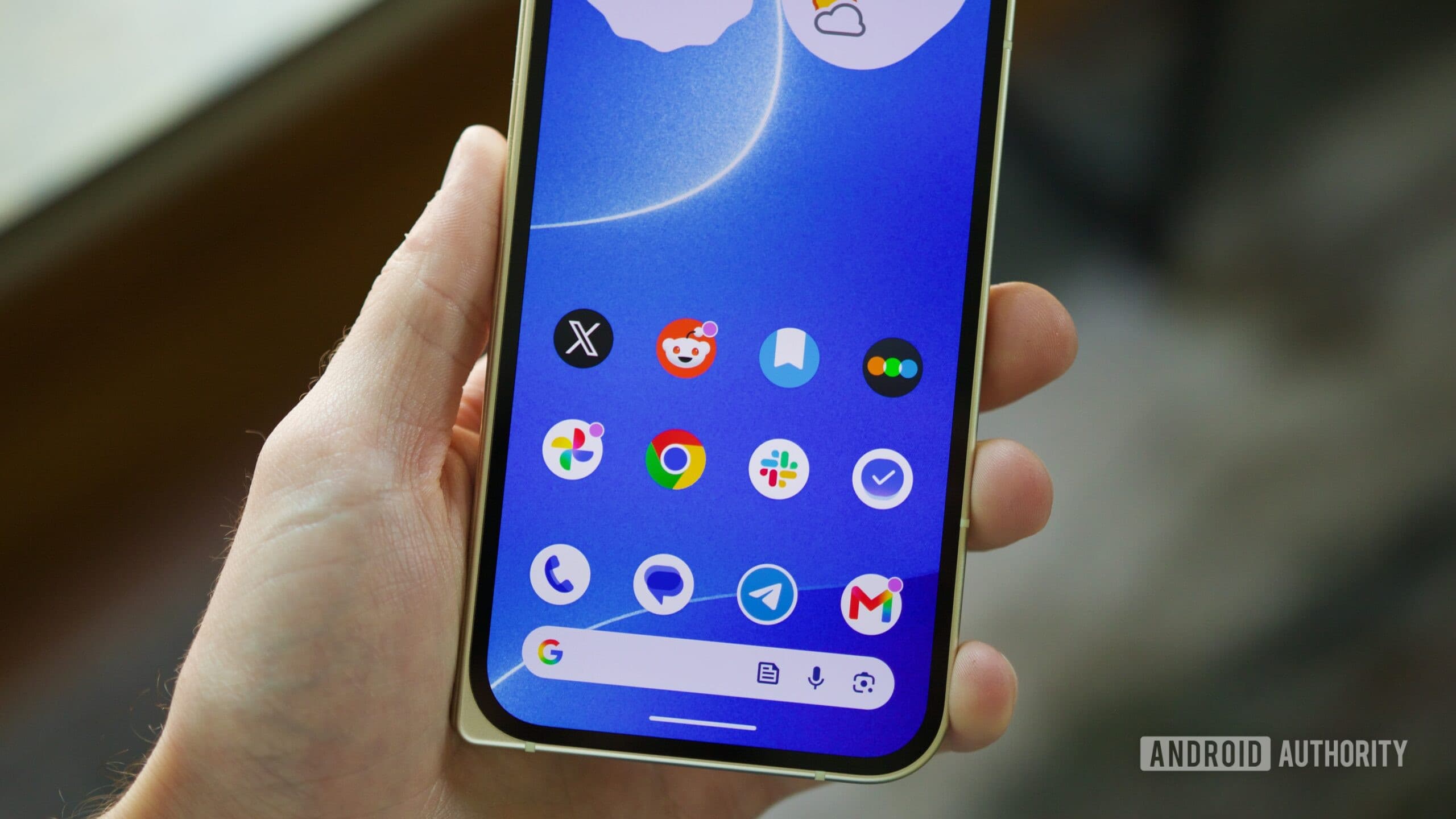
Android 17 Is Causing Touchscreen Problems on Pixel Phones
Every major Android update comes with a mix of excitement and anxiety. New features, improved performance, and security patches are always welcome — but so too are the unexpected bugs that tend to surface once millions of users start installing the latest software. Android 17 is no exception. Shortly after the update began rolling out to Pixel phones, reports started flooding in from users experiencing touchscreen problems, including erratic scrolling and unresponsive touch input. And the scale of the issue suggests this isn't just an isolated glitch.
What Exactly Is Going Wrong?
According to users posting on Reddit's r/GooglePixel community, the problems began almost immediately after installing Android 17. The most commonly reported symptom is erratic scrolling — where the display jumps, stutters, or scrolls in unintended directions without the user deliberately triggering that movement. Others report that touch inputs are registering incorrectly, with taps either not registering at all or landing in the wrong spot on the screen.
What makes this particularly noteworthy is that the issues seem to present in more than one way. Some users describe a screen that feels sluggish and unresponsive, as though there's a noticeable delay between touch and action. Others say the opposite — their screens feel hypersensitive, interpreting accidental brushes or palm rests as deliberate inputs. Both scenarios make everyday tasks like typing, browsing, and navigating apps significantly more frustrating.
These kinds of touch input problems can have a serious impact on usability. A smartphone with an unreliable touchscreen is, in many practical respects, barely functional. For Pixel users who rely on their devices for work, communication, or navigation, the disruption caused by Android 17's apparent touch bugs is far from a minor inconvenience.
Which Pixel Devices Are Affected?
One of the most telling aspects of this situation is the range of devices involved. Multiple Pixel generations are reportedly exhibiting the same or similar symptoms after updating to Android 17. This strongly implies that the root cause isn't tied to a specific hardware configuration or a particular device's sensor setup — it's something introduced at the software level with the Android 17 update itself.
When bugs affect only one device model, it's easier to write them off as a compatibility issue unique to that hardware. But when users across several different Pixel generations — all running different chipsets and display configurations — report the same behavior, the evidence points squarely at the operating system update. That's an important distinction, because it changes both the urgency and the nature of the required fix.
How Has Google Responded?
Google has acknowledged that the touchscreen issue exists, which is a necessary first step. However, the company has not yet committed to a specific fix or provided a timeline for when affected users can expect a resolution. That ambiguity has understandably left Pixel owners frustrated, particularly those who updated their devices promptly and are now dealing with daily usability problems as a result.
It's worth noting that acknowledging a bug and actually shipping a patch are two very different things. For users currently experiencing issues, Google's acknowledgment offers little immediate comfort. Until a fix is delivered through a software update, those affected are largely left to work around the problem on their own.
What Can Affected Users Do Right Now?
If your Pixel phone's touchscreen has been behaving strangely since you updated to Android 17, there are a few steps worth trying while you wait for an official fix from Google.
- Restart your device. A simple reboot clears temporary system processes and can sometimes resolve minor software glitches, including touch input irregularities.
- Check for additional updates. Google occasionally pushes quick follow-up patches shortly after a major release. Head to Settings, then System, then Software Update to see if anything new is available.
- Disable recently installed apps. If you installed any new apps around the same time as the Android 17 update, try disabling them one at a time to rule out a third-party conflict.
- Reset your display settings. Some users have found that adjusting screen sensitivity or display-related settings can temporarily ease the problem.
- Factory reset as a last resort. While drastic, a factory reset can eliminate software conflicts. Back up your data before attempting this, and only do so if other options have failed.
None of these are guaranteed solutions, and the underlying cause — whatever Android 17 changed in its touch input handling — will likely require a proper patch from Google to fully resolve. That said, these steps may make your device more manageable in the meantime.
A Pattern Worth Watching
This isn't the first time a major Android update has introduced unexpected bugs to Pixel hardware, and it almost certainly won't be the last. The challenge with large-scale operating system updates is that they interact with hardware, third-party apps, and user configurations in ways that are difficult to fully anticipate during internal testing. Wider public rollouts inevitably surface edge cases and conflicts that escaped notice in controlled environments.
What users and the broader Android community will be watching closely is how quickly and transparently Google responds. A prompt patch would go a long way toward reassuring Pixel owners that their feedback is being taken seriously. Delayed or vague responses, on the other hand, tend to erode confidence in the update process — particularly among users who update early and bear the brunt of early-release bugs.
Stay Updated as the Situation Develops
The Android 17 touchscreen issue is an evolving story. Google has acknowledged the problem, but the path to resolution isn't yet clear. If you're a Pixel user affected by erratic scrolling or unresponsive touch input, keep an eye on your device's software update notifications and monitor community threads for workarounds shared by other users. Most importantly, report your experience through Google's official feedback channels — user reports play a real role in prioritizing fixes, and the more data Google has about how the bug presents across different devices, the faster a targeted solution can be developed and deployed.