
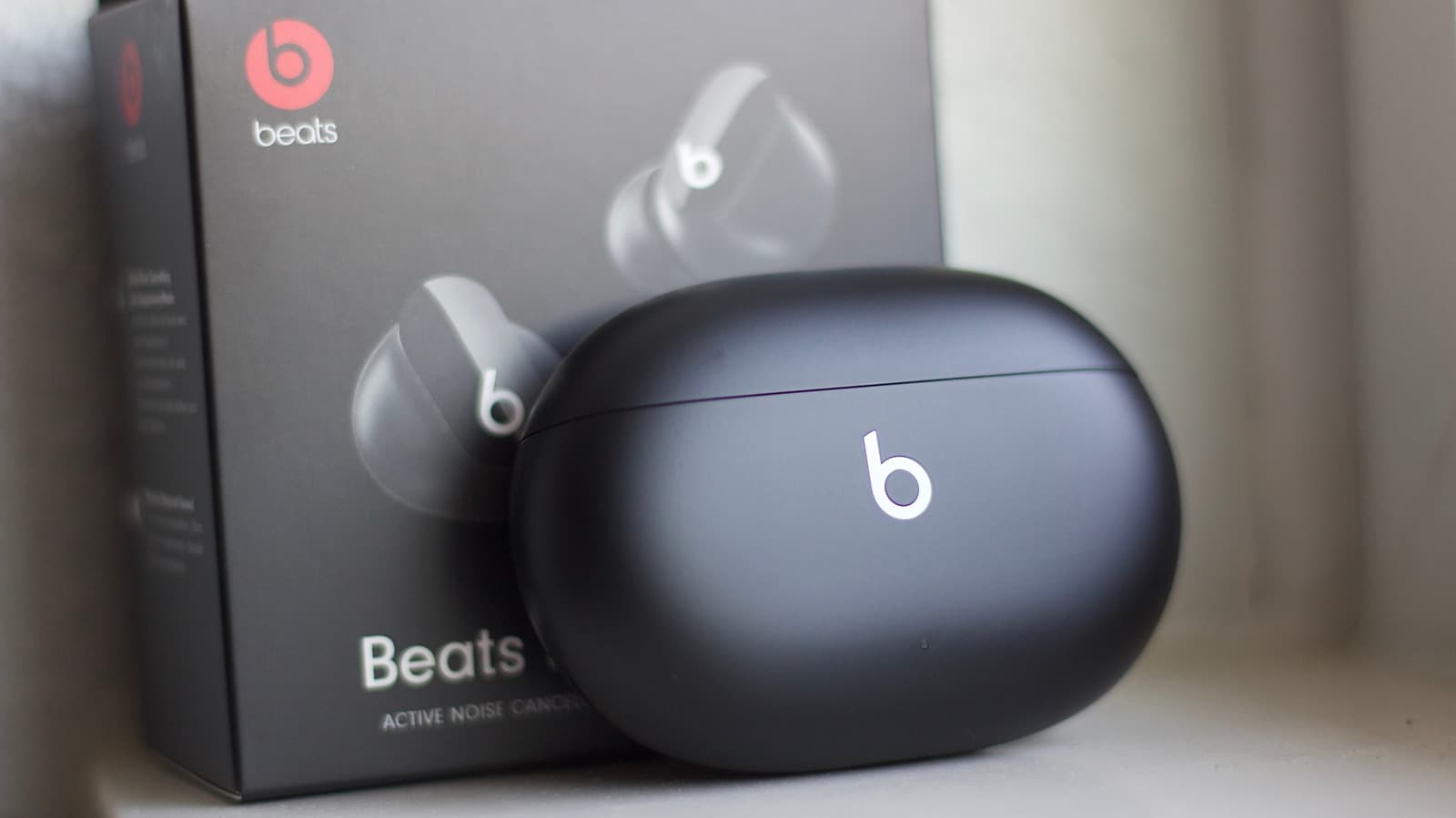
Apple Releases Emergency Firmware Update for Beats Studio Buds to Patch Critical Bluetooth Security Flaw
If you own a pair of Beats Studio Buds, there is an urgent reason to make sure your earbuds are running the latest firmware right now. Apple has quietly rolled out a critical firmware update designed to close a serious Bluetooth security vulnerability that could allow a malicious actor in close physical proximity to silently eavesdrop on your private conversations. The patch is being pushed out automatically, but understanding the nature of this threat — and how to verify your device is protected — is essential for every Beats user.
What Is the Bluetooth Security Vulnerability?
Bluetooth technology is the invisible backbone of modern wireless audio devices, connecting your earbuds to your phone, laptop, or tablet with minimal friction. However, that convenience comes with a potential cost. The security flaw identified in the Beats Studio Buds falls into a category of Bluetooth exploits that researchers have been warning about for years — vulnerabilities that allow unauthorized parties to intercept the communication channel between your earbuds and your source device.
In practical terms, what this means is alarming: someone nearby — sitting across from you in a coffee shop, standing next to you on public transit, or even positioned outside your home — could potentially exploit this flaw to silently eavesdrop on audio being transmitted through your earbuds. This includes phone calls, voice messages you play back, or any spoken content your earbuds process. The attack requires no special interaction from the victim, making it a particularly dangerous class of vulnerability known as a passive or zero-interaction exploit.
Why Bluetooth Security Flaws Are So Dangerous
Unlike a phishing email that requires you to click a bad link, or malware that needs to be installed on your device, Bluetooth-based attacks can happen entirely without your knowledge or cooperation. The nature of Bluetooth means that any device within range — typically up to 30 feet or more in open environments — can potentially attempt to interact with your earbuds if a vulnerability exists in the firmware.
The stakes are especially high for earbuds used during sensitive conversations. Think about the business calls you take on your commute, the medical appointments you discuss hands-free, or the personal conversations you have while wearing wireless earbuds in shared spaces. A Bluetooth eavesdropping vulnerability transforms what feels like a private conversation into something potentially accessible to bad actors in your vicinity.
Security researchers and privacy advocates have long pointed to wireless audio peripherals as an underappreciated attack surface. Unlike smartphones and computers, which receive frequent and highly publicized security updates, earbuds and headphones historically have had slower and less visible patching cycles — making firmware vulnerabilities particularly valuable to attackers who know they can persist undetected for extended periods.
Apple's Response: A Firmware Patch Rolling Out Now
Apple has moved to address this vulnerability by releasing a firmware update for the Beats Studio Buds that closes the security gap. The update is being distributed automatically over the air, meaning that in most cases your earbuds should receive the patch passively as long as they are connected to a device with an active internet connection and Bluetooth enabled.
Apple's decision to push a firmware patch of this nature underscores the seriousness of the underlying flaw. The company does not typically issue emergency out-of-cycle firmware updates for Beats products unless the security implications are significant. The speed and scope of this rollout suggest that Apple's security teams assessed the risk to users as both credible and potentially widespread.
How to Make Sure Your Beats Studio Buds Are Updated
While the update should arrive automatically, it is always wise to manually verify that your device is running the latest firmware, especially when the update addresses a critical security issue. Here is how you can check and encourage the update process:
- Connect your Beats Studio Buds to your iPhone or iPad and ensure your mobile device itself is running the latest version of iOS or iPadOS. Apple firmware updates for Beats products are typically delivered through the connected Apple device.
- Keep your earbuds in their charging case while connected via Bluetooth to your phone. Firmware updates often require the earbuds to be in their case and charging to install correctly.
- Ensure your phone has a stable internet connection, either via Wi-Fi or cellular data, so the update can be downloaded and pushed to the earbuds.
- Check the firmware version by navigating to Settings, then Bluetooth on your iPhone, tapping the information icon next to your Beats Studio Buds, and reviewing the listed firmware version. Compare this against the latest version published by Apple in their support documentation.
- Leave the earbuds idle and connected overnight if the update does not seem to have arrived yet. Background firmware installations often occur during low-activity periods.
The Broader Lesson: Wireless Device Security Demands Attention
This incident is a timely reminder that security is not just a concern for your phone or computer. Every connected device in your ecosystem — your earbuds, your smartwatch, your smart home speakers — represents a potential entry point for attackers if its software is not kept up to date. As consumers increasingly live their lives through wireless audio devices, manufacturers and users alike need to treat firmware updates with the same urgency typically reserved for operating system patches.
Apple deserves credit for identifying and addressing this vulnerability proactively with an over-the-air fix. However, the responsibility does not end with the manufacturer. Users must remain engaged: check your device firmware versions regularly, enable automatic updates wherever possible, and stay informed when security bulletins are issued for the products you depend on every day.
Final Thoughts: Update Your Beats Studio Buds Today
The Bluetooth security flaw affecting Beats Studio Buds is a serious vulnerability that could allow nearby individuals to silently intercept audio from your earbuds without any indication that surveillance is occurring. Apple's firmware patch is the direct and necessary solution to this problem, and it is available right now. Do not wait — confirm that your Beats Studio Buds have received the latest update, follow the steps outlined above if needed, and take a moment to review the security status of every wireless device you use regularly. In an era where our most private conversations increasingly travel through wireless earbuds, staying on top of these updates is no longer optional. It is a fundamental part of protecting your privacy.