
Why I Finally Gave Claude Code a Chance (And Ditched Google Workspace)
For months, I dismissed Claude Code as something that existed squarely in the world of developers and engineers — a command-line tool for people who think in Python and dream in terminal windows. I am neither of those people. I write, I plan, I manage documents, I coordinate projects, and I had been doing all of that comfortably inside Google Workspace. Docs, Sheets, Drive, Calendar — the whole ecosystem. It worked fine, in the way that paying too much for something you've grown dependent on always works "fine."
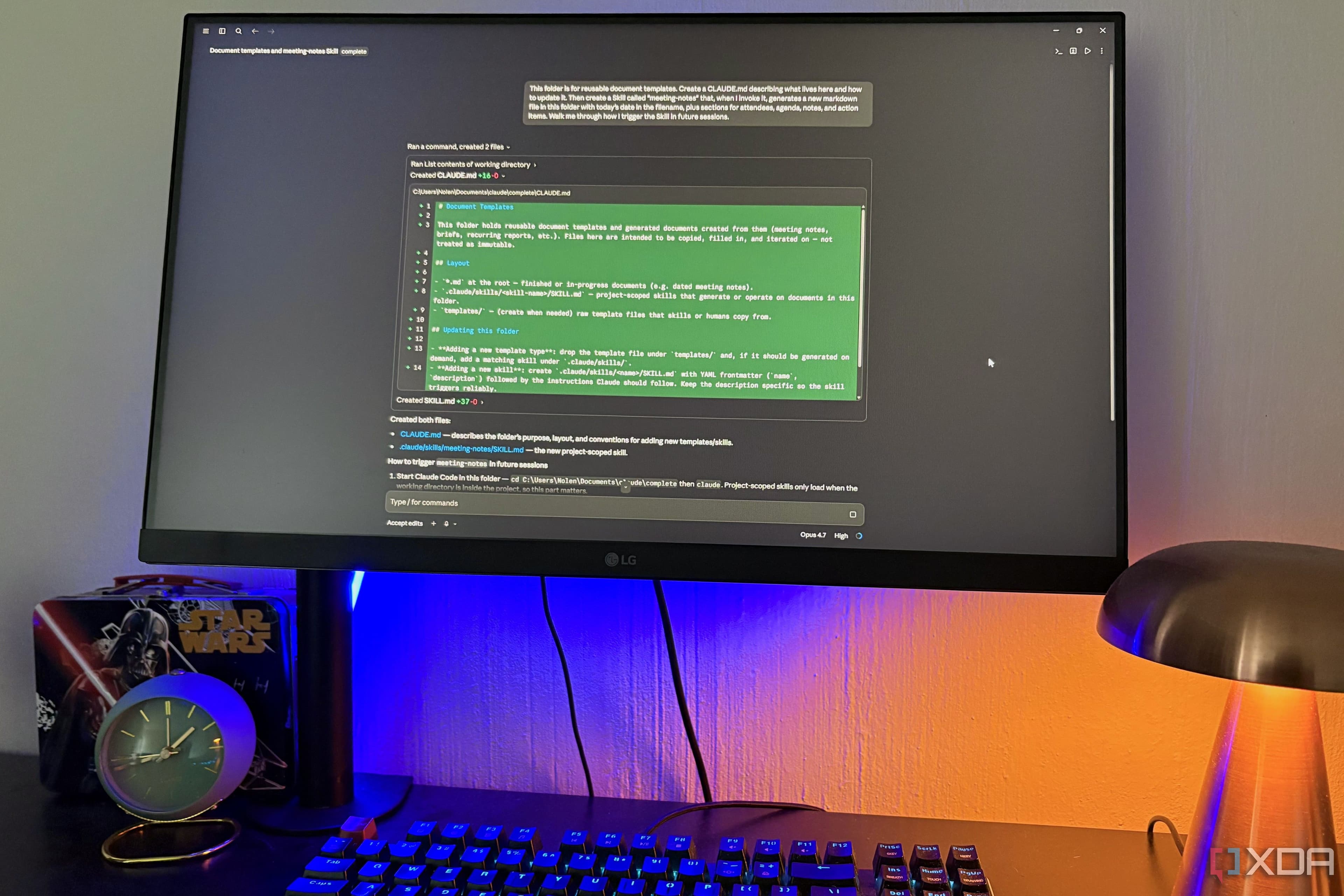
Then I stumbled across a description of how Claude Code actually functions under the hood, and something clicked. Claude Code isn't a coding assistant wearing a productivity costume. It's a file-access layer with an AI brain attached. You point it at a local folder on your computer, and from that moment it can read, write, search, reorganize, and reason about everything inside that folder. The coding use case is just one application sitting on top of that foundation. Once I understood that, I realized I'd been ignoring a tool that was built almost perfectly for the way I actually work.
Here's the setup I landed on, why it works, and what it genuinely replaced for me — subscription costs and all.
The Core Idea: One Folder to Rule Them All
The architecture is embarrassingly simple, which is part of why it took me a while to take it seriously. I created a single local folder — I called mine Workspace — and structured it the way my brain actually organizes information rather than the way a cloud product wants me to organize it. Inside that folder are subfolders for active projects, reference material, templates, meeting notes, and archived work.
When I open Claude Code and point it at that folder, it gains awareness of everything in there. I can ask it to find a document I wrote three months ago about a specific topic. I can tell it to pull together talking points from five different files and draft a new summary document. I can ask it to reformat a folder full of inconsistently named files. None of this requires me to write a single line of code. It requires me to describe what I want in plain English.
That shift — from clicking through menus and templates to simply describing an outcome — turns out to be a massive productivity unlock, especially for someone who already thinks and communicates in words.
What Claude Code Actually Replaced in My Google Workspace Stack
Google Docs
I now write everything in plain Markdown files stored locally. Claude Code can read, edit, expand, and restructure any of them on request. When I need a polished output — a PDF, a formatted document for a client — I convert at the end. The drafting process itself is faster because I'm not fighting with cloud formatting, waiting for sync, or losing changes to a spotty connection. Claude Code can take a rough Markdown file and turn it into something professional without me ever opening a separate application.
Google Sheets for Tracking and Planning
I replaced lightweight spreadsheet tracking with simple CSV files and structured text documents. Claude Code reads these fluently. I can ask it to summarize a project status log, flag overdue items from a task list, or restructure a content calendar into a different format. For heavy data analysis, spreadsheet software still has a role. But for the project management and planning tasks that made up the bulk of my Sheets usage, a structured text file and Claude Code is a cleaner solution.
Google Drive Search
Drive's search has always frustrated me. It works, technically, but finding the right version of the right document across a large Drive often means wading through duplicates and guessing at file names. Claude Code searching a well-organized local folder is dramatically faster and smarter. I can ask for "the brief I wrote about email marketing for the retail client" and it finds it, reads it, and summarizes it in seconds. That kind of natural language retrieval was something I didn't know I was missing until I had it.
The Setup Requirements (They're Minimal)
You do not need to be a developer to run this setup, but you do need to be comfortable with a few basics. You need Claude Code installed, which runs from a terminal or command-line interface. If that phrase makes you nervous, the actual process of installing and launching it is well-documented and takes about fifteen minutes the first time. You need a folder structure you've thought through intentionally. And you need a Claude subscription that includes Claude Code access.
That's it. No cloud storage fees beyond what you might already pay for local backup. No per-seat licensing. No features you're paying for but never touching.
The Honest Limitations
This setup doesn't replace everything Google Workspace does. If you share documents collaboratively in real time with a team, local files create friction. Google Docs remains genuinely excellent for simultaneous multi-person editing. Calendar and Gmail have no equivalent here — I'm not pretending otherwise. And if you're deeply integrated into a workplace Google Workspace environment, swapping your personal setup doesn't touch those dependencies.
What it replaces is the personal productivity layer — the drafting, the organizing, the thinking-out-loud in documents that makes up a huge portion of solo knowledge work. For that specific use case, a single local folder and Claude Code is a leaner, faster, and ultimately cheaper solution than a cloud subscription I was only half-using.
Why the "Developer Tool" Label Is Costing Non-Developers a Useful Tool
The branding around Claude Code does it a disservice for non-technical audiences. Terms like "agentic coding" and "CLI tool" signal clearly that this is not for you unless you write software. That framing obscures the reality that file access, document reasoning, and natural language search have nothing inherently technical about them. The interface takes a small adjustment. The underlying value is immediately accessible to anyone who works with documents for a living.
If you've been paying for a cloud productivity suite and using roughly half its features, it's worth spending an afternoon testing whether a folder and an AI can cover the rest. For me, that afternoon turned into a permanent switch — and a canceled subscription I don't miss.