
How Docker Quietly Became the Core of My Entire Development Setup
It started innocuously enough. I needed to test a PostgreSQL-backed application without going through the usual song and dance of downloading an installer, fighting with system permissions, and then forgetting entirely how I'd configured it three months later. Someone mentioned Docker. I gave it a shot. That was the beginning of the end for my old way of doing things.
Docker started as a convenient way for me to test apps without cluttering my system, but it gradually became the foundation of my entire developer workflow. Instead of installing every database, service, dashboard, and utility directly on my machine, I now run most of them inside containers that I can launch, update, and remove in minutes. If you're still managing local installs the traditional way, this post is your invitation to reconsider everything.
The Problem With Traditional Local Development Environments
Before Docker, local development was a graveyard of half-configured services, version conflicts, and cryptic error messages that only appeared on your machine and nowhere else. You'd install MySQL for one project, then discover a second project required a different version. Node version managers, Python virtual environments, Ruby version switchers — each language ecosystem invented its own workaround for the same underlying problem: your machine is not a clean slate, and it never stays that way.
Beyond version conflicts, there's the cognitive overhead. Remembering which services are running, which ports they're using, whether you started Redis before or after you rebooted — it all adds friction to the part of your day that should be focused purely on building things. Local installs have a way of turning a five-minute task into a forty-five-minute debugging session.
Why Docker Containers Change Everything
Docker containers solve the environment problem at its root. Each container is a self-contained unit: it packages an application along with everything it needs to run — libraries, configuration, runtime — into a single portable image. You don't install PostgreSQL on your machine; you pull the official PostgreSQL image and run it in a container. When you're done with a project, you stop the container. Your system stays exactly as clean as it was before.
The benefits compound over time. Because containers are defined by code — typically a Dockerfile or a docker-compose.yml file — your environment becomes reproducible and version-controlled. The setup that runs on your laptop runs identically on your teammate's machine and in your CI/CD pipeline. "It works on my machine" stops being an excuse because everyone's machine is running the same container.
What I Now Run Exclusively Inside Containers
Databases
PostgreSQL, MySQL, MongoDB, Redis — none of these live on my host system anymore. I pull official images, spin them up with a single docker run command or through Docker Compose, and map only the ports I need. When a project ends or I want to start fresh, I delete the container and its volume. No residue, no orphaned processes, no port conflicts with something I forgot I installed two years ago.
Dashboards and Admin Tools
Tools like pgAdmin, Adminer, Metabase, and Grafana are notoriously heavy to install and maintain locally. Inside a container, they're a few lines in a Compose file. I get a full-featured database admin interface or metrics dashboard up in under a minute, accessible in my browser, and completely isolated from everything else on my machine.
Message Queues and Background Services
RabbitMQ, Kafka, and similar services have complex dependencies and setup requirements. As Docker containers, they become almost trivial to run. I can stand up a full message queue locally for integration testing, confirm my code works end-to-end, and tear the whole thing down when I'm done. No lingering background services eating RAM hours after I've moved on to something else.
Language Runtimes and CLI Tools
Need to run a quick Python script in an environment you don't want to pollute with pip installs? Pull a Python image and run the script inside a temporary container. Need a specific version of Node for a legacy project? Define it in a Compose file. Docker makes it trivial to maintain multiple isolated language runtime environments without any version manager gymnastics.
Docker Compose: The Real Game-Changer
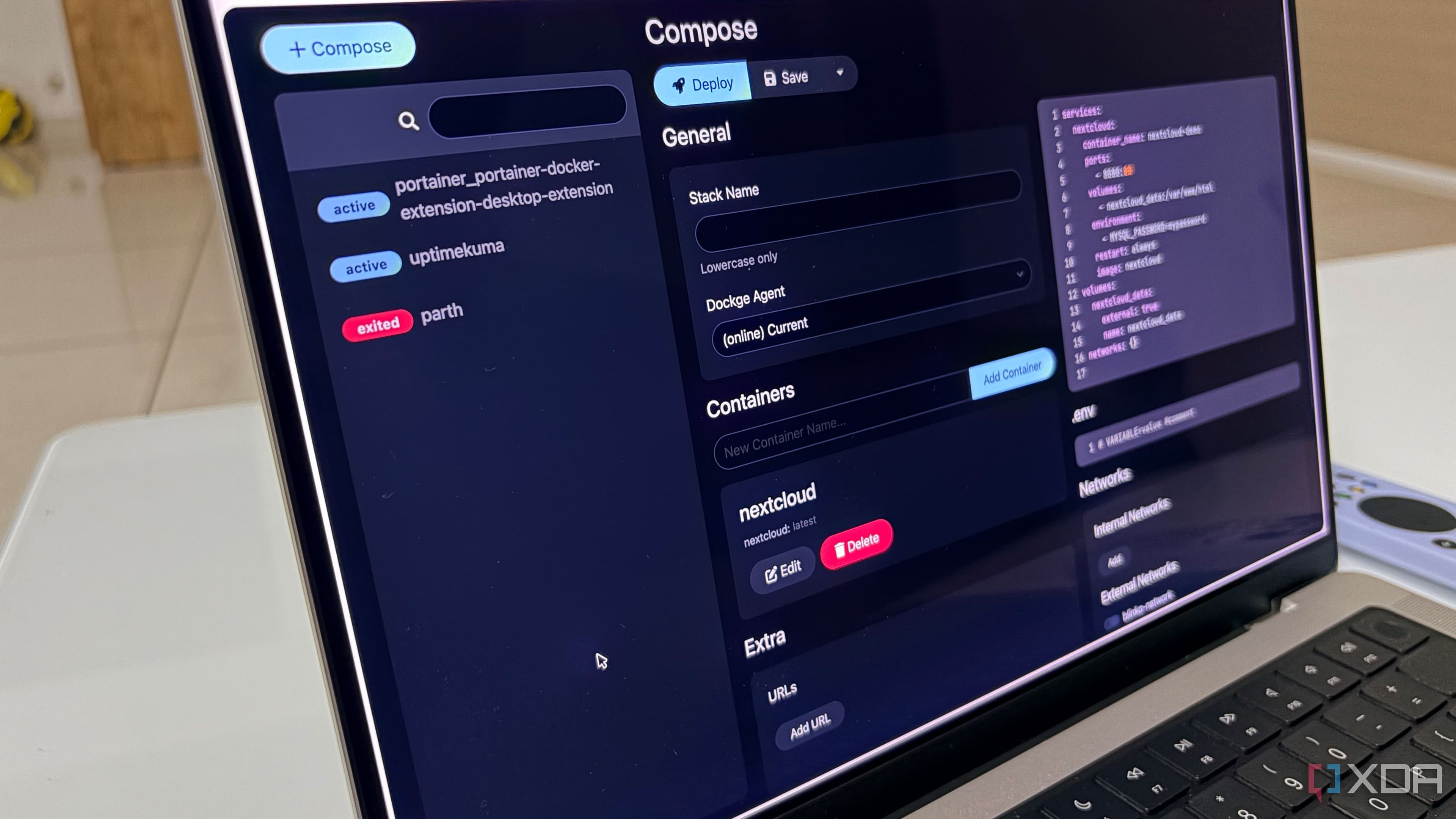
If Docker containers are powerful individually, Docker Compose is what ties a complete developer workflow together. A single docker-compose.yml file can define your entire local stack: web server, database, cache, queue, and any additional services your application depends on. Running docker compose up brings all of it online simultaneously, with networking and volume mounts configured automatically. Running docker compose down shuts it all down cleanly.
This composability means you can share your entire local development environment with your team as a single file in your repository. New team members don't spend their first day fighting with environment setup — they clone the repo, run one command, and they're working. That alone represents an enormous productivity gain at the team level.
Common Objections — And Why They Don't Hold Up
"Docker adds too much overhead"
On modern hardware running Linux, Docker containers have near-zero performance overhead. On macOS and Windows, there is some cost associated with the virtualization layer, but for the typical databases and services most developers run locally, it's negligible. The developer experience gains far outweigh the marginal performance cost.
"It's too complex to learn"
The learning curve for basic Docker usage is genuinely shallow. Pulling an image, running a container, and writing a simple Compose file are skills most developers pick up in an afternoon. You don't need to understand container networking internals or orchestration systems like Kubernetes to get enormous value from Docker in a local workflow context.
Getting Started With a Containerized Developer Workflow
If you're ready to make the switch, the path is straightforward. Install Docker Desktop, which provides both the Docker engine and a GUI for managing containers on macOS and Windows. Start by containerizing one service you currently run locally — your database is a natural first candidate. Once you see how cleanly it works, the motivation to containerize everything else tends to follow naturally.
From there, move to Docker Compose. Define your project's local stack in a single file, commit it to your repository, and share it with your team. Watch the "it worked for me" debugging conversations disappear. Watch onboarding time shrink. Watch your local machine stay clean no matter how many projects you take on simultaneously.
There's No Going Back
The shift to a fully containerized developer workflow isn't just a technical upgrade — it's a change in how you think about your development environment. Services become ephemeral by design. Environments become code. Reproducibility becomes the default rather than something you have to deliberately engineer. Once you've worked this way for a few weeks, the idea of going back to managing everything as local installs feels as archaic as manually configuring network drivers.
Docker started as a convenience for me. It became infrastructure. If you haven't made the leap yet, there's never been a better time to start — and once you do, you'll understand immediately why so many developers say they're not going back either.