
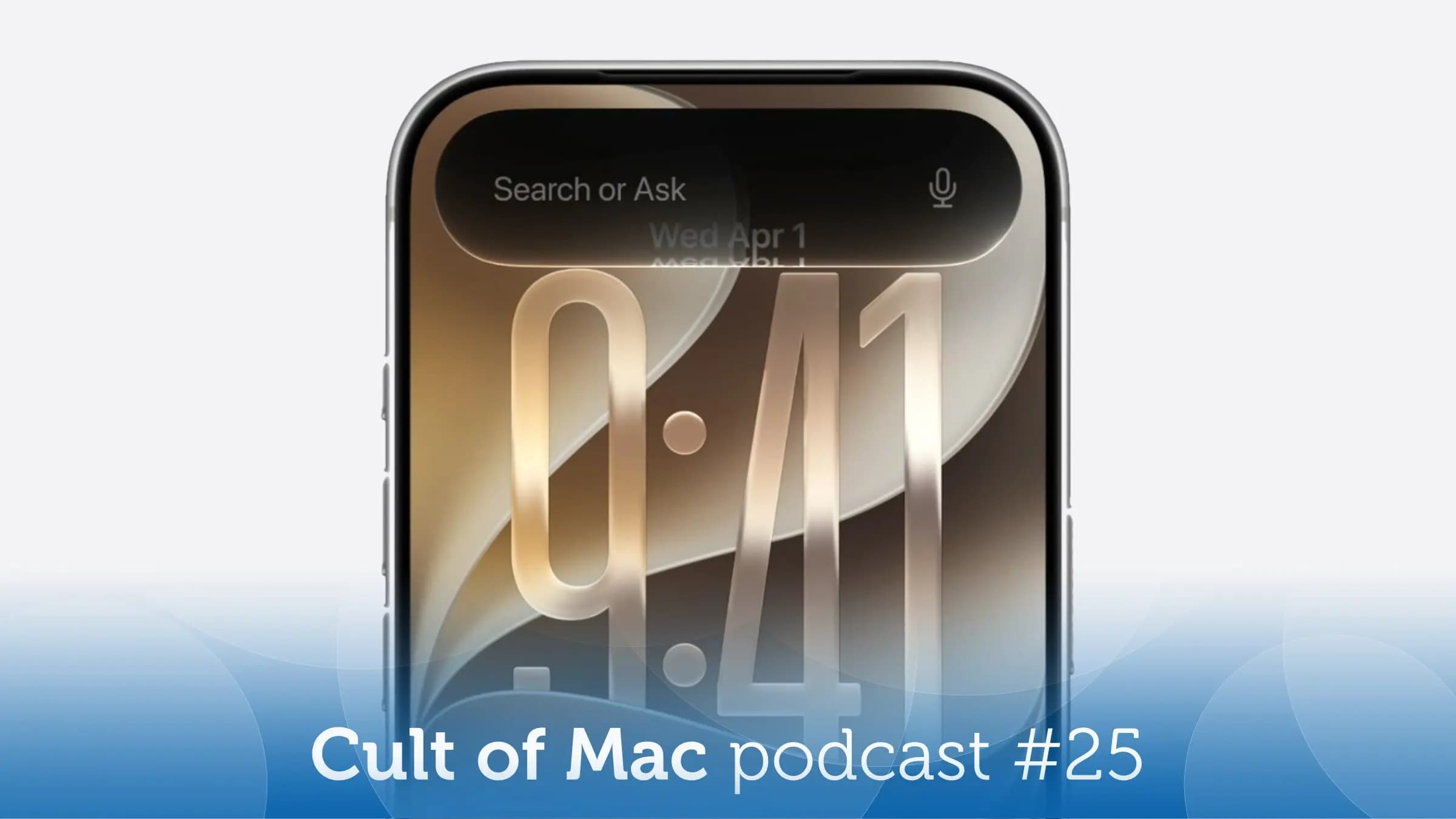
10 Days With the iOS 27 Developer Beta: A Brutally Honest Status Report
Every year, the moment Apple seeds its first developer beta at WWDC, a certain breed of iPhone enthusiast immediately throws caution to the wind and installs it on their primary device. The promise of cutting-edge features is just too tempting to resist. This year was no different — the iOS 27 developer beta dropped, and we dove straight in, running it as a daily driver for a full 10 days to give you a real-world picture of what life looks like on the bleeding edge of Apple's software.
The verdict? It's equal parts exciting and exasperating. Fitting, then, that the team at Cult of Mac dedicated an entire podcast episode to unpacking the experience. Here's a comprehensive breakdown of everything we've learned after nearly two weeks living inside the iOS 27 developer beta.
What Exactly Is the iOS 27 Developer Beta?
Before we get into the good, the bad, and the ugly, it's worth clarifying what a developer beta actually is. Apple releases these early builds primarily for app developers so they can test their applications against the new operating system ahead of the public release, which typically lands in September. Developer betas are not designed for everyday consumers — they are unfinished software, prone to bugs, battery drain, app crashes, and the occasional inexplicable behavior that makes you question your life choices.
That said, anyone with an Apple Developer account can install them, and plenty of enthusiasts do exactly that. If you're considering it, this hands-on report is exactly the kind of reality check you need before you tap that install button.
The Best Things About iOS 27 So Far
Let's start with the positives, because there are genuinely exciting things happening in iOS 27 that make the rough edges easier to tolerate.
A Refreshed Visual Design
One of the most immediately noticeable changes in iOS 27 is Apple's continued evolution of its visual language. The interface feels more cohesive and polished, with refined typography, updated iconography across system apps, and a smoother, more intentional use of translucency throughout. Whether you love it or find it jarring will likely depend on how attached you are to the look of iOS 26, but after a few days it starts to feel like the natural next step.
Smarter Siri and On-Device AI
Apple Intelligence continues to deepen in iOS 27, and the improvements to Siri's contextual awareness are among the most talked-about additions. Siri now handles multi-step requests more reliably, can pull context from recent conversations and open apps, and delivers responses that feel less robotic than in previous generations. After 10 days of daily use, the on-device AI features showed genuine promise — though they're clearly not fully baked yet in the beta.
Improved Customization Options
Apple has expanded the home screen and lock screen customization tools that debuted in earlier iOS versions. There are new widget options, more granular control over app icon layouts, and fresh dynamic wallpaper behaviors that respond intelligently to time of day and activity. Power users who love tinkering with their setup will find a lot to enjoy here.
Performance Gains on Supported Hardware
On iPhone 16 Pro hardware, iOS 27 already feels snappy. App launch times appear faster, animations are fluid, and the system generally handles heavy multitasking without breaking a sweat. Given that this is a first developer beta, those performance figures should only improve as Apple optimizes the build toward release.
The Bugs and Frustrations You Need to Know About
Here's where the "hell" part of the heaven/hell equation comes into play. Running a developer beta as your daily driver means living with bugs that would be completely unacceptable in a shipping product, and iOS 27 beta is no exception.
App Crashes and Compatibility Issues
Unsurprisingly, a number of third-party apps are not yet optimized for iOS 27 and crash or behave erratically. Banking apps, some social platforms, and a handful of productivity tools all showed instability during our testing period. This is expected — developers are still updating their apps — but it's worth knowing before you install the beta on the phone you rely on for work.
Battery Life Takes a Hit
Beta software is notoriously hard on battery life, and iOS 27 is living up to that reputation. Expect to charge more frequently, especially in the first few days after installation as the system re-indexes content and runs background processes. This alone is reason enough to avoid the beta on your only device.
Sporadic UI Glitches
We encountered several visual glitches throughout the 10-day testing period — elements rendering incorrectly, occasional animation stutters, and a few instances of the lock screen briefly displaying the wrong wallpaper. None of these were showstoppers, but they serve as a consistent reminder that the software is unfinished.
Should You Install the iOS 27 Developer Beta Right Now?
The honest answer is: probably not, unless you have a secondary device to run it on. For enthusiasts with a spare iPhone sitting in a drawer, the iOS 27 developer beta is a genuinely fascinating look at where Apple is taking its platform, and many of the new features are exciting enough to justify the rough ride. For everyone else, patience is the smarter play. The public beta, typically available in July, offers a meaningfully more stable experience. And the full release in September will be more stable still.
That said, following along with hands-on coverage — like the Cult of Mac podcast's deep dive into their 10-day testing experience — is a great way to stay informed about what's coming without risking your daily driver. The iOS 27 story is still being written, and the best chapters are almost certainly yet to come.
Final Thoughts: The Beta Experience in Perspective
Ten days with the iOS 27 developer beta tells a familiar story: Apple's ambitions for the new release are genuinely exciting, the foundational work is solid, but the software is clearly not finished. The new AI features, visual refinements, and performance improvements all point toward a strong final release. The bugs, battery drain, and app compatibility headaches are simply the price of admission for early access.
If you want to follow every twist and turn of the iOS 27 journey — including weekly beta updates, new feature discoveries, and honest bug reporting — subscribing to the Cult of Mac podcast is one of the best ways to stay in the loop. Episode 25 is a great starting point, packed with first-hand impressions that no spec sheet can replicate.