
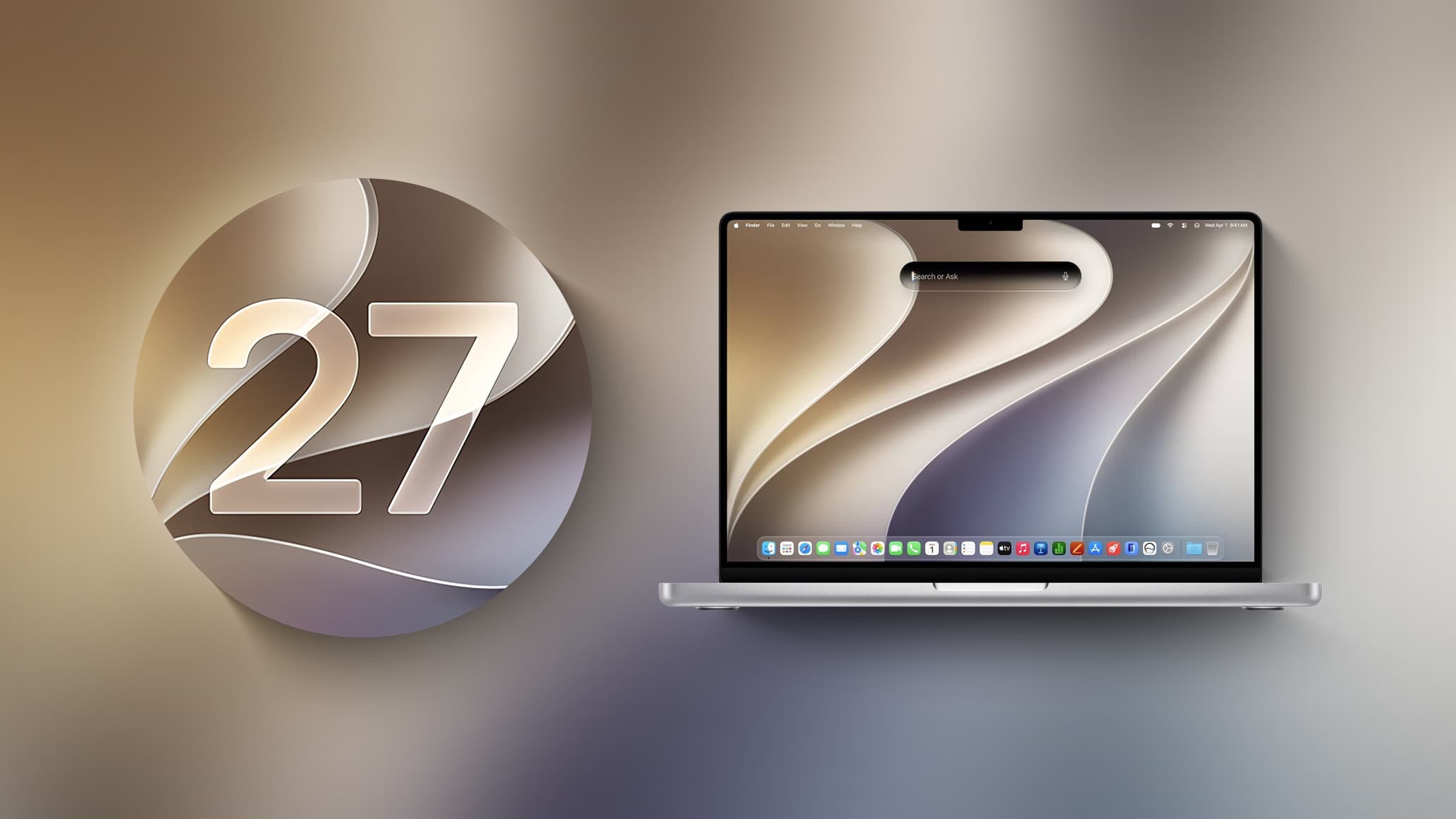
Apple Releases macOS Golden Gate Beta 2 for Developers
Apple has officially seeded the second developer beta of macOS Golden Gate, arriving two weeks after the first beta was made available to registered developers. This release marks another significant step forward in Apple's previewing process ahead of the operating system's expected public launch later this year. If you're a developer eager to explore the latest changes, the update is already accessible through System Settings, and early impressions suggest it brings meaningful refinements to some of the most talked-about features introduced with macOS Golden Gate.
Whether you've been following the development cycle closely or are just getting up to speed, here's a comprehensive breakdown of what macOS Golden Gate Beta 2 delivers and why it matters.
How to Download macOS Golden Gate Beta 2
Getting your hands on the second beta is straightforward, provided you meet the basic requirements. To install macOS Golden Gate Beta 2, follow these steps:
- Open System Settings on your Mac.
- Navigate to General, then select Software Update.
- Make sure Beta Updates is enabled in your update settings.
- A free Apple Developer account is required to access the beta.
Once Beta Updates are turned on and your developer account is linked, the update should appear automatically. As always, Apple recommends installing developer betas on a secondary device or partition rather than your primary machine, as pre-release software can contain bugs and instability.
Liquid Glass Gets a Major Readability Upgrade
One of the most visually striking introductions in macOS Golden Gate is the Liquid Glass design language, which brings a translucent, layered aesthetic to the entire operating system. While the first beta received praise for its visual ambition, some users raised concerns about readability, particularly in areas where glass-like opacity made text and interface elements harder to distinguish.
Apple has addressed this directly in Beta 2. Liquid Glass opacity has been improved to enhance readability across the board, making it easier to read text and interact with UI elements without visual confusion. Additionally, Apple has added a slider for controlling the level of transparency, giving users the flexibility to dial in exactly how much translucency they want — a welcome addition for those who prefer a more grounded visual experience.
Shadowing has also been reworked. Changes to how shadows are rendered now make it much clearer when a window is active versus inactive, solving a usability issue that some developers flagged in the initial beta. Taken together, these refinements suggest Apple is listening closely to developer feedback during this testing phase.
A Cleaner, More Unified Interface Design
Beyond Liquid Glass, macOS Golden Gate Beta 2 continues Apple's push toward a more consistent and streamlined interface. Apps now feature uniform toolbars, creating a cohesive look across the system regardless of which application you're using. Edge-to-edge sidebars give content more breathing room and a more immersive feel, while less rounded corners signal a subtle but intentional shift in Apple's design philosophy.
Menu bars have also been tidied up. There are now fewer icons cluttering the menu bar by default, reducing visual noise and helping users focus on what matters. For power users who rely heavily on menu bar utilities, this change will be worth watching as Beta 2 development continues.
Siri AI: A Completely Reimagined Assistant
Perhaps the most transformative change in macOS Golden Gate is the complete overhaul of Siri. Apple has reinvented its virtual assistant as Siri AI, a chatbot-style experience that blends general world knowledge, personal data, and real-time onscreen awareness to deliver far more useful and contextually relevant answers than its predecessor.
Siri now lives inside Spotlight, where a new Search or Ask interface lets you pose natural-language questions and receive detailed, conversational responses. There is also a dedicated Siri app where you can carry on extended conversations and review your conversation history — a feature that fundamentally changes how users are expected to interact with the assistant over time.
For users on newer Mac hardware, Apple has added support for a custom voice for Siri, complete with personalized pace and expressivity settings, making interactions feel significantly more natural and tailored to individual preferences.
Visual Intelligence and Write with Siri
Two standout AI-powered features round out the Siri AI experience. Visual Intelligence — previously available on iPhone — has now made its way to the Mac, enabling Siri to analyze and answer questions about whatever is currently on your screen. This opens up a wide range of practical use cases, from identifying objects in images to getting instant context on documents, websites, or applications.
Alongside Visual Intelligence, Apple has introduced Write with Siri, a feature that allows Siri to generate text on your behalf or provide feedback and suggestions on your existing writing. For writers, students, and professionals alike, this represents a significant productivity boost built directly into the operating system.
AI-Powered Photo Editing Tools
macOS Golden Gate also brings a suite of AI photo editing tools to the Mac's native Photos app. While full details from the source were not completely available, Apple appears to be continuing its trend of bringing powerful, on-device machine learning capabilities to everyday creative workflows — making advanced photo editing more accessible without requiring third-party software.
What to Expect Next
With Beta 2 now in developers' hands, Apple is expected to continue refining macOS Golden Gate over the coming weeks. Beta releases typically follow a two-week cadence, meaning a third beta could arrive in mid-July. A public beta for non-developers is also anticipated to launch in the coming months, giving a broader audience the chance to try macOS Golden Gate ahead of its official fall release.
For developers, now is the ideal time to test your apps against the latest beta, particularly given the significant UI changes introduced by Liquid Glass and the new design system. Compatibility testing early in the cycle is always preferable to scrambling at launch.
macOS Golden Gate is shaping up to be one of Apple's most ambitious macOS releases in years, and Beta 2 makes it clear the company is committed to refining the experience based on real-world feedback. Stay tuned for more updates as the beta cycle progresses.