
The iPad Is Great — But It's Not Perfect for Everyone
The Apple iPad has long been celebrated as one of the most versatile devices ever made. From streaming video and running productivity apps to editing photos and browsing the web, it does almost everything. But for readers, writers, students, and professionals who want a focused, distraction-free digital experience that mimics the feel of real paper, the iPad consistently falls short. Glare, eye strain, endless notifications, and a battery life that drains faster than expected are just a few of the pain points that have pushed users to look elsewhere.
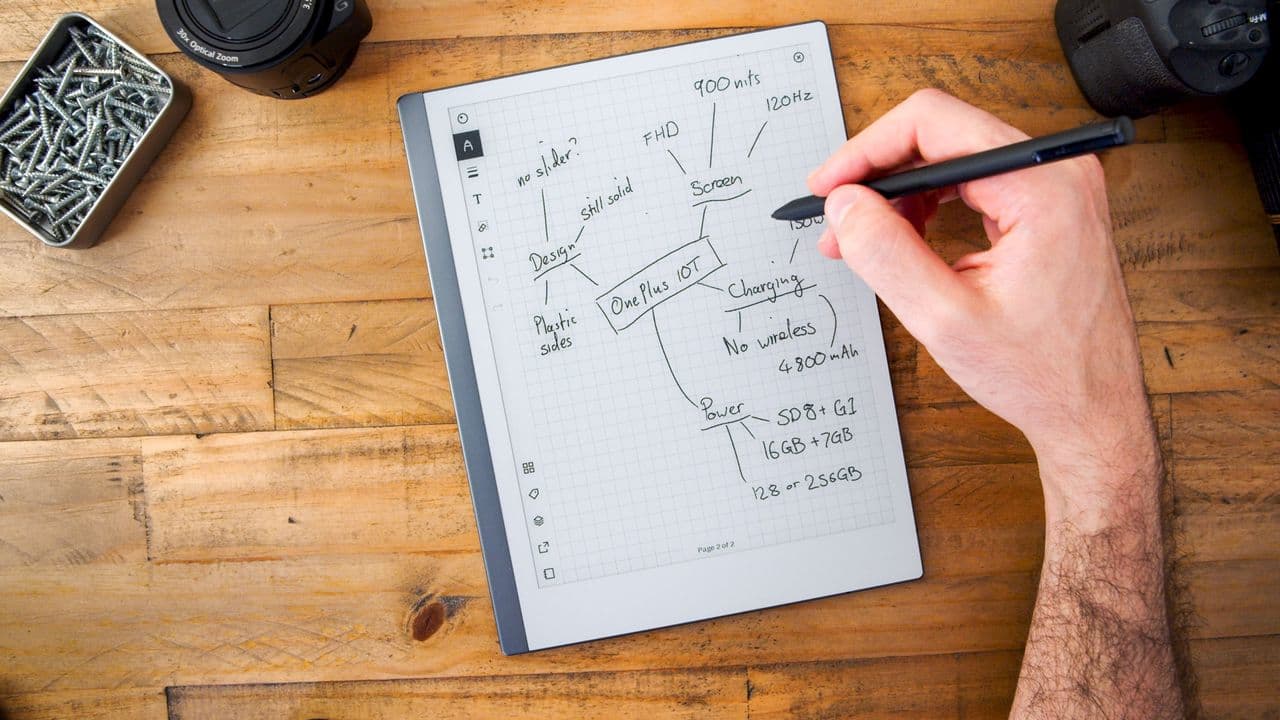
Enter the new generation of paper-like tablets — devices built specifically to replicate the tactile satisfaction and visual comfort of writing and reading on actual paper, without the clutter of a full-blown tablet operating system. One device in particular is making serious waves, and it may be the most compelling iPad alternative for a growing audience of focused users.
What Makes a Paper-Like Tablet Different?
Before diving into why this category of device solves the iPad's core problems, it's worth understanding what sets a paper-like tablet apart from conventional tablets. At the heart of these devices is an E Ink display — a technology that reflects light the way a printed page does, rather than projecting light directly into your eyes the way an LCD or OLED screen does.
This fundamental difference has profound real-world consequences. Reading on an E Ink screen for hours produces dramatically less eye fatigue than reading on an iPad, especially in bright environments. The display is also highly visible in direct sunlight, something that turns an iPad into a mirror the moment you step outside. Add in a stylus experience that genuinely mimics a pen on paper — with natural friction and low latency — and you have a device category that feels more like a premium notebook than a gadget.
The Biggest Problems With iPads (That This Tablet Actually Solves)
1. Eye Strain and Screen Fatigue
One of the most common complaints among heavy iPad users is eye strain. The bright, backlit display is wonderful for media consumption, but it becomes a liability during extended reading or handwriting sessions. Many students and professionals who spend hours annotating PDFs, journaling, or reviewing documents report headaches and visual fatigue that simply don't occur with E Ink alternatives.
Paper-like tablets with E Ink displays sidestep this problem entirely. Because the screen reflects ambient light rather than emitting its own, the experience is gentle on the eyes even during marathon reading or note-taking sessions. It's one of the most practically meaningful hardware differences a user can feel within minutes of switching.
2. Distractions and Notification Overload
The iPad runs a full operating system loaded with apps, social media, games, email, and a constant stream of notifications. For users trying to read deeply, write thoughtfully, or study effectively, this is a serious liability. The very features that make the iPad powerful also make it a distraction machine.
Paper-like tablets are intentionally minimal. They don't run the App Store. They don't push social media alerts. They don't tempt you with YouTube. What they do is give you a clean, focused environment for writing and reading — and nothing else. For students, authors, researchers, and anyone trying to reclaim their attention, this constraint is not a weakness. It's a feature.
3. Battery Life That Actually Lasts
Even the best iPads need to be recharged every day or two under heavy use. E Ink displays, by contrast, consume power only when the screen content changes — not while it's simply being displayed. This means paper-like tablets can last weeks on a single charge, not hours. For travelers, students, or professionals who don't want to hunt for outlets, this is a transformative difference.
4. The Writing Experience
While the Apple Pencil is undeniably impressive, writing on an iPad glass surface still feels slick and artificial to many users. Paper-like tablets use specialized screen coatings and stylus technology to simulate the friction and resistance of a real pen on paper. For those who journal, sketch, or take handwritten notes regularly, the difference in feel is immediately noticeable and deeply satisfying.
Who Should Consider a Paper-Like Tablet?
This type of device is not for everyone, and it's important to be clear about that. If you need a device for video streaming, gaming, video calls, or creative work involving color and multimedia, a paper-like tablet will disappoint. The E Ink display is monochrome or limited in color, and it refreshes too slowly for video playback.
However, if your priorities include any of the following, a paper-like tablet deserves serious consideration:
- Deep reading of books, research papers, or long-form articles without eye strain
- Handwritten journaling, note-taking, or sketching in a distraction-free environment
- Annotating PDFs for school or work without the pull of other apps
- Extended battery life for travel or field work
- A calmer, quieter digital life with fewer interruptions
The Competitive Landscape: What's Out There?
The market for paper-like tablets has grown significantly in recent years, with devices like the reMarkable 2, the Kindle Scribe, and Kobo's Elipsa offering distinct approaches to the concept. What separates the best options is a combination of stylus precision, software that handles document organization intelligently, cloud sync capability, and display quality. The newest entrants to the category are pushing these specs further than ever — with faster refresh rates, improved writing latency, and sleeker industrial designs that genuinely rival the premium feel of an iPad.
Is This the Future of Focused Computing?
There's a growing cultural appetite for devices that do less, but do it exceptionally well. In an era defined by digital overload and attention scarcity, the paper-like tablet represents a thoughtful counterpoint to the everything-device philosophy. It won't replace your smartphone or laptop. It doesn't need to. What it offers instead is something increasingly rare: a space to think clearly, write freely, and read deeply — without the world constantly interrupting you.
For a specific and growing segment of users, that's not just a nice-to-have. It's exactly what the iPad was never designed to be, and precisely why this category of device is having its moment.