
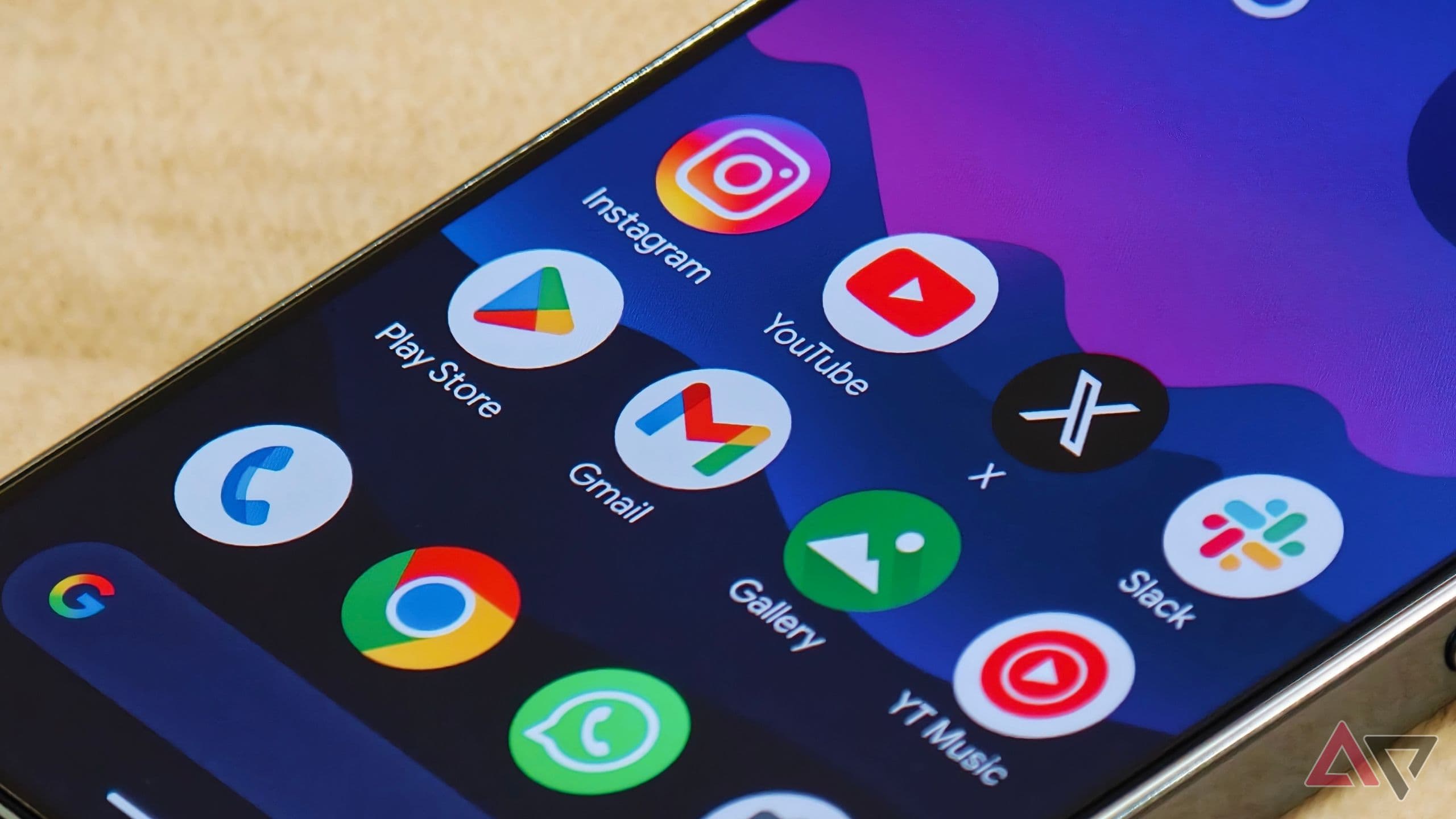
A Frustrating Gmail Bug Is Hitting Pixel Users Where It Hurts
Imagine opening your Gmail app, seeing an important email from your boss, a client, or a friend, and then finding that you simply cannot reply. No error message that makes sense, no clear explanation, just a broken experience that leaves you staring at your screen. That's exactly what a growing number of Google Pixel users are dealing with right now, as a mysterious bug in the Gmail app is actively preventing them from responding to emails.
For people who rely on Gmail as their primary communication tool — which, let's be honest, is most of us — this kind of bug isn't just annoying. It's disruptive to daily work, personal communication, and productivity in general. And what makes this situation even more unsettling is the fact that nobody, not even Google, seems to have a clear answer about what's causing it or when it will be fixed.
What Is the Gmail Reply Bug on Pixel Devices?
The issue being reported involves Pixel smartphone users being unable to reply to emails within the Gmail app. When affected users attempt to tap the reply button or compose a response, the action either fails to trigger, causes the app to behave unexpectedly, or simply does nothing at all. The core email reading functionality appears to remain intact, meaning users can still open and view their messages — they just can't respond to them through the normal interface.
This is particularly ironic given that Gmail has been aggressively rolling out AI-powered features designed to make email replies faster and easier than ever. Smart Reply suggestions, AI-assisted drafts, and other automation tools are all built around the premise of streamlining the response process. But all of that innovation becomes completely irrelevant if the fundamental act of hitting "reply" doesn't work.
Which Users Are Affected?
Reports of this bug appear to be concentrated among users of Google's own Pixel lineup of Android smartphones. Whether the issue is isolated to specific Pixel generations or affects the entire Pixel family more broadly is still unclear, which is part of what makes diagnosing the problem so difficult. It also remains uncertain whether the bug is tied to a specific version of the Gmail app, a recent Android update, or something deeper within the software stack that Pixel devices share.
As of the time of this writing, the bug does not appear to be universally affecting all Pixel users, suggesting it may be tied to a particular configuration, account type, or app version. However, the number of users speaking up about the issue has been significant enough to draw widespread attention online.
Why Is Nobody Sure What's Causing It?
One of the most frustrating aspects of this situation is the lack of clarity surrounding its origin. When a major app like Gmail breaks in a fundamental way, users naturally expect a quick acknowledgment and fix from the developer. But in this case, Google has not issued a clear public statement explaining the root cause of the issue.
This kind of radio silence can happen for a few reasons. The bug may be proving difficult to reproduce consistently in a testing environment, making it hard for engineers to isolate. It could also be caused by an interaction between the Gmail app and another system-level component in Android, which would make it a more complex fix than a simple app update. Whatever the reason, the uncertainty is leaving affected users in limbo.
Temporary Workarounds to Try Right Now
While a proper fix from Google is the only real solution, there are a few workarounds that some users have reported success with in the meantime. None of these are guaranteed to work for everyone, but they're worth attempting if you're stuck.
- Use Gmail in a browser: Accessing Gmail through Chrome or another mobile browser on your Pixel may allow you to reply to emails normally while the app bug persists.
- Clear the Gmail app cache: Go to your phone's Settings, find the Gmail app under Apps, and clear its cache. This sometimes resolves temporary glitches without deleting any data.
- Force stop and reopen Gmail: Fully closing the app and reopening it can occasionally shake loose a software hiccup that's causing unexpected behavior.
- Check for app updates: Visit the Google Play Store and make sure your Gmail app is running the latest available version. A patch may already be in the process of rolling out.
- Try a different email client: Apps like Outlook or the native Android email app can access your Gmail account as a temporary bridge until the issue is resolved.
What This Means for Gmail's Reputation
Bugs like this one serve as a sharp reminder that even the most widely used and technically sophisticated apps are not immune to basic functionality failures. Gmail is used by billions of people around the world, and it sits at the center of both personal and professional communication for a huge portion of Android users. When something as fundamental as email replies breaks down — especially on Google's own flagship hardware — it raises legitimate questions about quality assurance and the pace of software updates.
There's also a broader conversation to be had here about the growing complexity of modern apps. As Gmail adds more AI features, integrations, and background processes, the surface area for bugs naturally expands. A feature-rich experience is valuable, but not if it comes at the cost of core reliability.
Stay Updated and Report the Issue
If you're a Pixel user experiencing this Gmail reply bug, the most constructive thing you can do beyond trying the workarounds above is to report the issue directly through the Gmail app. Tap the menu, go to Help and Feedback, and submit a report. The more users who report the issue with specific details about their device model and app version, the faster Google's engineering team can gather the data needed to identify and push a fix.
Keep an eye on the Gmail app update log in the Google Play Store, as well as Google's official support forums and community pages. When a fix is rolled out, it is most likely to arrive as an over-the-air app update, so keeping automatic updates enabled is your best bet for getting back to a fully functional inbox as quickly as possible.