
Why I'm Done Paying for Ring — And What I Did Instead
If you've spent any real time in the smart home world, you've probably been burned at least once. Maybe it was a hub that stopped receiving updates. Maybe it was a subscription fee that quietly doubled overnight. Or maybe — like a lot of us — you watched Belkin pull the plug on its entire Wemo product lineup, leaving perfectly functional smart devices stranded without a cloud to call home. Unless you had a dedicated Home Assistant or HomeKit setup already running, those gadgets became expensive paperweights almost overnight.
That kind of experience changes how you think about smart home technology. It made me start asking a simple but important question: what do I actually own here? With most commercial security camera ecosystems, the honest answer is: not much. You own the hardware, sure, but the intelligence, the storage, the remote access — all of it lives behind a paywall or inside a company's servers. And when that company pivots, gets acquired, or just decides your product line isn't profitable enough anymore, you're left holding the bag.
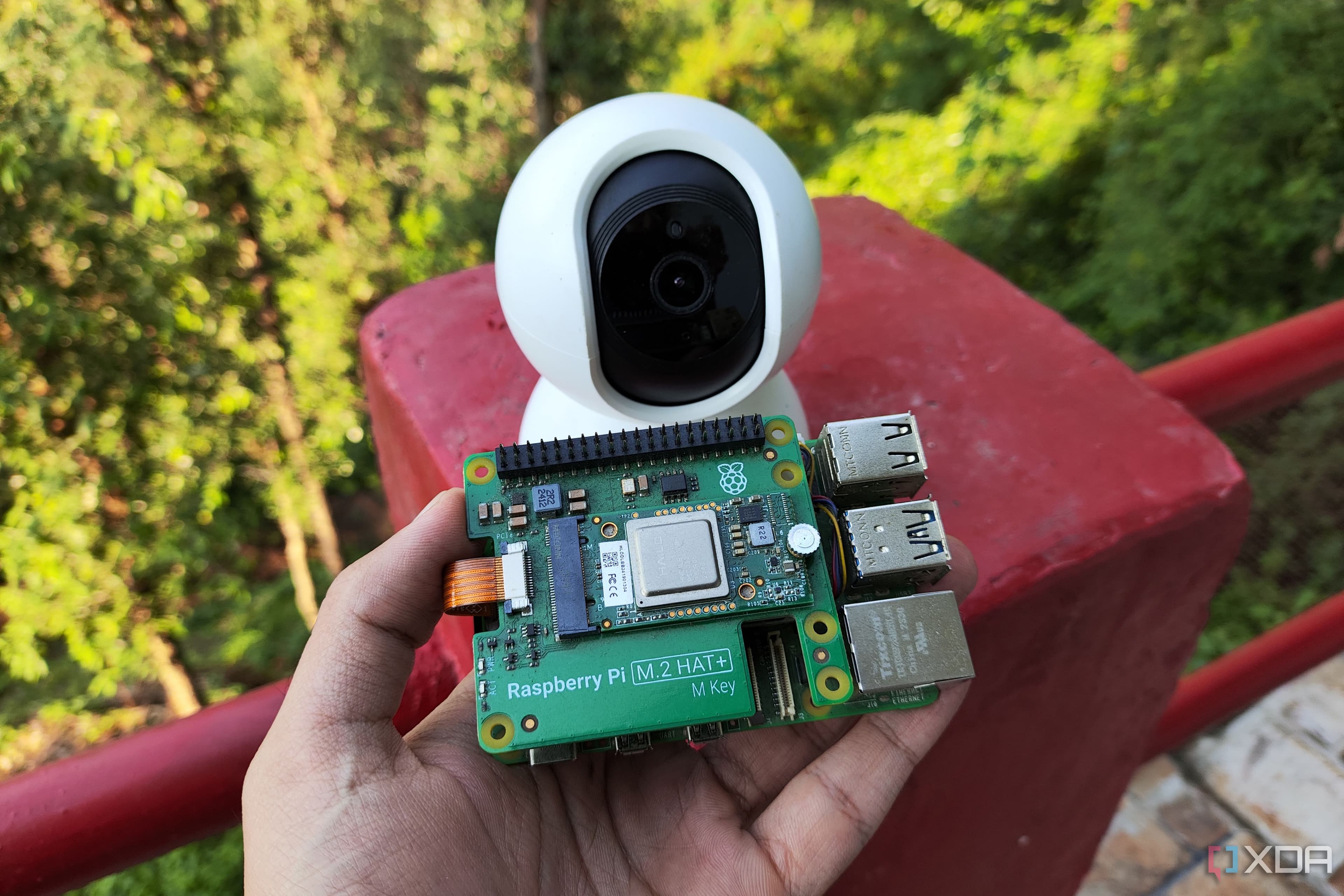
That's when I started building my own Raspberry Pi security camera, and I'm never going back.
The Real Cost of Ring (and Systems Like It)
Ring is a genuinely capable product on the surface. The hardware is polished, the app is intuitive, and the initial purchase price feels reasonable. But the ongoing cost tells a different story. Ring's Protect Plan — required for cloud video storage and most of the features that make the camera actually useful — runs several dollars per camera per month, or a bundled fee for your whole home. Over two or three years, you've quietly spent several hundred dollars on top of your hardware investment, and you still don't own your footage in any meaningful sense.
Beyond the money, there's a privacy dimension that's worth taking seriously. Ring cameras have faced scrutiny over data sharing practices, law enforcement data requests, and past security vulnerabilities. When your camera footage lives on someone else's server, you're trusting that company's policies, their security practices, and their long-term business decisions — none of which you control.
Add to that the very real risk of the product simply going away. We've already seen it happen with Wemo. It happens with smart home products constantly. A Raspberry Pi doesn't have that problem.
What You Need to Build a Raspberry Pi Security Camera
The good news is that building your own home security camera with a Raspberry Pi is far more accessible than it sounds. You don't need to be a developer or an electrical engineer. With the right components and a bit of patience, a functional, locally-controlled security camera is an afternoon project.
Here's the basic shopping list to get started:
- Raspberry Pi board — A Raspberry Pi 4 or Raspberry Pi Zero 2 W are both popular choices. The Zero 2 W is especially appealing for camera builds because it's compact and power-efficient.
- Raspberry Pi Camera Module — The official Camera Module 3 offers solid image quality, autofocus, and wide-angle options. Third-party alternatives exist at various price points.
- MicroSD card — For your operating system and local storage. A 32GB or 64GB card is a sensible starting point.
- Power supply — A reliable official Raspberry Pi power adapter helps avoid instability issues.
- Enclosure — Weatherproof cases are available if you're mounting outdoors. Indoor builds can use simpler housings or even 3D-printed cases.
- Optional: infrared LEDs or a night vision camera module — For around-the-clock monitoring capability.
Total hardware cost typically lands somewhere between $60 and $120 depending on your choices — a one-time expense with no monthly fees attached.
The Best Software Options for Your DIY Camera
Hardware is only half the equation. The software you run on your Raspberry Pi determines how your camera behaves, how you access footage, and how smart your system gets. Fortunately, several excellent options exist.
MotionEyeOS
MotionEyeOS is one of the most beginner-friendly choices. It turns your Raspberry Pi into a dedicated network video recorder with a clean web interface, motion detection, and the ability to manage multiple cameras from a single dashboard. Setup is straightforward, and you don't need to touch a command line if you don't want to.
Frigate
For those who want genuinely intelligent detection, Frigate is a powerful open-source NVR built specifically for Home Assistant integration. It supports AI-based object detection using Google Coral accelerators, meaning it can distinguish between a person, a car, and a stray cat — dramatically reducing false alerts. If you already run Home Assistant, Frigate is arguably the most capable option available at any price point.
motionEye (standalone)
The standalone motionEye package runs on top of a standard Raspberry Pi OS installation and offers similar functionality to MotionEyeOS with more flexibility for users who want the Pi to handle other tasks simultaneously.
Local Storage, Privacy, and Why It All Matters
One of the biggest advantages of a self-built camera system is that your footage never has to leave your home. You can store video on a local NAS, an external hard drive, or simply a large microSD card. Access your footage through a secure local network connection or set up a VPN for remote access — no third-party servers involved at any stage.
This matters both for privacy and reliability. Cloud services go down. Company policies change. But a hard drive in your home closet doesn't care about any of that. Your footage is yours, full stop.
Is a DIY Raspberry Pi Camera Right for Everyone?
It's worth being candid: a Raspberry Pi security camera requires more setup effort than unboxing a Ring and scanning a QR code. If you're genuinely not interested in tinkering, the commercial option might still make more sense for your lifestyle. But if you've ever felt frustrated by subscription creep, worried about data privacy, or simply been burned by a product going end-of-life, the DIY path offers something commercial systems fundamentally can't — full ownership and long-term control.
The smart home industry has a habit of treating customers as subscribers rather than owners. Building your own security camera with a Raspberry Pi is one of the cleanest ways to push back against that model. You spend a little more time upfront, and in return you get a system that works on your terms, stores your data locally, and won't send you a cancellation notice when the business model changes.
That trade-off, for me, is an easy one to make.