
Adobe Is Bringing AI Assistants to Its Biggest Creative Apps
Adobe has announced a major expansion of artificial intelligence across its suite of creative tools. AI chatbot-style assistants are now rolling out in public beta for some of the company's most widely used applications, including Photoshop, Premiere Pro, Illustrator, InDesign, and Frame.io. The move signals a significant shift in how creative professionals and everyday users will interact with Adobe's software — one that prioritises natural language over menus, shortcuts, and complex workflows.
If you've ever spent too long digging through nested menus or watching tutorial videos just to perform a relatively simple edit, Adobe's latest push could change your day-to-day experience dramatically. The new AI assistants are designed to handle repetitive tasks and interpret plain-language instructions, meaning you describe what you want and the software does the rest.
What Are Adobe's New AI Assistants?
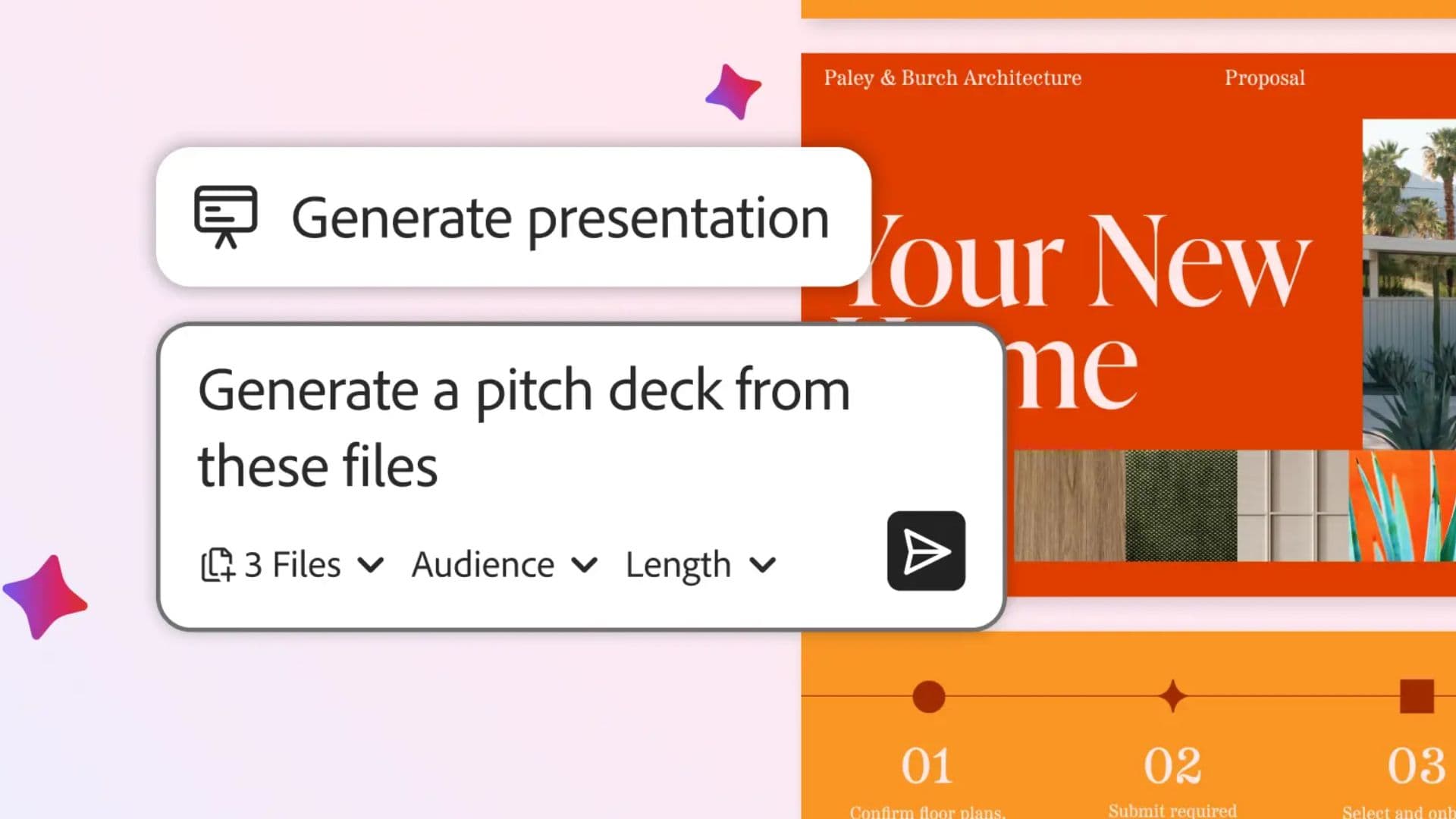
At their core, these are conversational AI tools built directly into Adobe's apps. Think of them as intelligent co-pilots that sit alongside your creative workspace and respond to typed or spoken prompts. Rather than memorising keyboard shortcuts or navigating deep settings panels, users can simply type something like "resize this image for Instagram" or "organise my footage by scene" and the assistant will carry out the action.
Adobe has been gradually building toward this kind of experience through its Firefly AI platform, which introduced generative image-editing tools to Photoshop and other apps. The new assistants represent a broader and more conversational extension of that technology, going beyond image generation into task automation and workflow management across the entire creative pipeline.
The rollout is currently in public beta, which means users can try the tools now and provide feedback as Adobe continues to develop and refine them.
What Can the Photoshop AI Assistant Do?
For Photoshop users, the AI assistant opens up a range of practical editing capabilities that previously required manual effort or a working knowledge of the app's more technical features. According to Adobe, the assistant can:
- Reorganise layers within a document based on a natural language description
- Swap out backgrounds without the need for manual masking
- Resize and reformat assets for different platforms and screen sizes
- Make targeted edits by responding to descriptions of the desired result
Importantly, these features are also available in the web version of Photoshop, meaning you don't need the full desktop installation to take advantage of them. This broader accessibility could make professional-level editing more approachable for users who work across multiple devices or prefer browser-based tools.
How Premiere Pro Is Using AI to Streamline Video Editing
Of all the applications in the rollout, Premiere Pro may be receiving one of the most impactful implementations. Video editing is a notoriously time-consuming process, and a significant portion of that time is spent on organisational tasks rather than creative ones — sorting footage, labelling clips, finding specific moments in long recordings.
Adobe's AI assistant for Premiere Pro addresses this directly. The tool can automatically organise footage into bins, rename clips based on what is actually happening in a scene, and analyse spoken dialogue to place markers on a timeline at relevant points. For documentary makers, journalists, content creators, and editors working with long-form interviews or multi-camera footage, this kind of automation could save hours of work per project.
Adobe has also indicated that the assistant can help create an initial rough cut or sequence, giving editors a starting point to work from rather than beginning entirely from scratch. While it won't replace the human judgment and creative instinct that define great editing, it could meaningfully reduce the grunt work that precedes it.
Illustrator and InDesign: AI for Design and Layout
The AI assistant rollout extends to Adobe's design-focused applications as well. Illustrator and InDesign are staples of graphic design and publishing workflows, and both stand to benefit from tools that respond to natural language commands. Whether you're adjusting typography, repositioning design elements, or formatting a multi-page document, the prospect of describing a change and having it applied automatically is a genuine quality-of-life improvement for designers.
Adobe has not yet released exhaustive detail on every specific function available in these apps, but the direction is clear: reduce the friction between a creative idea and its execution by letting the software interpret intent rather than requiring precise manual input.
Frame.io Joins the AI Rollout
Frame.io, Adobe's cloud-based video collaboration and review platform, is also receiving AI assistant functionality as part of this expansion. Frame.io is widely used by production teams to share footage, gather feedback, and manage the review-and-approval process. AI tools here could streamline how projects are organised, how feedback is surfaced, and how assets are tracked across large productions.
The Bigger Picture: Adobe's AI Strategy
This announcement fits into a much larger strategic direction for Adobe. The company has been investing heavily in AI through Firefly, its proprietary generative AI platform built on licensed and ethically sourced training data. By embedding conversational AI assistants across its core apps, Adobe is moving toward a model where the software adapts to the user rather than the other way around.
The implications for creative professionals are significant. Tasks that once required hours of manual work — or specialist knowledge — can increasingly be delegated to an AI layer, freeing up time and mental energy for higher-level creative decisions.
How to Try Adobe's AI Assistants Now
The AI assistants are currently available in public beta across Photoshop, Premiere Pro, Illustrator, InDesign, and Frame.io. Users with active Adobe Creative Cloud subscriptions should be able to access the beta through their existing apps. As with all beta features, functionality may evolve, and Adobe will be gathering user feedback to shape the final release.
Whether you're a professional creative, a small business owner, or someone who uses Adobe tools occasionally, now is a good time to explore what these AI assistants can do for your workflow. The era of navigating creative software entirely by hand may be coming to an end — and Adobe is betting big on what comes next.