
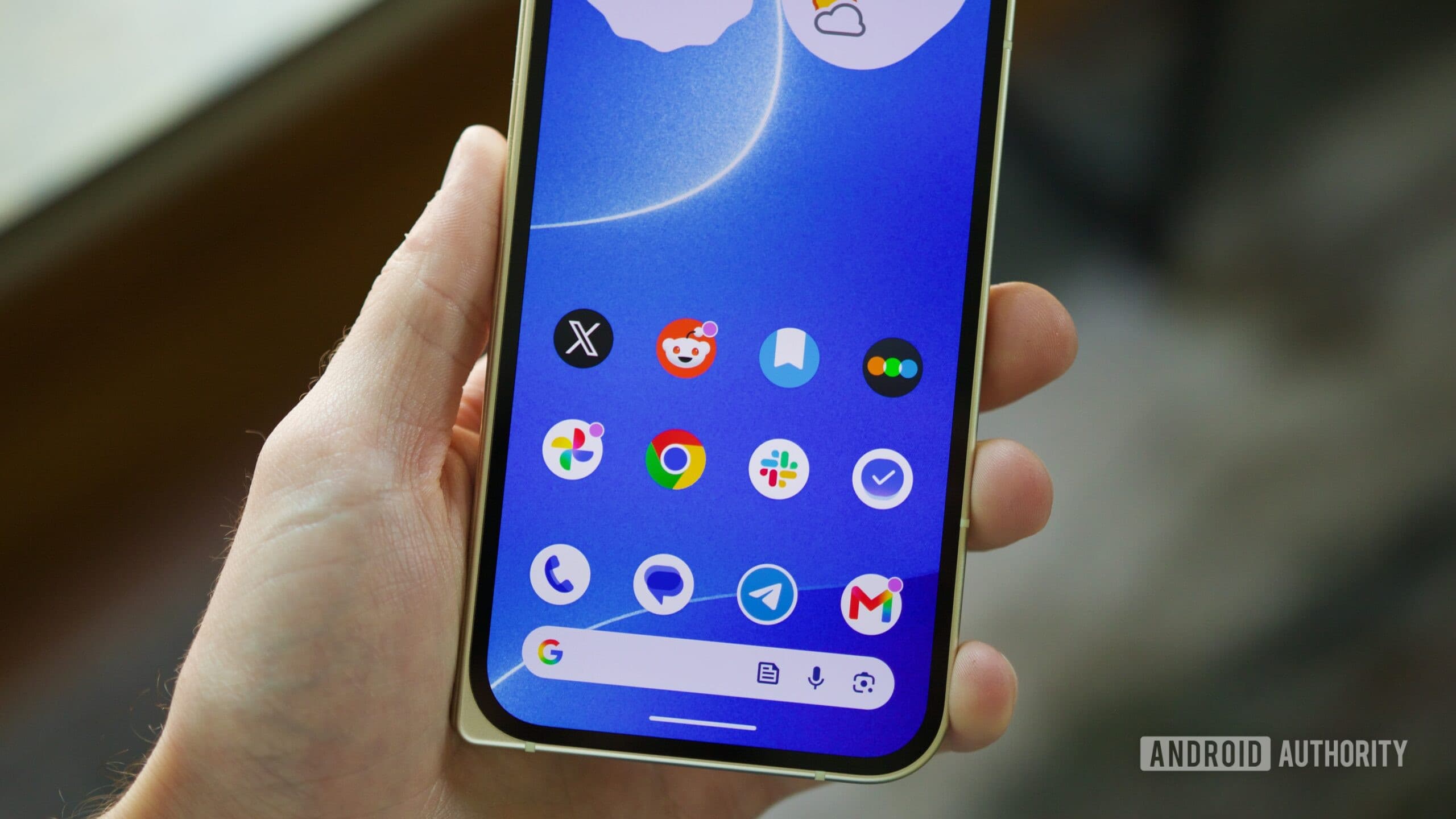
Android 17 Is Messing With Pixel Touchscreens — And Users Are Frustrated
Every major Android update comes with a wave of excitement, promising new features, performance improvements, and security patches. But with broader rollouts inevitably come broader bug reports — and Android 17 is no exception. Shortly after Google began pushing the update to Pixel devices, a growing number of users started noticing something deeply annoying: their touchscreens weren't behaving normally. From erratic scrolling to unresponsive taps, the touch input experience on some Pixel phones has taken a noticeable hit since the Android 17 update landed.
If you've updated your Pixel and suddenly feel like your phone has a mind of its own, you're not imagining it — and you're definitely not alone.
What Exactly Is Going Wrong?
The touchscreen issues being reported after installing Android 17 aren't uniform, which makes them particularly tricky to diagnose and fix. Users are describing a range of problems, but erratic scrolling appears to be the most common complaint. Scrolling through a webpage, social media feed, or settings menu suddenly feels inconsistent — sometimes jumpy, sometimes delayed, and sometimes registering inputs that weren't intended at all.
Beyond scrolling, some users have reported general touch sensitivity issues, where the screen either overreacts to light touches or fails to register deliberate taps altogether. Others describe ghost touches — phantom inputs that occur with no physical contact — which can make a phone feel nearly unusable for everyday tasks.
What makes this especially concerning is that the problems seem to manifest in more than one way, suggesting the underlying cause may involve changes to how Android 17 handles touch input at a system level, rather than a single isolated glitch.
Which Pixel Devices Are Affected?
One of the more alarming aspects of this situation is that the issue isn't confined to a single Pixel model. Multiple Pixel generations are reportedly exhibiting similar problems, which strongly suggests this is a software-side bug introduced by Android 17 rather than a hardware defect specific to any one device.
Reports have surfaced across Reddit communities dedicated to Google Pixel users, with threads gathering dozens of responses from people confirming the same experiences. The fact that owners of different Pixel models are all describing comparable symptoms after the same update points clearly to Android 17 as the common denominator.
This cross-device nature of the bug is significant because it rules out explanations like a bad screen batch or a device-specific manufacturing issue. It also means the fix, when it comes, will need to come from Google in the form of a software update — there's no hardware workaround available to users.
What Has Google Said?
Google has acknowledged the touchscreen issue, which is at least a step in the right direction. However, the company has not yet committed to a specific timeline for a fix. For users dealing with a phone that feels broken, "we know about it" is cold comfort — but acknowledgment is typically the first step toward an official patch.
It's worth noting that this isn't unusual territory for major Android releases. Whenever a new version rolls out to a large user base, edge cases and unforeseen interactions between software layers tend to surface quickly. Google generally responds with incremental patches or targeted bug-fix updates, though the speed of that response varies.
The community is watching closely, and given the volume of complaints, there's reasonable expectation that a fix will be prioritized. Users are encouraged to report the issue directly through the Pixel phone's built-in feedback tool to help Google gather data and accelerate a resolution.
What Can You Do Right Now?
While waiting for Google to issue a patch, there are a few steps you can try to reduce the impact of the touchscreen issues on your daily use.
- Restart your device. It sounds simple, but a fresh reboot can sometimes temporarily resolve erratic input behavior caused by software glitches running in the background.
- Check for incremental updates. Navigate to Settings, then System, then System Update to see if Google has already pushed a minor fix. Bug patches sometimes arrive quietly between major version announcements.
- Remove screen protectors. While this isn't a software fix, some users have found that a screen protector combined with a touch sensitivity change introduced in an update can compound the problem. Testing without it can help isolate the cause.
- Submit feedback to Google. Go to Settings, then Tips and Support, or use the built-in "Send feedback" option. The more data points Google has, the faster engineers can identify and fix the root cause.
- Monitor community threads. The Google Pixel subreddit has become a real-time hub for users sharing workarounds and updates. Keeping an eye on those discussions can surface unofficial fixes or early news of a patch.
A Reminder About Major Android Updates
This situation is a timely reminder that being an early adopter of a major OS update — even on Google's own Pixel hardware — carries some risk. Android 17 brings meaningful improvements, but rolling it out to a wide audience almost always surfaces bugs that weren't caught during beta testing. Beta programs, by their nature, can't replicate the full diversity of real-world usage, app combinations, and hardware configurations that exist across millions of devices.
For users who prioritize stability over being on the cutting edge, waiting a week or two after a major update before installing it is a reasonable strategy. For those already on Android 17 and dealing with the touch input issues, the best approach right now is patience, active feedback submission, and keeping an eye on Google's update channel.
The Bottom Line
Android 17 is introducing touchscreen problems for a meaningful number of Pixel users, with erratic scrolling and inconsistent touch input being the most commonly reported symptoms. The fact that multiple Pixel generations are affected points to a system-level software bug, and Google has confirmed awareness of the issue even if a fix hasn't been formally scheduled. In the meantime, users can take small practical steps to cope and should report their experiences to help speed up Google's response. A patch is the only real solution here, and the pressure of a vocal, widespread user base tends to focus engineering resources quickly.
Stay tuned to official Google channels and community forums for the latest developments as this situation continues to unfold.