
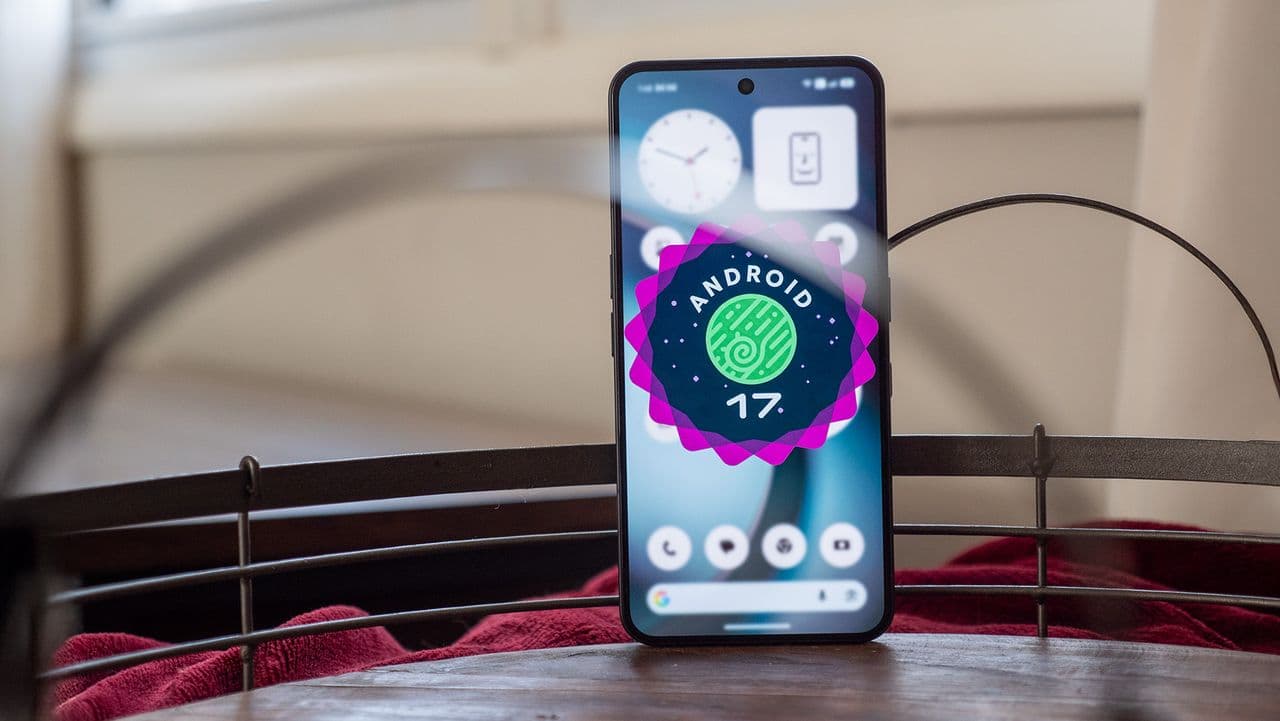
Android 17 Is Causing Major 5G Headaches for Pixel Owners
Google's Android 17 update was supposed to be a milestone release — packed with performance improvements, new AI-driven features, and enhanced security protocols. Instead, for a growing number of Pixel smartphone owners, it has become a source of serious frustration. Reports are flooding in from across the Pixel user community describing a persistent and deeply inconvenient problem: after installing Android 17, their devices are losing 5G connectivity entirely or cycling unpredictably between 5G and slower LTE signals.
This is not the first Android 17 bug to surface since the rollout began, and unfortunately, it does not appear to be an isolated incident. The 5G connectivity issue has now been documented across multiple Pixel generations and several major carriers, raising questions about the quality of Google's pre-release testing and when an official fix might arrive.
Which Pixel Devices Are Affected?
The problem does not appear to discriminate much by device generation. Users across the Pixel 7, Pixel 8, and Pixel 9 lineups have all reported variations of the same issue. In community threads on Reddit, Google's own support forums, and social platforms, the complaints share a common thread: shortly after updating to Android 17, 5G either disappears from the status bar completely or becomes so unstable that the phone effectively functions as a 4G LTE device.
Among the most commonly affected configurations reported so far are:
- Pixel 9 Pro — Users report 5G dropping intermittently, particularly after the screen has been locked and the device wakes from sleep.
- Pixel 8 and Pixel 8 Pro — Some devices are showing no 5G option at all in network settings, reverting permanently to LTE until a manual reset is performed.
- Pixel 7a — Budget-segment Pixel owners are reporting the same LTE fallback behavior, suggesting the bug is software-side rather than hardware-specific.
Carrier affiliation also seems to play a role, with T-Mobile and Verizon customers appearing most vocal about the problem — though AT&T users have not been entirely spared.
What Is Causing the Android 17 5G Bug?
While Google has not yet issued an official explanation, analysis from the developer community and network engineers points to a likely culprit: changes made to Android 17's modem interface layer and radio firmware handshake protocols. In plain terms, the update appears to have introduced a conflict between the operating system's new connectivity stack and the way Pixel devices communicate with 5G SA (Standalone) and 5G NSA (Non-Standalone) network architectures.
Some users have noted that the bug appears more prominently in areas with dense 5G infrastructure, which aligns with the theory that the device is struggling to properly negotiate the handoff between network bands. When the phone attempts to lock onto a 5G mmWave or sub-6GHz frequency, something in the updated software causes the connection to fail silently, and the device falls back to LTE without alerting the user.
There is also a secondary theory emerging from the developer community: Android 17 may have inadvertently altered how APN (Access Point Name) settings are cached or applied after a fresh update, which could break carrier-specific 5G provisioning on affected devices.
Temporary Fixes Users Are Trying
While an official patch has yet to be confirmed, the Pixel community has been actively sharing workarounds with varying degrees of success. None of these should be considered permanent solutions, but they may restore 5G functionality in the short term.
- Toggle Airplane Mode: Enabling Airplane Mode for 30 seconds and then disabling it can force the modem to re-register on the 5G network. This works for some users temporarily but the issue often returns.
- Reset Network Settings: Going to Settings > System > Reset Options > Reset Wi-Fi, Mobile & Bluetooth clears saved network configurations and sometimes resolves APN conflicts. Note that this will also remove saved Wi-Fi passwords.
- Manual Network Selection: Under Mobile Network settings, switching from Automatic to a manual network selection and choosing your carrier's 5G network directly has helped some users maintain a more stable connection.
- Reinsert the SIM Card: A physical SIM removal and reseating has reportedly prompted a clean modem reset on some Pixel 8 units.
- Contact Your Carrier: In some cases, carriers have been able to re-provision 5G access on the account side, which has resolved the issue independently of the Android version.
Google's Response and the Road to a Fix
As of the time of writing, Google has acknowledged reports of connectivity issues in the Android 17 release on its official issue tracker, where the bug report has been marked as "under investigation." The company has not yet committed to a specific timeline for a patch, though the volume of reports suggests this will be a priority in the next incremental update.
This is not the first time a major Android release has shipped with modem or connectivity regressions. Android 12 and Android 14 both saw post-launch patches specifically targeting cellular and Wi-Fi stability issues on Pixel hardware. History suggests Google typically addresses critical connectivity bugs within two to four weeks via a point release or a targeted security and stability update.
A Pattern of Growing Pains
The 5G connectivity issue is part of a broader narrative around Android 17's rocky rollout. Earlier in the release cycle, users flagged problems with battery drain, Bluetooth instability, and UI rendering glitches. Google addressed some of these concerns in minor follow-up builds, but the persistence of hardware-level bugs like the 5G dropout issue signals that more rigorous testing in real-world carrier environments may be needed before future major versions go live.
For now, affected Pixel owners are left weighing whether to attempt workarounds, wait patiently for a patch, or — in frustration — consider rolling back to Android 16 where bootloader conditions permit. If you are experiencing this issue, filing a report directly on Google's issue tracker increases the visibility of the bug and may help accelerate an official resolution.