
Android 17 Is Here — But It's Not Without Issues
Google's latest mobile operating system, Android 17, has officially begun rolling out to Pixel devices, and it brings with it a genuinely exciting collection of new features. From multitasking bubbles that keep your apps floating and accessible, to an all-new foldable gaming mode built for the growing category of foldable smartphones, Android 17 represents one of the more ambitious Android updates in recent memory. Google also introduced screen reactions, updated notification handling, and a host of under-the-hood performance improvements.
However, as is often the case with major OS updates, not everything has gone perfectly out of the gate. A notable number of Pixel users have reported that after updating to Android 17, their home screen widgets have stopped working correctly. Some users are seeing widgets fail to load, display outdated information, or simply appear as blank, unresponsive boxes where useful tools used to sit. If you've experienced this frustrating issue, you're far from alone — and more importantly, there is a quick fix available that should get your home screen back in order.
What Exactly Is Going Wrong With Widgets?
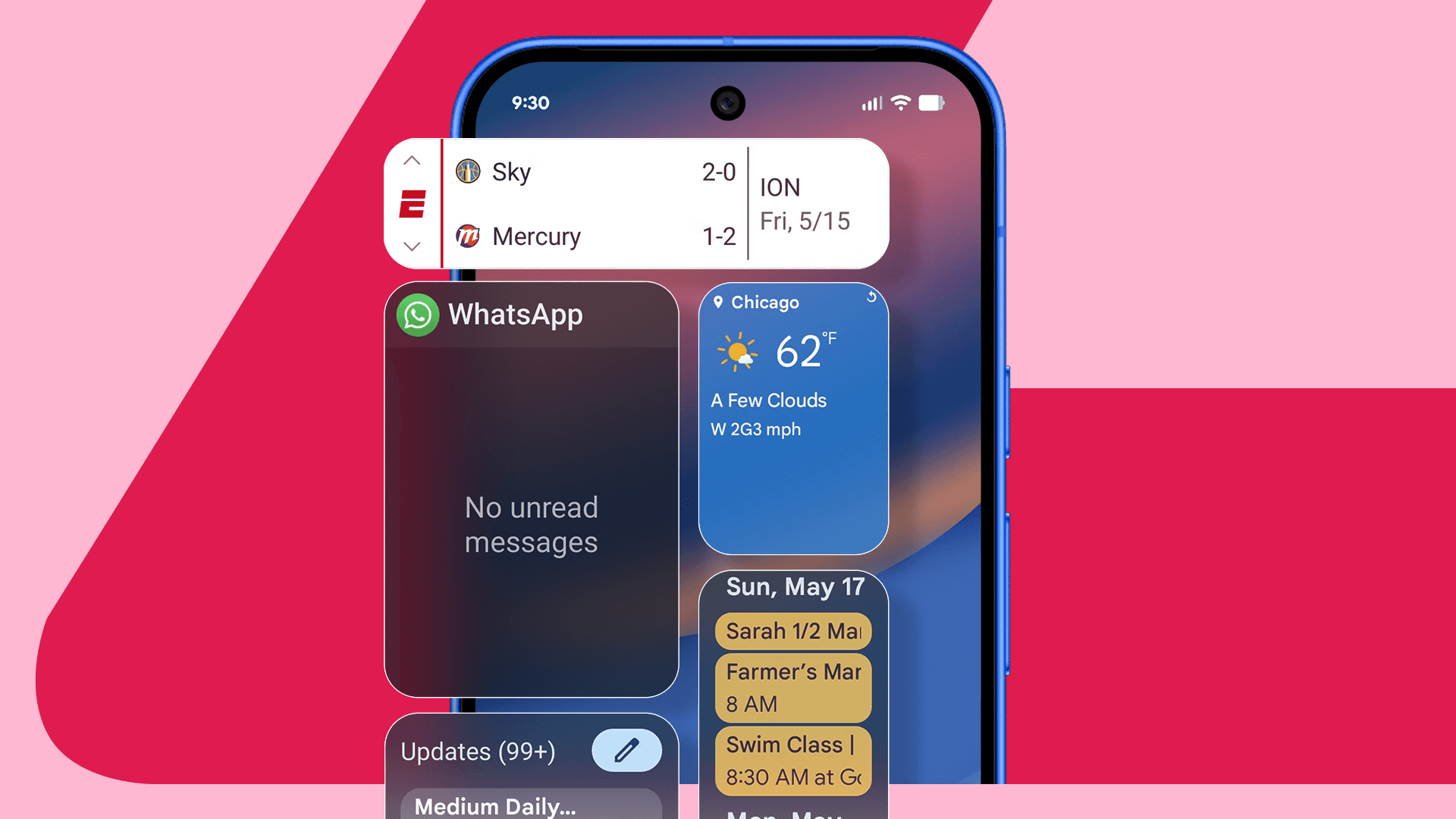
Home screen widgets are one of Android's most beloved features. Unlike iOS, Android has long given users the ability to place interactive, live-updating miniature app panels directly on their home screen. Whether it's a weather widget that shows today's forecast at a glance, a calendar widget keeping your schedule front and center, or a music player widget that lets you skip tracks without opening an app, widgets add real convenience to daily phone use.
After installing Android 17, some users are finding that these widgets are no longer behaving as expected. The most common symptoms being reported include:
- Widgets appearing completely blank or displaying a loading state that never resolves
- Widgets showing outdated information that won't refresh even when tapped
- Widgets becoming entirely unresponsive to touch input
- Widgets disappearing from the home screen entirely after a reboot
- Third-party app widgets failing to render while Google's own widgets continue to work
The issue appears to be tied to how Android 17 handles background processes and widget refresh permissions — a change that was likely introduced as part of the OS's broader effort to improve battery life and resource management. While those are worthwhile goals, the side effect for some users has been a broken widget experience.
Which Devices and Widgets Are Affected?
Reports of the widget issue have primarily surfaced among users running Android 17 on Pixel devices, which makes sense given that Pixel phones are the first to receive Google's new OS updates. The problem doesn't appear to discriminate heavily by device model — complaints have come from users across multiple Pixel generations, suggesting this is a software-level issue rather than a hardware-specific one.
In terms of which widgets are affected, third-party widgets seem to be hit the hardest. Apps like Spotify, weather services, productivity tools, and fitness trackers have all been mentioned in user reports. Google's own first-party widgets, such as the Google Search bar and the At a Glance widget, appear to fare better, though even those have reportedly glitched for a small number of users.
The Quick Fix: How to Restore Your Home Screen Widgets
The good news is that fixing broken widgets after the Android 17 update doesn't require waiting for a patch from Google or performing a full factory reset. Several solutions have been confirmed to work by the community, and most of them take only a minute or two.
1. Restart Your Device
Before anything else, try the simplest solution: a full device restart. Android 17 may simply need a fresh boot to properly initialize its new widget management system. Hold your power button, select Restart, and once your Pixel is back up, check whether your widgets have returned to normal. This alone resolves the issue for a meaningful portion of affected users.
2. Clear the Cache for the Home App
If a restart doesn't do the trick, clearing the cache for your launcher or home screen app is the next step. Navigate to Settings, then Apps, and locate your default home app (usually Pixel Launcher). Tap on Storage and Cache, then select Clear Cache. This forces the launcher to rebuild its data from scratch, which often resolves rendering issues that appeared after an OS update.
3. Remove and Re-add Affected Widgets
Sometimes the fastest solution is to simply remove the broken widget from your home screen and add it back again. Long-press the widget, drag it to the Remove option, and then re-add it from the widget picker. This prompts Android 17 to issue a fresh set of permissions and background access for that widget, which can resolve the issue immediately.
4. Check Background Activity Permissions
Android 17's tightened background process controls may have automatically restricted background activity for some apps. Head to Settings, then Apps, select the app whose widget is broken, and check its Battery settings. Make sure Unrestricted or Allow background activity is enabled. Repeat this for each app with a malfunctioning widget.
5. Update Your Apps
In some cases, the widget issue is on the app developer's side rather than the OS. Android 17 introduced new APIs that apps need to target in order to function correctly. Check the Google Play Store for updates to any app whose widget isn't working properly — developers have been quick to push compatibility patches since Android 17's release.
Should You Be Worried About Android 17's Other Features?
Despite the widget hiccup, Android 17 is shaping up to be a strong and worthwhile update overall. The multitasking bubbles are a genuinely useful addition for power users who regularly juggle multiple apps, allowing conversations, media controls, and other content to float persistently above whatever else is on your screen. The foldable gaming mode is a thoughtful addition as devices like the Pixel Fold continue to mature. Screen reactions add a layer of expressiveness to video calls and interactions that users have responded positively to.
The widget issue, while frustrating, is the kind of growing pain that tends to accompany any major OS release. Google is actively monitoring user feedback, and a targeted fix is likely to arrive in an upcoming security or maintenance patch. In the meantime, the workarounds above should keep your home screen functional and your widgets back where they belong.
Final Thoughts
Android 17 is an exciting leap forward for Google's mobile platform, packed with features that make multitasking, gaming, and everyday use more enjoyable. The home screen widget bug affecting some Pixel users is a real inconvenience, but it's one with practical solutions available right now. By clearing your launcher cache, adjusting background activity settings, or simply removing and re-adding your widgets, you can restore full functionality without waiting for an official patch. Stay tuned to your Pixel's software update notifications — Google is expected to address this more broadly in the near future.