
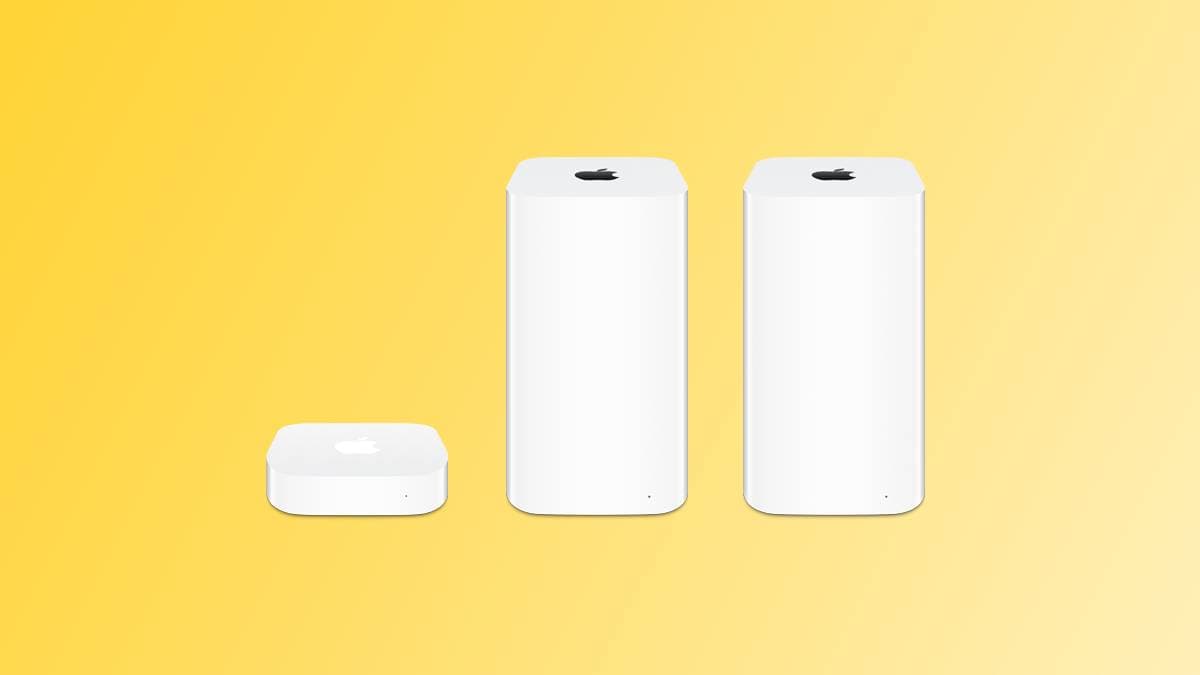
Apple Is Finally Pulling the Plug on AirPort Utility
After years of quietly keeping a discontinued product line on life support, Apple is now taking the final step to close the chapter on its AirPort networking hardware. According to the release notes for iOS 27 beta 2, Apple is planning to remove the AirPort Utility app from the App Store in the near future. The move signals the true end of an era for users who have relied on AirPort routers for over two decades — and it raises important questions for anyone still running one of these devices on their home or office network.
The AirPort Utility app has long served as the primary management tool for Apple's line of wireless base stations, including the AirPort Extreme, AirPort Express, and AirPort Time Capsule. Even after Apple officially discontinued its AirPort hardware lineup back in 2018, the company continued to maintain the app, allowing existing users to monitor and configure their routers without needing to switch to third-party solutions. That grace period, it now appears, is coming to an end.
What the iOS 27 Beta Release Notes Say
The language in Apple's official iOS 27 beta 2 release notes is clear and direct. Apple states that AirPort Utility will no longer be available for new downloads from the App Store. However, there is a silver lining for longtime users: if you previously downloaded the app, you will still be able to re-download it from your purchase history. The caveat, though, is significant — Apple explicitly warns that when using AirPort Utility on iOS 27 and later, functionality is not guaranteed.
This is not a minor disclaimer. It effectively means that even if you can get the app running on your device, it may behave unpredictably, fail to connect to your base station, or stop working altogether with future software updates. For users who depend on AirPort Utility to manage their network settings, this is a strong signal that it is time to start planning a migration to supported hardware.
macOS Golden Gate Is Also Affected
The impact of this change is not limited to iPhone and iPad users. Apple is also planning to remove AirPort Utility from new installations of macOS Golden Gate, the upcoming major version of Apple's desktop operating system. Unlike the iOS situation, users who already have AirPort Utility installed on their Mac will be able to continue using it after upgrading to macOS Golden Gate — but again, Apple makes no guarantees about its continued functionality.
This distinction matters. On the Mac side, the app will not be actively uninstalled from existing systems, which gives desktop users a bit more breathing room. But the underlying message remains the same: AirPort Utility is unsupported software running on an operating system it was not designed for, and users should not rely on it for mission-critical network management tasks going forward.
AFP Support Removal Makes AirPort Time Capsule Obsolete
Perhaps even more impactful than the loss of the AirPort Utility app itself is a related change coming in macOS Golden Gate: Apple is eliminating support for AFP, or Apple Filing Protocol. This protocol has historically been the backbone of how Time Machine on Macs communicated with AirPort Time Capsule devices for wireless backups.
With AFP support being removed entirely from macOS Golden Gate, the Time Machine backup feature will no longer work with AirPort Time Capsule. This is a critical blow to the remaining user base still relying on Time Capsule for their backup strategy. Even if you could somehow keep AirPort Utility running, your Time Capsule would no longer be able to serve its primary purpose as a wireless backup destination for your Mac.
For anyone using an AirPort Time Capsule as their sole backup solution, the urgency to transition cannot be overstated. Losing your backup capability without a replacement plan in place could leave your data completely unprotected.
A Brief History of Apple's AirPort Lineup
Apple's AirPort product line was genuinely ahead of its time when it launched in 1999. The original AirPort Base Station was one of the first consumer Wi-Fi routers to reach a mainstream audience, and subsequent generations brought innovations like easy setup, seamless iTunes speaker streaming via AirPort Express, and built-in hard drive backup capabilities via AirPort Time Capsule. For years, AirPort hardware was the gold standard for Mac users who wanted reliable, simple, Apple-designed networking.
When Apple discontinued the entire AirPort lineup in April 2018, it cited a desire to focus resources elsewhere. The company never returned to the router market, leaving users to migrate to third-party solutions from companies like Eero, TP-Link, Netgear, and others. The AirPort Utility app survived as a maintenance tool for existing hardware, but that final thread of official support is now being cut with iOS 27 and macOS Golden Gate.
What Should AirPort Users Do Now?
If you are still running an AirPort router in 2025 or 2026, now is absolutely the time to transition to a modern, actively supported networking solution. Here are the key steps to take before you upgrade to iOS 27 or macOS Golden Gate:
- Back up your Time Capsule data immediately. With AFP support ending in macOS Golden Gate, any data stored on your Time Capsule may become inaccessible for Time Machine backups. Transfer important files to an external drive or cloud storage before upgrading your operating system.
- Research a replacement router. The current Wi-Fi 6 and Wi-Fi 7 router market offers excellent options at a range of price points. Apple ecosystem users often favor Eero routers due to their simple setup experience, but many other reliable options exist from brands like ASUS, Netgear, and TP-Link.
- Set up a new Time Machine backup destination. You can use a USB hard drive connected to a compatible router, a NAS (Network Attached Storage) device, or a cloud backup service to replace the functionality that AirPort Time Capsule provided.
- Download AirPort Utility before upgrading if you still need it. If you have not already downloaded the app, do so now before it is removed from the App Store entirely. Existing downloads can be re-downloaded, but new users will not be able to access it once it is pulled.
The End of an Apple Networking Legacy
The removal of AirPort Utility from the App Store is more than a routine app cleanup. It represents the symbolic and practical conclusion of Apple's involvement in consumer networking hardware — a product category the company pioneered and then quietly walked away from. With iOS 27 removing the app from new downloads and macOS Golden Gate eliminating the AFP protocol that powered Time Capsule backups, Apple is making it unmistakably clear that the AirPort era is over.
For longtime Apple fans, this may feel like a bittersweet goodbye to hardware that was genuinely beloved. For everyone else, it is a practical reminder that relying on discontinued technology always carries risk — and that the time to migrate is always before the deadline arrives, not after.
If you are still on AirPort hardware, take action now. The window to make a smooth, data-safe transition is still open, but with iOS 27 and macOS Golden Gate on the horizon, it will not stay open for much longer.