
Chrome Autofill Is Getting Smarter: Google Wallet Integration Expands to Vehicle and Travel Data
If you've ever found yourself squinting at your phone trying to locate your VIN number mid-form, or digging through old email confirmations to find a flight number, Google has some very welcome news for you. Chrome's autofill feature is getting a significant upgrade in 2026, expanding its integration with Google Wallet to support a broader range of data types — including vehicle information and upcoming travel details. The update is rolling out across both Android and iOS, making it one of the more inclusive Chrome improvements in recent memory.
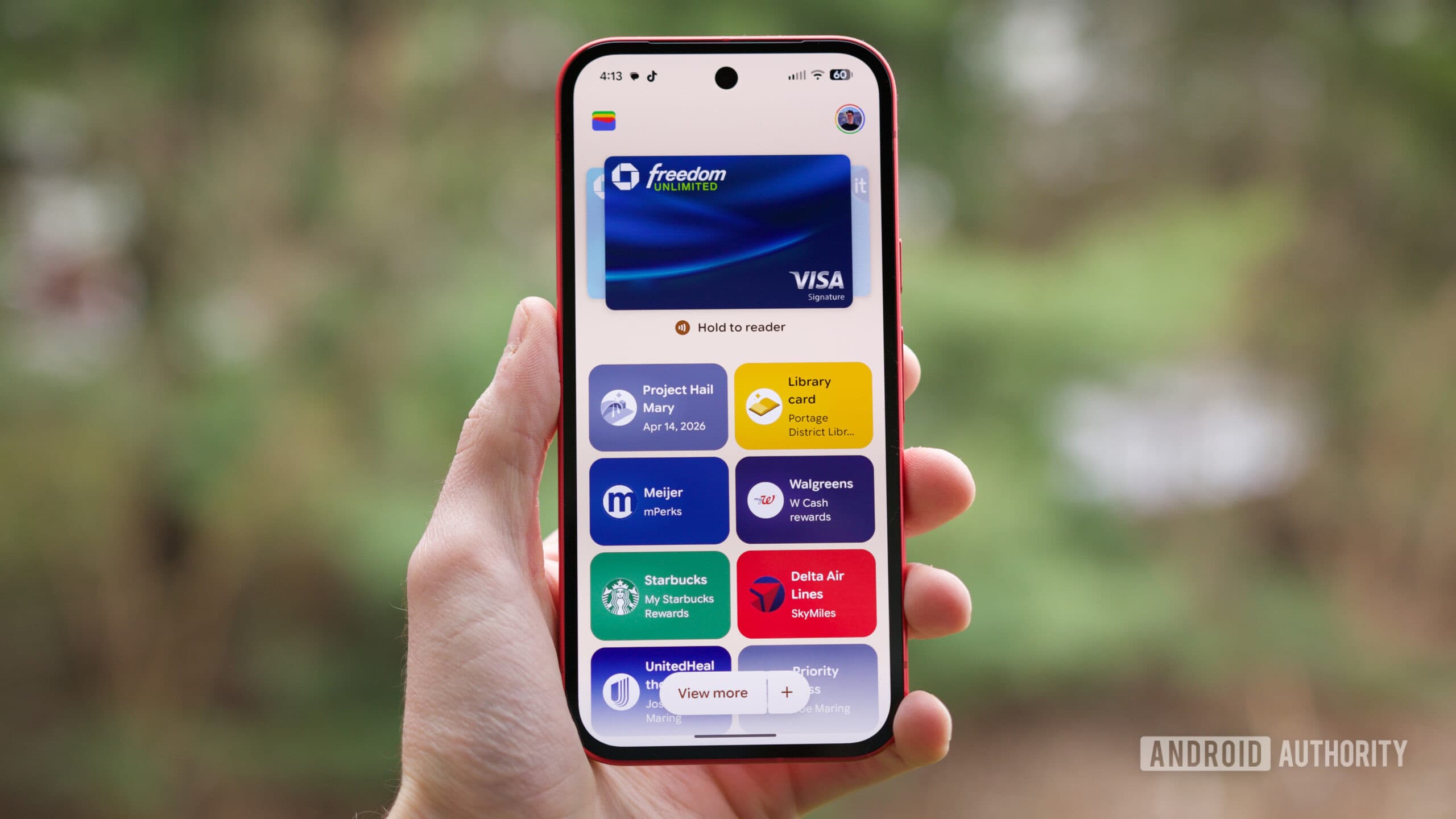
This is part of a larger wave of Google Wallet upgrades that Google teased at its I/O 2026 developer conference, where the company outlined an ambitious roadmap for expanding what its digital wallet can store and do. Chrome autofill is now at the center of that push, translating what lives in your Wallet into a seamless, time-saving experience on mobile.
What Is Chrome Autofill and Why Does It Matter?
Chrome autofill has long been one of the browser's most practical everyday features. Rather than typing out your name, address, or credit card number every time you fill out an online form, Chrome can do it for you in a single tap. Over the years, Google has steadily expanded the kinds of data autofill can handle, moving well beyond basic contact and payment information.
For mobile users especially, autofill is a game-changer. Typing on a small screen is slower, more error-prone, and frankly more frustrating than on a desktop keyboard. Every field that Chrome can fill automatically is one less opportunity for a typo, a timeout, or an abandoned form. As more of our daily tasks move to mobile, the value of a well-stocked, intelligent autofill system only grows.
What's New: Vehicle Data and Flight Information
The latest Chrome autofill expansion focuses on two specific data categories that have historically required users to dig through physical documents, emails, or separate apps to retrieve.
Vehicle Information
Google Chrome will now be able to autofill fields that ask for vehicle-related details, most notably your license plate number and Vehicle Identification Number (VIN). These fields pop up more often than you might expect — when registering for parking apps, signing up for toll accounts, filling out insurance forms, or using roadside assistance platforms. Previously, most users had to either memorize this information (unlikely), keep a photo of their registration handy, or physically look at their vehicle. With the new autofill integration, that data can live in Google Wallet and flow automatically into the relevant fields in Chrome on your phone.
Flight and Travel Details
The second major addition is autofill support for flight details. If you have an upcoming trip, Chrome will be able to pull relevant travel information — such as flight numbers and booking references — and use it to populate forms across the web. This is particularly useful when checking into hotels, signing up for airport lounge access, filing travel insurance claims, or using third-party services that ask for your itinerary information. Rather than switching between apps or searching your inbox, the data will be right there, ready to be dropped into any compatible form field.
Android and iOS: Both Platforms Are Getting the Upgrade
One of the more notable aspects of this rollout is its cross-platform scope. While some of these autofill enhancements were reportedly introduced to Android users last year, Google is now pushing them out to broader availability — including iOS. That's significant, because it means Chrome users on iPhones and iPads will have access to the same Google Wallet-powered autofill capabilities as their Android counterparts.
For users who rely on Chrome as their primary browser regardless of their device ecosystem, this kind of parity matters. It ensures a consistent experience whether you're checking in for a flight on an Android phone or filling out a car rental form on an iPad.
Google Wallet: Growing Beyond Payments
It's worth taking a step back to appreciate how much Google Wallet has evolved. What began primarily as a contactless payment tool has gradually transformed into a comprehensive digital repository for a wide variety of personal data. Today, Google Wallet can store credit and debit cards, boarding passes, event tickets, loyalty cards, government IDs in supported regions, and now vehicle and travel details that feed directly into Chrome autofill.
The direction of travel is clear: Google wants Wallet to become the authoritative source of personal data that powers seamless experiences across its ecosystem. The more types of information Wallet can hold, the more useful autofill becomes, and the stickier both products are for users who invest time in keeping their data up to date.
How to Make the Most of Chrome Autofill in 2026
To take advantage of these new autofill capabilities, you'll want to make sure a few things are in order:
- Ensure your version of Chrome on Android or iOS is up to date, as newer autofill features are tied to recent app updates.
- Open Google Wallet and check whether your vehicle information and travel details have been added or synced. Google may pull some travel data automatically from Gmail if you have that integration enabled.
- Make sure you're signed into Chrome with the same Google account linked to your Wallet, as autofill relies on account-level data syncing to work across devices.
- Review your Chrome autofill settings under Settings > Autofill and passwords to confirm that the relevant data categories are enabled and populated correctly.
The Bigger Picture: Reducing Friction on Mobile
At its core, this Chrome autofill expansion is about reducing friction. Mobile web forms have always been a weak point in the user experience chain — small fields, awkward keyboards, and the constant need to locate obscure reference numbers combine to make them one of the more tedious aspects of using the internet on a phone. Google's strategy of routing more and more personal data through Wallet and surfacing it intelligently through Chrome autofill is a direct response to that frustration.
As Google continues to roll out the Wallet upgrades previewed at I/O 2026, it's reasonable to expect even more data types to find their way into Chrome's autofill system over the coming months. For now, vehicle owners and frequent travelers have two new reasons to keep their Google Wallet data current — and their Chrome browser updated.