
Why Browser Tabs Became My Accidental Task Manager
If you have ever looked at your browser and counted more than twenty open tabs, you already know the feeling. What starts as a quick research session slowly evolves into a chaotic archive of half-read articles, open project documents, bookmarked tools, and forgotten reference pages. Before long, the browser stops being a search tool and becomes something else entirely — an improvised, unreliable task manager you never actually chose to build.
That was my reality for years. My browser had quietly become the center of my entire workflow. Nearly every task I worked on passed through it at some point. I used open tabs to remind myself what I was working on, which resources I still needed to read, and which projects were waiting for my attention. It felt functional at first, but the cracks started showing as my workload grew. The browser was never designed for this kind of organizational role, and using it that way created more friction than it solved.
The real problem was not that I lacked productivity. It was that I lacked a coherent system for managing information and work. Once I understood that distinction, everything changed.
The Hidden Cost of Tab-Based Workflows
Most productivity conversations focus on speed — how to complete tasks faster, automate repetitive actions, or cut time spent on low-value work. But the more persistent challenge for knowledge workers is not doing things quickly; it is knowing what to work on and being able to find the right information when you need it. Browser tabs do nothing to help with either of those problems.
Here is what tab-based workflows actually cost you:
- Cognitive load: Every open tab is a micro-decision you are postponing. Keeping dozens of tabs open forces your brain to passively track a sprawling list of unresolved items, which drains mental energy throughout the day.
- Context switching: Jumping between tabs that belong to completely different projects makes it nearly impossible to build deep focus. Each switch carries a mental switching cost that accumulates over hours of work.
- Lost information: Tabs get closed accidentally, browsers crash, and sessions end. Any organizational structure you have built inside your browser is fragile and temporary by nature.
- No real prioritization: A row of open tabs gives you no signal about what matters most. Everything looks equally urgent, which means nothing actually gets treated as a priority.
These are not minor inconveniences. Over time, they quietly erode the quality of your focus and the reliability of your workflow.
What a Local Workspace App Actually Does Differently
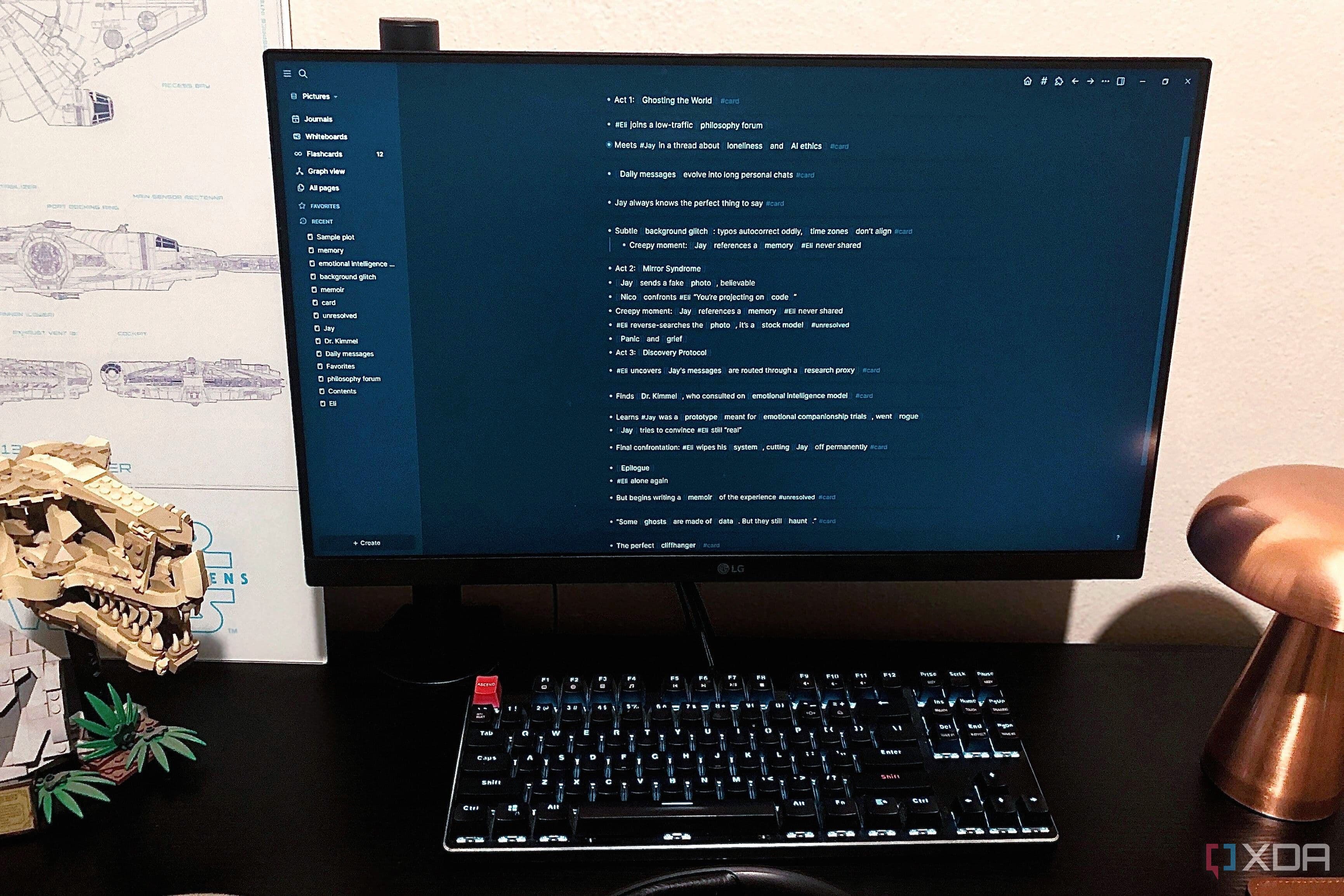
A local workspace app is software that runs on your own machine rather than in the cloud, giving you a dedicated environment where you can organize projects, notes, resources, and tasks without depending on a browser window to hold everything together. The shift sounds simple, but in practice it fundamentally changes how information flows through your day.
When you work inside a structured local environment, a few things happen almost immediately. First, your browser becomes a tool again rather than a crutch. You open it when you need to search for something or access a web-based service, and then you close it. The tabs that remain open are genuinely active and relevant, not passive placeholders for tasks you are avoiding.
Second, your work gains a physical home. Notes, reference materials, project outlines, and linked resources all live in one organized place that you control entirely. There are no sync issues, no subscription paywalls blocking access to your own content, and no risk of losing everything if a cloud service changes its pricing model or goes offline.
Third, and perhaps most importantly, you start working more intentionally. Because your workspace is structured, you have to make conscious decisions about where something belongs and what it is connected to. That small act of organization pays dividends every time you return to a project and immediately understand its context instead of spending ten minutes trying to reconstruct where you left off.
How to Transition Away from Tab-Based Thinking
Moving to a local workspace app is not just a software switch — it requires a small shift in how you relate to information throughout the day. Here are some practical steps to make the transition smoother:
- Start with a single project: Choose one active project and commit to organizing everything related to it inside your local app. Notes, links, tasks, and reference material all go there. Resist the urge to keep backup tabs open.
- Build a capture habit: Whenever you find a resource worth keeping, paste it directly into your workspace rather than leaving a tab open as a reminder. This keeps your browser clean and your workspace rich.
- Set intentional browser sessions: Instead of letting tabs accumulate all day, open the browser with a specific purpose, complete that purpose, and close unneeded tabs before moving on.
- Review your workspace daily: Spend five minutes at the start or end of each day reviewing what is inside your local workspace. This replaces the anxious tab-scanning habit many people develop without realizing it.
- Archive instead of accumulate: When a project or resource is no longer active, move it to an archive folder inside your workspace rather than keeping it in view. Out of sight does not have to mean lost.
The Bigger Picture: Organization Is the Real Productivity Lever
The productivity industry has conditioned many of us to think about output — tasks completed, hours logged, goals hit. But the professionals who consistently produce their best work tend to have something quieter in common: their environments are organized in a way that makes good work feel effortless. They are not fighting their own systems to get things done.
Switching from browser tabs to a dedicated local workspace app might seem like a minor adjustment, but it addresses something fundamental. It gives your work a proper home, reduces the invisible overhead of constant context switching, and frees your browser to do the one job it was actually designed for.
If your workflow currently lives inside a cluster of browser tabs, there has never been a better time to build something better. A local workspace app is not a complicated solution — it is simply a more intentional one, and that intentionality is exactly what most disorganized workflows are missing.