
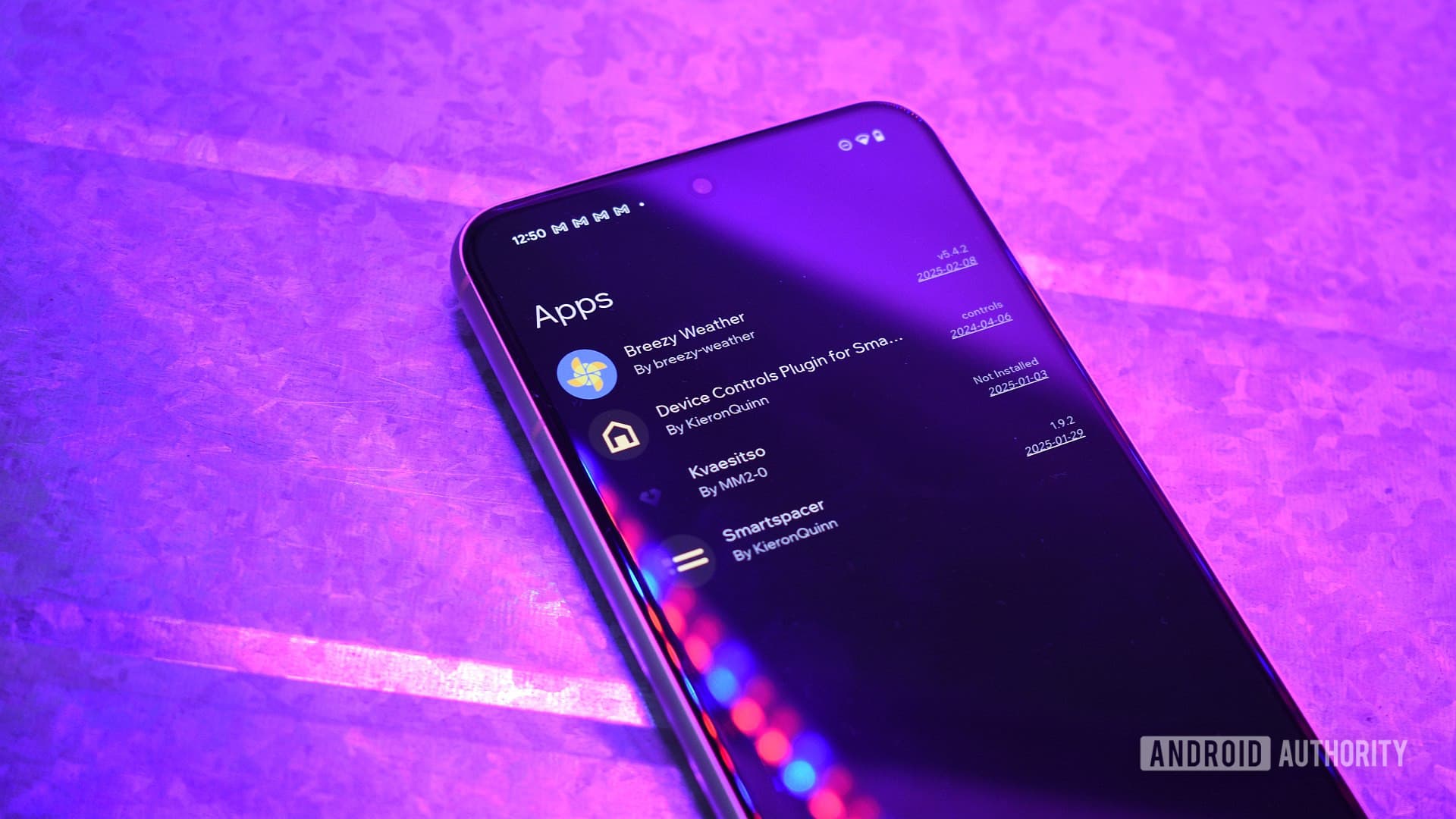
Why Sideloading Android Apps Is Worth the Hassle
The Google Play Store is an impressive marketplace. With millions of apps spanning every category imaginable — productivity tools, games, fitness trackers, media players, and more — it covers the needs of most everyday Android users without breaking a sweat. But if you've spent any serious time exploring the Android ecosystem, you've probably bumped into an uncomfortable truth: some of the best Android apps simply aren't available on the Play Store.
Whether it's because a developer chose not to list their app, because Google's policies made publishing impractical, or because the app falls into a niche category that thrives outside the mainstream marketplace, there's a rich world of Android software living beyond the Play Store's walls. You can find these gems on alternative app stores, developer websites, and code repositories like GitHub. Installing them — a process known as sideloading — is surprisingly straightforward. Keeping them updated, however, is a different story entirely.
If you're someone who has built up a collection of sideloaded apps on your Android device, you already know the frustration. There's no automatic update mechanism, no unified notification system, and no single place to check whether your apps are running the latest versions. It's a manual, time-consuming chore that can quickly become overwhelming. But there are practical solutions — and once you set them up, managing sideloaded apps becomes almost as seamless as using the Play Store itself.
What Is Sideloading and Why Do People Do It?
Sideloading refers to the process of installing an app on your Android device from a source other than the Google Play Store. Android's open nature makes this possible; unlike iOS, Android allows users to install APK (Android Package Kit) files directly, provided they enable the relevant permission in their device settings.
People sideload apps for a wide range of reasons. Some apps are region-locked on the Play Store but freely available elsewhere. Others are older versions of popular apps that users prefer over newer, bloated updates. Many are open-source tools developed by independent programmers who distribute their work through GitHub or personal websites rather than going through Google's approval process. And in some cases, apps have been removed from the Play Store entirely but remain available and functional through other channels.
The appeal is real. Sideloading gives Android users genuine freedom and flexibility — the ability to run software that fits their needs rather than software that fits Google's guidelines. But with that freedom comes responsibility, and the most persistent responsibility is staying on top of updates.
The Problem With Updating Sideloaded Apps
When you install an app from the Play Store, updates happen quietly in the background. You don't have to think about it. The Play Store checks for new versions, downloads them automatically (if you've allowed it), and installs them without any intervention on your part.
Sideloaded apps have none of that infrastructure. Each app essentially lives in isolation on your device. If the developer releases a bug fix, a security patch, or a major new feature, your device has no way of knowing unless you go looking. Multiply that across a collection of five, ten, or twenty sideloaded apps — each sourced from a different location — and the update process becomes a serious time sink.
Beyond the inconvenience, there's a genuine security consideration. Outdated apps can carry unpatched vulnerabilities. For sideloaded apps especially, where you're already operating outside the Play Store's (admittedly imperfect) security vetting, running old versions adds unnecessary risk.
The Best Solutions for Keeping Sideloaded Apps Updated
Use an Alternative App Store With Built-In Update Management
One of the simplest approaches is to source your sideloaded apps from an alternative marketplace that includes its own update engine. F-Droid is a standout example — it's a free, open-source app repository focused on FOSS (Free and Open Source Software) Android apps. F-Droid not only hosts a wide selection of quality apps but also notifies you of updates and can install them with minimal friction, much like the Play Store does. If many of the apps you sideload are open-source, F-Droid is worth making your first stop.
Aurora Store is another excellent option. It acts as an unofficial Play Store client, letting you download and update Play Store apps without a Google account — and it handles updates natively. For apps that exist on the Play Store but which you'd prefer to manage without signing in to Google, Aurora Store bridges the gap effectively.
Try a Dedicated APK Updater App
Several apps exist specifically to solve the sideloaded update problem. Tools like APKUpdater scan the APK files installed on your device, cross-reference them against known sources such as APKMirror, APKPure, and GitHub, and alert you when newer versions are available. Some can even handle the download and installation process for you, consolidating what would otherwise be a dozen separate manual checks into a single, unified workflow.
Set Up GitHub Notifications for Open-Source Apps
If you use apps sourced directly from GitHub repositories, take advantage of GitHub's built-in notification system. By watching a repository and selecting notifications for new releases, you'll receive an email or in-app alert the moment the developer publishes an update. It's not automated installation, but it ensures you're never caught off guard by a version falling significantly behind.
Create a Personal Update Schedule
Sometimes the simplest solution is also the most reliable. Designating a regular time — say, once every two weeks — to manually check your sideloaded apps for updates keeps things manageable. Keep a note of each app, its source URL, and the version you have installed. It takes a bit of discipline, but it means nothing slips through the cracks.
Balancing Freedom and Convenience on Android
Sideloading is one of Android's most underappreciated strengths. It's a direct expression of the platform's openness and a reminder that you, not a corporation, are in control of your device. The update challenge is real, but it's not insurmountable. With the right tools and a little organization, you can enjoy the best of both worlds — a diverse, powerful app collection that stays current, secure, and fully under your control.