
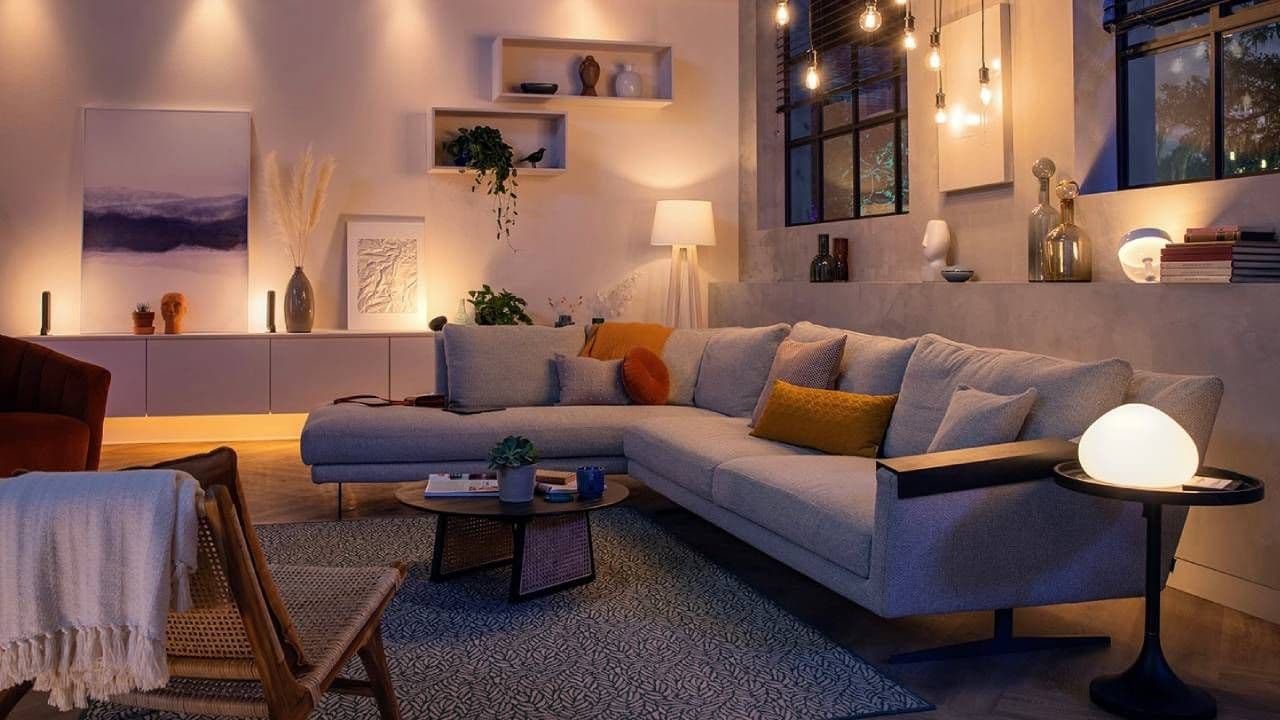
The Smart Light Feature Nobody Talks About
If you own smart bulbs, you already know the basics: change colors, dim the lights with your voice, or group rooms together in an app. But buried inside nearly every smart lighting platform is a feature that most people completely overlook — the built-in timer. This simple yet powerful tool can transform the way you interact with your home, letting your lights do the thinking so you don't have to. Whether you want your bedroom lights to ease you awake each morning or your living room to automatically switch off when you forget, the timer function on your smart bulbs is one of the most practical upgrades hiding in plain sight.
What Is the Smart Bulb Timer Feature?
At its core, the timer feature allows you to program your smart lights to turn on, turn off, dim, or change color at specific times — either once or on a recurring schedule. Think of it as setting an alarm, but instead of a buzzer going off, your lights respond. Most smart lighting ecosystems, including Philips Hue, LIFX, Govee, TP-Link Kasa, and Wyze, include this capability directly within their companion apps. Some platforms call it "schedules," others label it "routines," and some refer to it as "automations," but they all serve the same fundamental purpose.
Unlike voice commands or manual toggles, timers work passively in the background. Once you set them up, they run on their own — no phone in hand, no shouting at a smart speaker required. For anyone who has ever walked out of the house and wondered whether they left the lights on, this feature alone is worth exploring.
Why This Feature Is Criminally Underused
Despite being available on virtually every smart bulb platform, studies and user surveys consistently show that the majority of smart home owners never venture beyond manual controls. Most people install a smart bulb, connect it to an app, maybe link it to Alexa or Google Home, and stop there. The scheduling and timer features go untouched, often because users simply don't know they exist or assume they require technical knowledge to set up.
In reality, creating a light timer takes under two minutes in most apps. The payoff, however, can be felt every single day. From an energy-saving standpoint, automated schedules ensure lights are never accidentally left on for hours at a time. From a lifestyle perspective, they can anchor daily routines in subtle but meaningful ways — a gentle warm glow at dinner time, or a signal to wind down when the lights gradually dim at 9 PM.
How to Set Up a Timer on Your Smart Bulbs
While the exact steps vary by brand and app, the process follows a similar pattern across most platforms. Here is a general walkthrough to get you started:
- Open your smart lighting app — This could be the Philips Hue app, the LIFX app, the Kasa Smart app, or whichever platform your bulbs use. Make sure your bulbs are connected and recognized within the app before proceeding.
- Navigate to Automations, Schedules, or Routines — Look for one of these labels in the app's main menu or settings area. This is where timer-based controls live.
- Create a new schedule — Tap the option to add a new automation or schedule. You will typically be prompted to choose which lights or rooms the timer applies to.
- Set your desired action — Choose what you want the lights to do: turn on, turn off, dim to a specific brightness percentage, or shift to a particular color temperature such as warm white for evenings or cool daylight for mornings.
- Choose your time and recurrence — Specify the time you want this action to trigger, and whether it should happen once, daily, on weekdays only, or on a custom schedule. Many apps also allow you to sync timers to local sunrise and sunset times, which is especially useful for outdoor or security lighting.
- Save and test — Save your schedule and optionally run a manual test to confirm everything works as expected.
Creative Ways to Use Smart Light Timers
Once you understand the basics, the applications become surprisingly creative. Here are some of the most practical and popular ways people use smart light timers:
Wake-Up Light Simulation
Program your bedroom lights to gradually brighten starting 20 to 30 minutes before your alarm goes off. Mimicking natural sunrise, this method is widely regarded as a gentler and more effective way to wake up compared to abrupt alarm sounds. Many smart bulbs allow you to start with a dim, warm amber tone and transition to a brighter, cooler light over a set period.
Away-from-Home Security
When traveling or away for extended periods, timers can simulate occupancy by turning lights on and off at realistic intervals. Rather than leaving lights blazing all night — a telltale sign of an empty home — scheduled lighting creates the appearance of someone moving through the house.
Bedtime Wind-Down Routine
Set your living room or bedroom lights to begin dimming and shifting toward warmer tones an hour before your intended bedtime. Reducing blue light exposure in the evening is well documented as beneficial for melatonin production and sleep quality.
Children's Bedtime Signals
For parents, timers can act as a visual cue system for younger children. A light turning from white to a soft red at 7:30 PM, for example, can signal that it is time to start the bedtime routine — no arguments required.
Energy-Saving Auto Shutoffs
Schedule all lights in a given room or the entire house to turn off automatically at midnight or another late hour. This acts as a safety net for anyone who forgets to switch lights off before bed, and it can meaningfully reduce electricity consumption over time.
Making the Most of Your Smart Lighting Investment
Smart bulbs are not cheap. A decent set can cost anywhere from $15 to $60 per bulb depending on the brand and features. Given that investment, it makes sense to use every tool in the app — and timers represent one of the highest-value features available. They require zero additional hardware, no subscription fees, and minimal setup time, yet they deliver daily convenience and tangible energy savings.
If you have been treating your smart bulbs like expensive versions of ordinary light switches, it is time to explore what they can really do. Set up your first schedule this evening and experience firsthand why this underrated feature deserves far more attention than it gets.