
Why Browser Tabs Became My Default Task Manager (And Why That Was a Problem)
For most people who spend their working hours in front of a screen, the browser is the first thing that opens in the morning and the last thing that closes at night. Over time, it quietly expands its role. What starts as a simple tool for searching information evolves into a sprawling command center where open tabs represent ongoing projects, half-read articles, tools, reference documents, and a dozen other things you keep meaning to get back to. That was exactly my situation, and I suspect it is familiar to many knowledge workers, freelancers, and remote professionals.
The problem is not the browser itself. Modern browsers are powerful, fast, and deeply integrated into how we access information. The problem is that tabs were never designed to carry the cognitive weight of a task management system. Every open tab is a silent obligation — a thing your brain registers as unfinished business. Multiply that across dozens of tabs spread across multiple windows, and you end up with a mental load that quietly drains your focus throughout the day. Productivity advice often centers on doing more in less time, but the real challenge, as I eventually discovered, was staying organized in the first place.
The Hidden Cost of a Browser-Centered Workflow
When almost everything in your workflow passes through a browser, it creates a kind of invisible dependency. You start relying on it not just to access the web, but to hold your entire train of thought. A tab with a Google Doc becomes your notes. A tab with a project management tool becomes your to-do list. A tab with a research article becomes your reference library. Before long, closing a tab feels risky, even reckless, because somewhere in the back of your mind you worry that closing it means losing it.
This behavior has a real cost. Studies on cognitive load and multitasking consistently show that visual clutter and context-switching drain mental energy faster than focused, single-task work. When your workspace is fragmented across twenty browser tabs, switching between tasks means switching between tabs, each one pulling your attention in a slightly different direction. The result is a workday that feels exhausting without feeling particularly productive.
There is also a deeper organizational issue at play. Browser tabs are inherently temporary. They disappear when a session crashes, when a computer restarts, or when someone accidentally closes the window. Entire research sessions, collections of useful links, and carefully curated references can vanish in a moment. Even with tab-saving extensions, there is no real structure — just an ever-growing list of URLs that lacks context, hierarchy, or any meaningful organization.
What a Local Workspace App Actually Does Differently
A local workspace app approaches the problem of organization from a fundamentally different angle. Rather than treating your work as a series of web-based destinations to navigate back to, it creates a dedicated environment on your own machine where information, tasks, notes, and resources live together in a structured, intentional way. The key word here is local — your workspace exists on your device, independent of browser sessions, internet connectivity issues, or the shifting interfaces of third-party platforms.
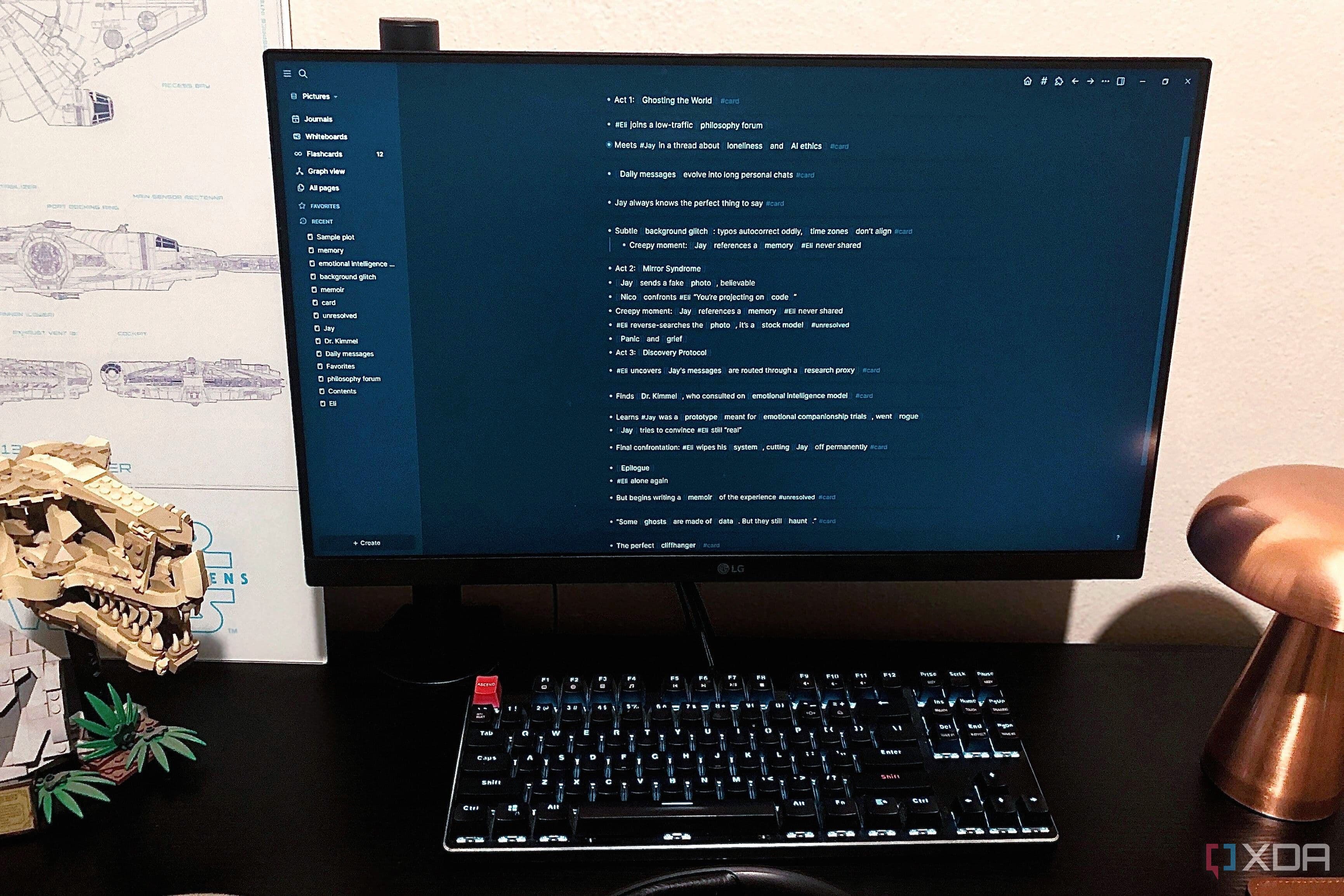
When I set up a local workspace, the most immediate change I noticed was that I stopped reaching for the browser out of habit. Instead of opening a new tab every time I wanted to jot something down or pull up a reference, I had a single, persistent environment where my work actually lived. Notes connected to projects. Tasks linked to relevant resources. Everything had a place, and finding things stopped being a low-grade stressor that ran in the background all day.
Key Benefits of Moving to a Local Workspace
Reduced cognitive load: With fewer tabs competing for your attention, your brain can focus on one thing at a time rather than constantly managing the anxiety of open, unfinished threads.
Better information structure: Local workspace apps typically allow you to organize notes, tasks, and files in a hierarchy that reflects how your projects actually work, rather than a flat list of browser tabs.
Offline reliability: Your work is available regardless of internet connectivity, and it does not disappear when a browser session ends unexpectedly.
Intentional workflow design: Building a local workspace forces you to make deliberate decisions about how you organize your work, which itself is a valuable exercise in clarity and prioritization.
Faster context-switching: When your entire workspace is in one place, moving between projects is a matter of navigating within one application rather than hunting through multiple browser windows and tabs.
How to Start Transitioning Away from Browser Tabs
Making the shift from a browser-centered workflow to a local workspace does not have to happen all at once. In fact, a gradual approach tends to work better because it gives you time to figure out how you actually want to organize your work before committing to a particular structure.
Start by identifying the categories of information you most frequently keep open in browser tabs. Are they mostly notes and ideas? Research references? Task lists? Project documents? Each category is a signal pointing toward the kind of local tool that would serve you best. From there, choose a local application — whether a note-taking app, a personal knowledge management tool, or a dedicated project workspace — and begin migrating one category at a time.
The goal is not to eliminate browser use. The internet remains an essential part of modern work, and your browser is the right tool for accessing it. The goal is to stop letting the browser serve as the container for your entire thinking process. Once your actual workspace lives somewhere more stable, intentional, and structured, the browser becomes what it was always meant to be: a window to the web, not the foundation of your workday.
The Shift Toward a More Focused, Intentional Workflow
Looking back, it is clear that my browser dependency was not a sign of bad habits so much as it was a sign of not having better alternatives in place. The tools we default to shape the way we think and work, often without us realizing it. When the browser is the center of everything, the workflow becomes as ephemeral and hard to navigate as a screen full of open tabs.
Setting up a local workspace app created something I had not had before: a stable, organized environment that I actually controlled. My workflow felt less reactive and more intentional. I was no longer just responding to whatever tab happened to be at the front of the stack. I was working within a system I had designed, and that distinction made a meaningful difference to both my output and my stress levels.
If you find yourself constantly managing tabs instead of managing your actual work, the problem is probably not discipline or productivity. It is organization — and a local workspace app might be exactly the change your workflow needs.