
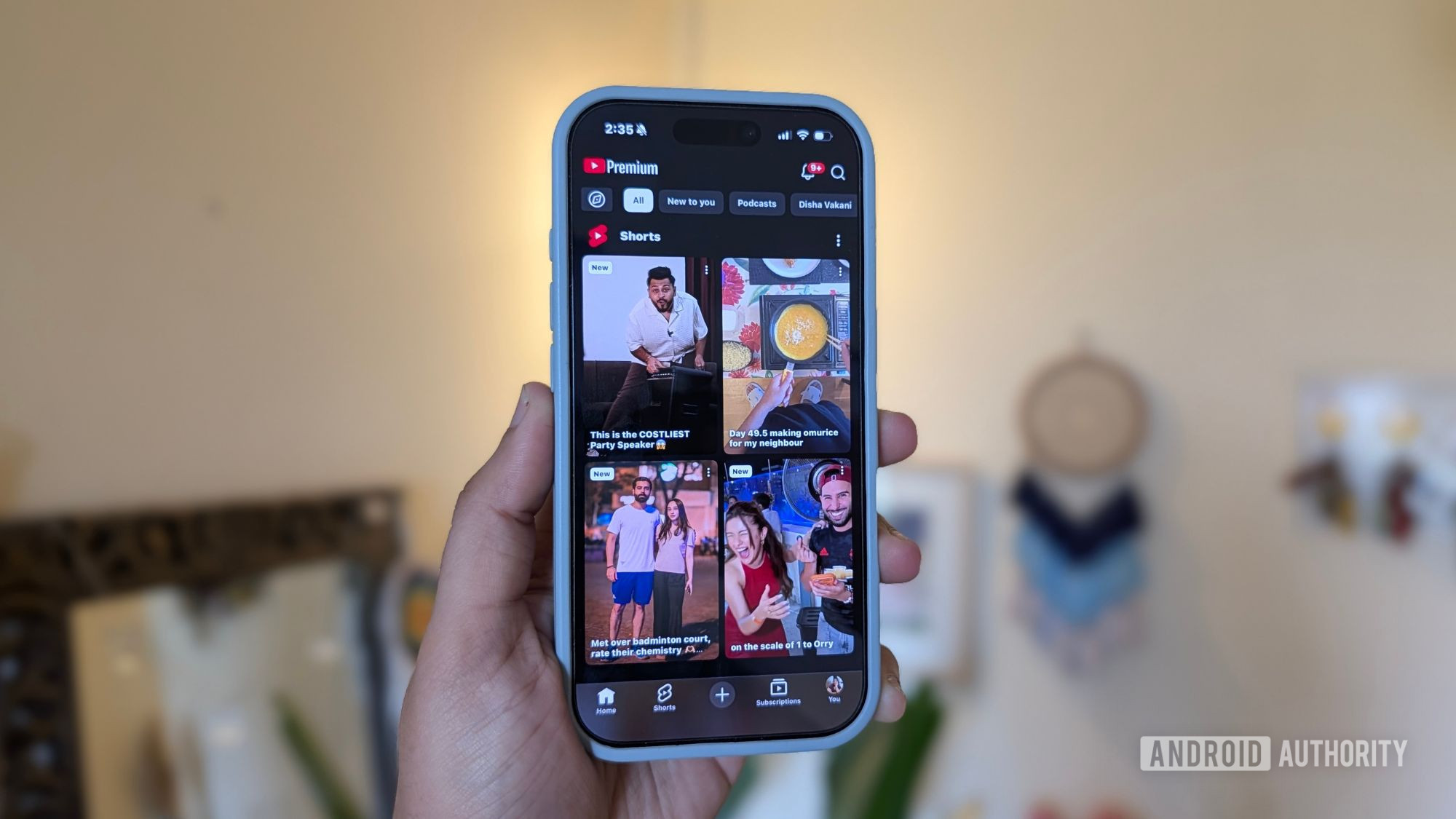
YouTube Shorts Is Finally Fixing the Viewing Experience
YouTube Shorts has become one of the most popular short-form video platforms in the world, competing directly with TikTok and Instagram Reels for your daily dose of quick content. Whether you're picking up a cooking recipe, absorbing a rapid-fire tech tutorial, or watching someone condense an entire film into 59 seconds, Shorts can pack an enormous amount of value into a very small window of time. But for all its strengths, the platform has long suffered from a handful of genuinely frustrating user experience problems — and YouTube is finally doing something about them.
In its latest round of updates, YouTube has announced a series of new Shorts features designed to make the viewing experience cleaner, faster, and more in tune with how people actually use the app. From a long-overdue clear screen mode to 2x playback speed and smarter recommendation controls, these changes collectively address some of the most common complaints users have raised about the platform. Here's a full breakdown of what's new and why it matters.
Clear Screen Mode: Less Clutter, More Video
If you've ever opened a YouTube Short and felt immediately overwhelmed by the layers of buttons, captions, channel icons, like counters, and comment prompts stacked on top of the video itself, you're not alone. The interface has long been one of the more cluttered experiences in short-form video, and it becomes especially distracting when creators design their content to fill every pixel of the screen.
YouTube's answer is clear screen mode, which is arguably the most welcome addition in this update. When activated, the feature temporarily hides all on-screen interface elements — buttons, text overlays, profile icons, and other controls — leaving the video itself front and center without any visual noise competing for your attention. It's a simple concept, but it's surprisingly effective. Content like step-by-step tutorials, dense infographics, or visually rich creative videos becomes far easier to absorb when you're not fighting through a layer of UI elements to see what's actually being shown.
The feature is designed to be temporary and on-demand, meaning you can toggle it when you need it and bring back the controls whenever you're ready to interact with the video. For creators who spend significant time crafting visually detailed content, this is a meaningful improvement that ensures their work is being seen as intended.
2x Playback Speed: Get Through More in Less Time
Speed controls have been a staple of standard YouTube videos for years, allowing viewers to consume content at their own pace. It's surprising, then, that YouTube Shorts has taken this long to introduce a playback speed option — but it's here now, and it supports up to 2x speed.
This addition is particularly useful for Shorts that push toward the one-minute mark. Tutorials, product demos, explainer videos, and recap content all tend to run longer, and while they're valuable, not every viewer needs to experience them at normal pace. Being able to move through a longer Short at double speed means you can get the information you came for and keep scrolling without feeling like you're sitting through unnecessary padding.
For educational creators especially, this is a game-changer. Audiences who want to revisit a Short they've already seen, or who are experienced with a topic and just need a quick refresher, can now do so without any friction. It brings Shorts more in line with how people consume long-form content on YouTube and makes the platform a more functional tool for learning on the go.
Tap-to-Pause and Quick Mute: Better Playback Controls
YouTube is also updating the core playback controls for Shorts in ways that make the experience feel more intuitive. Tap-to-pause is now being introduced, which lets viewers pause a Short simply by tapping the screen — a familiar gesture that TikTok and Instagram Reels users have grown accustomed to. It sounds minor, but consistency in gesture controls matters when you're rapidly flicking through content.
Alongside tap-to-pause, YouTube is rolling out a quick mute option that lets users silence a Short without needing to dig into their phone's volume controls or navigate away from the content. This is especially useful in public settings or situations where you want to keep watching without disturbing those around you.
Smarter Recommendation Controls
One of the less-discussed but highly impactful updates is the addition of more direct recommendation tools within the Shorts feed. YouTube is bringing "Not Interested" and "Don't Recommend This Channel" options directly into the Shorts interface, making it easier for viewers to train their feed without having to exit the experience.
Previously, shaping your Shorts recommendations required navigating through menus that weren't always easy to find mid-scroll. These new controls put the power directly in the viewer's hands, right in the moment when it matters most. If a video or a creator isn't resonating with you, you can act on that feeling immediately.
YouTube is also updating the like button with a new heart icon design, bringing a visual refresh that aligns more closely with the aesthetic language of other short-form platforms.
Why These Updates Matter for Creators and Viewers Alike
Taken individually, each of these features might seem like a small quality-of-life improvement. But together, they signal something more significant: YouTube is listening to how people actually use Shorts and is willing to evolve the product accordingly. Clear screen mode addresses a visual frustration that creators and viewers have mentioned repeatedly. Speed controls bring functional parity with standard YouTube. Tap-to-pause and quick mute bring the gesture and control experience closer to competing platforms. And better recommendation tools give users more agency over their own feed.
For creators, a better viewing experience means longer watch times, higher engagement rates, and more satisfied audiences. For viewers, it means spending less time fighting the interface and more time enjoying the content. That's a win for everyone on the platform — and it suggests that YouTube Shorts is entering a new phase of maturity as it continues to grow its footprint in the short-form video landscape.
How to Try the New YouTube Shorts Features
- Make sure your YouTube app is updated to the latest version available on the App Store or Google Play Store.
- Open a YouTube Short and look for the new clear screen toggle to hide on-screen elements for a cleaner view.
- To activate 2x speed, tap and hold on the screen or look for speed options in the playback settings within a Short.
- Use tap-to-pause by simply tapping the screen while a Short is playing.
- Access "Not Interested" and "Don't Recommend This Channel" by long-pressing on a Short or tapping the more options menu.
YouTube is rolling these features out gradually, so not all users may see them immediately. Keep your app updated and check back regularly as the rollout continues across regions and devices. With these improvements now in motion, YouTube Shorts is becoming a more polished, viewer-friendly platform — and there's good reason to believe more meaningful updates are on the way.