
5 YouTube TV Features You May Not Be Aware Of
YouTube TV has steadily grown into one of the most popular live TV streaming services on the market. With a robust channel lineup, cross-device compatibility, and a clean interface, it has earned millions of subscribers since its launch. But even longtime users tend to scratch only the surface of what the platform actually offers. Beneath the familiar grid guide and basic playback controls lies a surprisingly deep set of features that can dramatically improve how you watch, record, and share content. Whether you are a cord-cutter who just signed up or someone who has been paying the monthly bill for years, these five YouTube TV features are absolutely worth knowing about.
1. Unlimited Cloud DVR Storage
One of the most underutilized — and frankly most impressive — features of YouTube TV is its unlimited cloud DVR storage. Unlike traditional cable DVR boxes that cap your recordings at a set number of hours, or competing streaming services that charge extra for expanded storage, YouTube TV lets you record as much content as you want at no additional cost. Every recording is stored in the cloud for up to nine months, giving you a generous window to catch up on your favorite shows, sporting events, or news programs.
To start recording, simply find a show in the guide or search results and click the plus (+) icon. YouTube TV will automatically record every future episode of that program. Even better, if a live sporting event runs long, the DVR is smart enough to capture the full broadcast without cutting off at the scheduled end time — a small but genuinely thoughtful touch that cable boxes rarely get right.
The DVR content syncs across all your devices, so a game you recorded on your smart TV is just as accessible on your smartphone while you are on the go. For sports fans and binge-watchers alike, this feature alone justifies the subscription price.
2. Multi-View for Sports Fans
If you have ever wished you could watch two or more live games at the same time, YouTube TV's multi-view feature was built for you. Available on select devices — including recent smart TVs and streaming sticks — multi-view allows you to watch up to four live streams simultaneously on a single screen. You can choose which audio feed to listen to while keeping an eye on the other broadcasts, making it an ideal setup for Sundays packed with NFL games or weekends full of college basketball action.
To access multi-view, look for the grid or split-screen icon while browsing live content. YouTube TV curates multi-view packages around major sporting events, so you will often find pre-selected combinations ready to go. This feature puts YouTube TV in a category of its own when compared to most competitors, few of which offer anything similar without requiring an additional device or a complicated HDMI switcher setup.
3. Customizable Channel Filters and Library Organization
Scrolling through dozens of channels looking for something worth watching can be exhausting. YouTube TV addresses this with customizable filters and library organization tools that most users never bother to explore. In the Library tab, you can sort your recorded content by category — movies, sports, shows, news — or filter it by unwatched episodes to quickly find what needs your attention next.
Within the Live tab, you can filter channels by category such as sports, entertainment, or news, dramatically reducing the clutter and helping you zero in on the content that matters most to you. Users can also mark individual channels as favorites, which pins them to the top of the guide for faster access. Taking ten minutes to organize your YouTube TV experience upfront can save you a meaningful amount of time every single week.
4. Family Sharing and Parental Controls
A single YouTube TV subscription supports up to six accounts under one household, making it an excellent value for families. Each family member gets their own personalized library, DVR recordings, and watchlist — completely separate from everyone else's. This means your kids' cartoon recordings won't clutter your sports DVR, and your partner's reality TV additions won't show up in your recommendations.
Beyond account separation, YouTube TV includes parental controls that allow account managers to restrict content based on maturity ratings. You can lock specific channels or set a rating threshold, and the controls can be protected with a PIN to prevent younger viewers from bypassing them. For households with children, this is an essential feature that adds a genuine layer of peace of mind.
5. Offline Downloads with the Premium Add-On
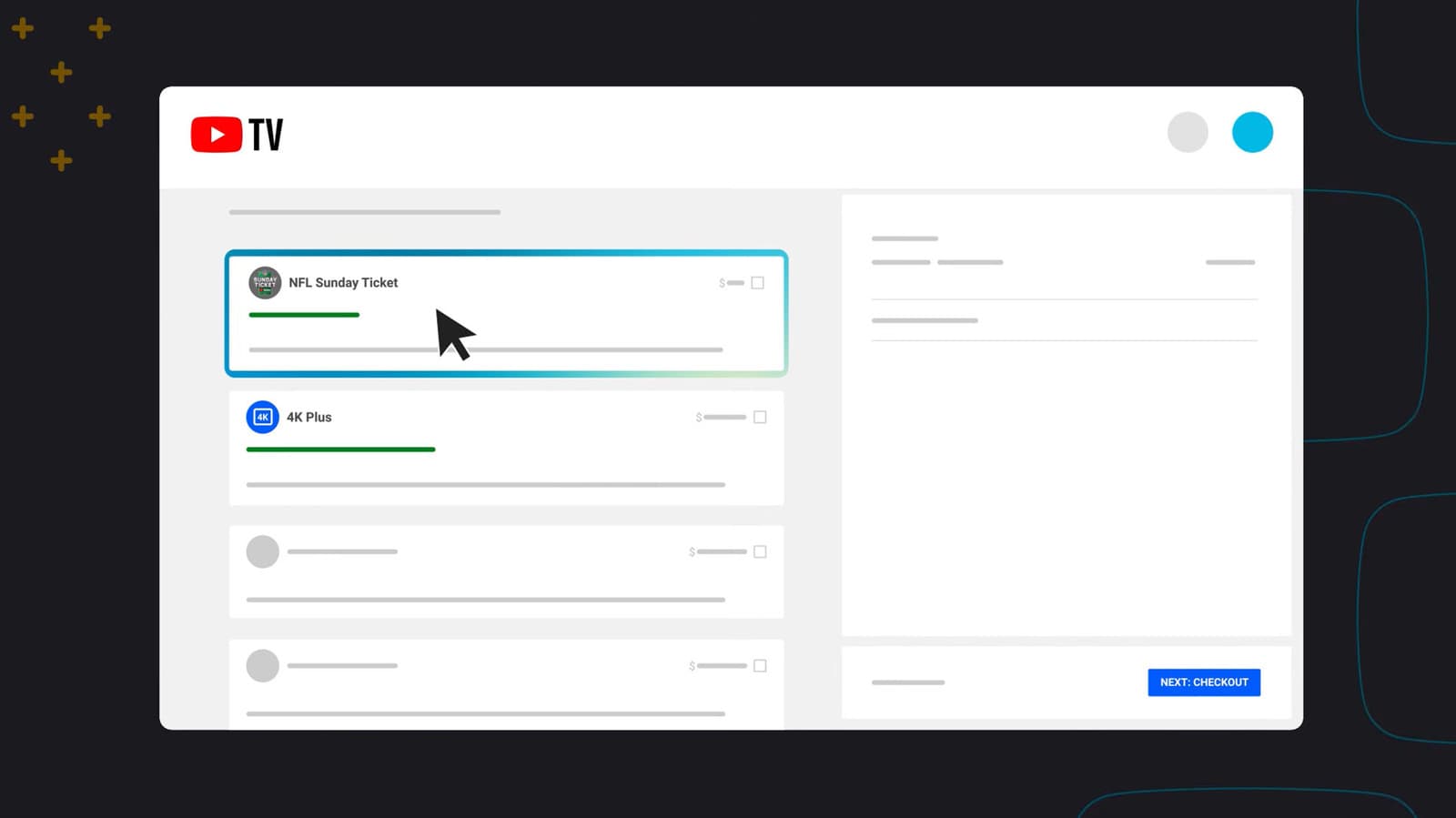
While not available on the base plan, YouTube TV users who subscribe to the 4K Plus add-on gain access to offline downloads for select content. This allows you to download compatible shows and movies to your mobile device and watch them without an internet connection — a lifesaver during flights, road trips, or any situation where reliable Wi-Fi is hard to come by.
The download option appears directly on eligible titles in your library. Simply tap the download icon, wait for the content to save to your device, and you are set. The feature supports both Android and iOS, and downloaded content remains accessible for a set period before it needs to be refreshed.
Getting More From Your YouTube TV Subscription
YouTube TV is a feature-rich platform that rewards users who take the time to explore beyond the basics. From unlimited DVR storage and simultaneous multi-view sports watching to family sharing, parental controls, and offline downloads, there is considerably more to this service than meets the eye. The next time you open the app, take a few minutes to dig into the settings and Library tab — you may be surprised by how much you have been leaving on the table.
- Enable unlimited DVR recordings for every show you follow regularly.
- Try multi-view during the next major sports weekend to watch multiple games at once.
- Set up separate profiles for each family member to keep libraries clean and personalized.
- Use channel filters in the Live tab to quickly find content by category.
- Consider the 4K Plus add-on if you travel frequently and want offline viewing access.
With a little exploration, YouTube TV can go from a simple cable replacement to a genuinely powerful, personalized entertainment hub tailored exactly to how your household watches content.