
Are You Plugging Your Fire TV Stick Into the Wrong HDMI Port?
It's one of those things most people never think about. You unbox your Amazon Fire TV Stick, find an open HDMI port on the back of your TV, plug it in, and move on with your life. Simple enough, right? But here's the thing — not all HDMI ports on your television are created equal, and where you plug in your Fire TV Stick could actually affect your overall home entertainment setup more than you realize. The issue isn't necessarily that you're breaking anything. It's that you may be wasting a more capable port on a device that doesn't need it, while a device that does need those extra features is left using something less powerful.
Why Not All HDMI Ports Are the Same
Walk around to the back or side of your modern smart TV and you'll likely find anywhere from two to four HDMI ports. At a glance, they look identical. Same shape, same size, same connector. But look a little closer and you'll notice that some of them have small labels printed next to them — things like ARC, eARC, HDMI 2.1, or even 4K 120Hz. These labels are important, and they indicate that certain ports have enhanced capabilities that others simply don't have.
Here's a quick breakdown of what those labels actually mean:
- ARC (Audio Return Channel): This port allows audio to travel back from your TV to a connected soundbar or AV receiver using a single HDMI cable, eliminating the need for a separate optical audio cable.
- eARC (Enhanced Audio Return Channel): A more powerful version of ARC that supports high-quality audio formats like Dolby Atmos and DTS:X at their full, uncompressed quality. This is the port your soundbar or receiver wants to be in.
- HDMI 2.1: This standard supports higher bandwidth, enabling features like 4K at 120Hz, 8K resolution, and Variable Refresh Rate (VRR) — features that are critical for next-generation gaming consoles like the PlayStation 5 and Xbox Series X.
- Standard HDMI 2.0: Supports up to 4K at 60Hz, which is perfectly fine for most streaming devices and older hardware.
Where Does the Fire TV Stick Fit In?
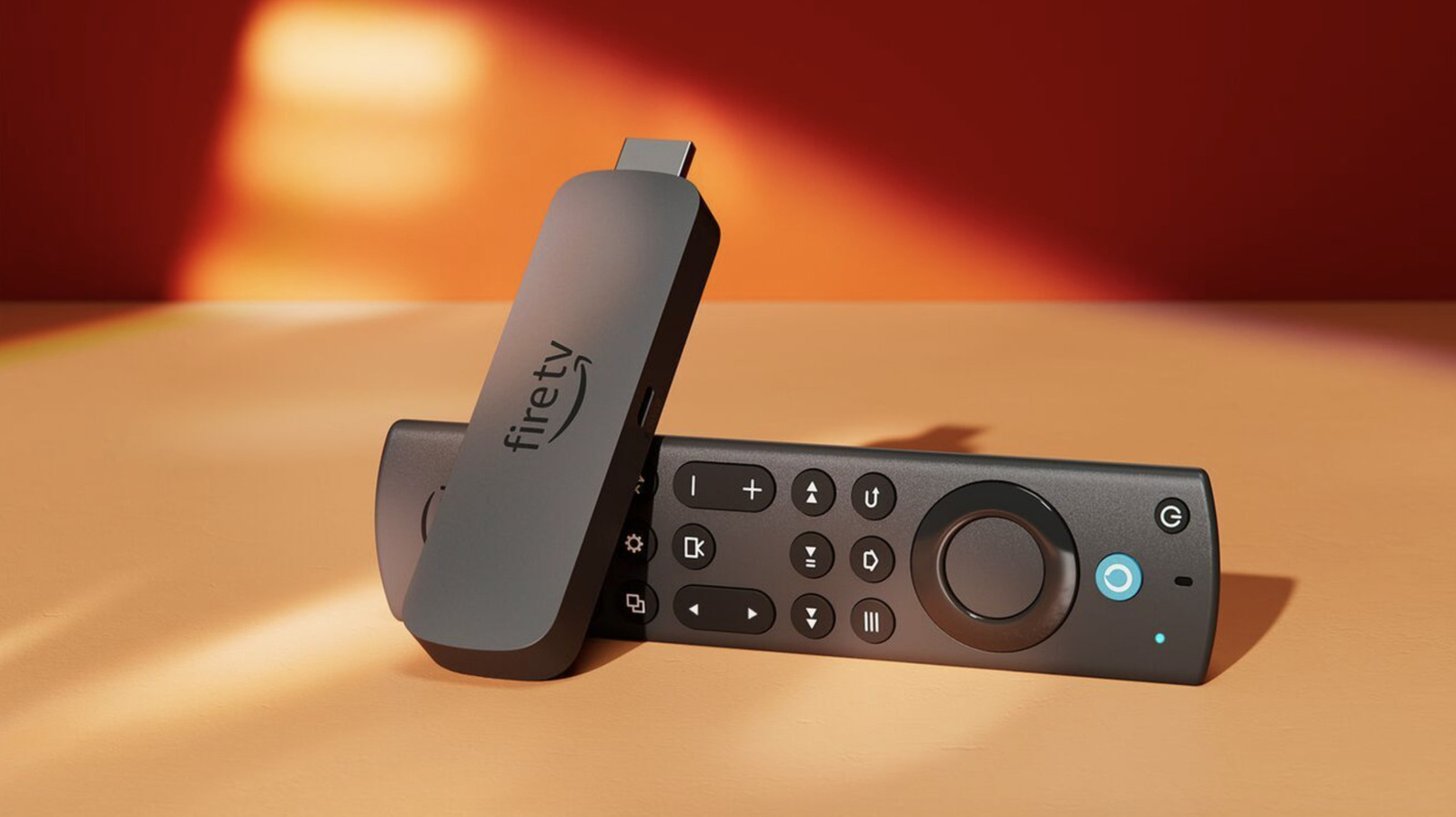
Amazon's Fire TV Stick lineup — including the standard Fire TV Stick, the Fire TV Stick 4K, and the Fire TV Stick 4K Max — are excellent streaming devices. They're compact, affordable, and genuinely capable. However, even the most powerful of these sticks doesn't require an HDMI 2.1 port or eARC capabilities to perform at its best. The Fire TV Stick 4K Max, for example, outputs at up to 4K resolution with HDR support, which is fully handled by a standard HDMI 2.0 port.
This means that if you plug your Fire TV Stick into your TV's one and only HDMI 2.1 port, you're essentially giving a Ferrari's parking spot to a very capable, but decidedly more modest, vehicle. That premium port then becomes unavailable for devices that genuinely need it — like a PlayStation 5 or an Xbox Series X, both of which can actually utilize 4K at 120Hz and VRR when connected to an HDMI 2.1 port.
The Right Device for the Right Port
Thinking about port allocation strategically can make a real difference in how your entertainment system performs. Here's a general guide to help you prioritize:
- eARC port: Reserve this exclusively for your soundbar or AV receiver if you have one. Using eARC ensures you're getting the best possible audio quality, particularly for Dolby Atmos content.
- HDMI 2.1 port: Prioritize this for your gaming console. The PS5 and Xbox Series X are the devices most likely to actually benefit from the increased bandwidth, higher refresh rates, and VRR support that HDMI 2.1 provides.
- HDMI 2.0 ports: These are perfect for your Fire TV Stick, a Roku, an Apple TV 4K, a Blu-ray player, or any other device that tops out at 4K/60Hz. They'll work flawlessly here without monopolizing a more advanced port.
What About the Fire TV Stick's HDMI-CEC Features?
One thing worth noting is that some Fire TV Stick users prefer to plug their device into the ARC port because they want to use HDMI-CEC functionality — which allows the Fire TV Stick to control the TV's power and volume using a single remote. This is understandable, but it's worth knowing that HDMI-CEC works on standard HDMI ports as well, not just ARC or eARC ports. You don't need to occupy your ARC port with the Fire TV Stick just to enjoy one-remote convenience.
How to Find Out What Ports You Have
If you're not sure which HDMI ports on your TV have which capabilities, the easiest place to start is your TV's user manual. Most manufacturers also publish full spec sheets on their websites. Additionally, the physical labels printed on the TV itself next to each port are usually your clearest guide. If a port says "HDMI 2.1" or "4K120," save it for your gaming console. If it says "ARC" or "eARC," that's your soundbar's home.
A Small Change That Can Make a Big Difference
At the end of the day, your Fire TV Stick will work in any HDMI port you plug it into. You won't notice any degradation in your streaming quality by moving it from an HDMI 2.1 port to a standard HDMI 2.0 port — because it was never using those extra capabilities to begin with. What you will notice, however, is that once you free up your higher-tier ports for devices that can actually take advantage of them, your gaming console might suddenly perform smoother, your soundbar audio might sound richer and more detailed, and your overall entertainment system will be working at its full potential.
It's a small tweak that takes less than a minute, costs you nothing, and could meaningfully improve the experience of every device plugged into your TV. So the next time you're tidying up your setup, take a quick look at where everything is connected. Your Fire TV Stick is happy anywhere — but your PS5 or soundbar might not be.