
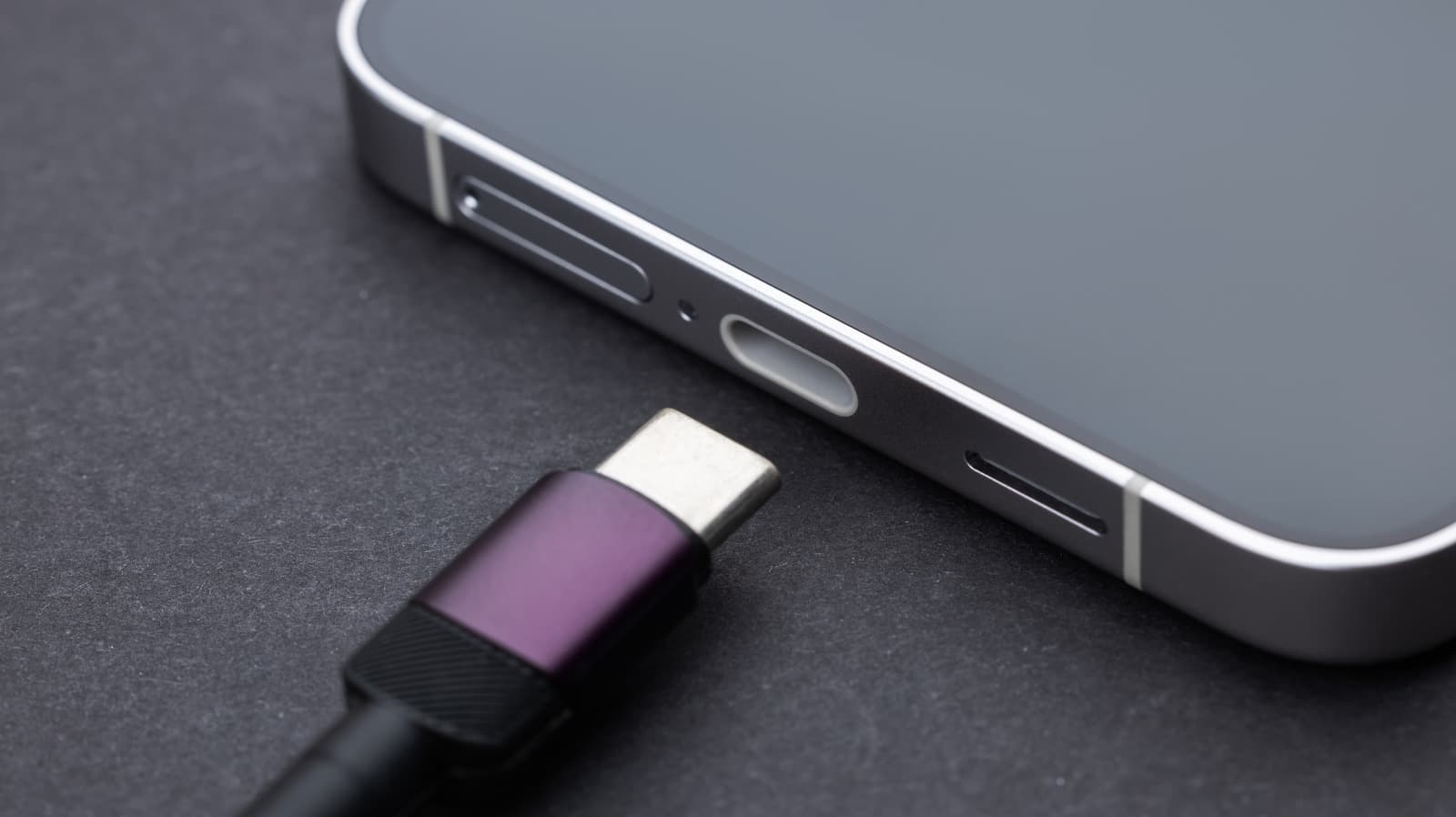
Why Your USB Charging Port Might Be Failing
There are few things more frustrating than plugging in your smartphone at the end of a long day and realizing it isn't charging. Before you assume the worst and rush to a repair shop, it's worth understanding what might actually be going wrong. In many cases, a failing USB charging port is a fixable problem — one you can tackle yourself at home with the right tools and a little patience.
USB charging ports endure a tremendous amount of mechanical stress over the lifespan of a phone. Every time you plug in a cable, you're applying force to a small, delicate connector. Over months and years, this can cause the port to loosen, bend internal pins, or accumulate enough dust and debris to block a solid electrical connection. Understanding the root cause of the problem is the first step toward a successful repair.
Common Signs Your Charging Port Needs Attention
Not every charging issue points to a broken port, but there are telltale signs that the port itself is the culprit. Recognizing these early can save you time and prevent a minor issue from becoming a major one.
- The cable feels loose or wobbly when plugged in, suggesting the port's internal retention clips have worn down or bent.
- Your phone only charges at certain angles, which typically means a pin inside the port is damaged or misaligned.
- The phone charges intermittently, connecting and disconnecting without any movement from you.
- Visible debris, lint, or corrosion is present inside the port opening.
- The phone doesn't charge at all, even after trying multiple cables and power adapters you know are working.
If you've ruled out a faulty cable or adapter, one of the issues above is very likely the source of your trouble.
The Right Tools Make All the Difference
Attempting a USB charging port repair without the proper tools is a recipe for making things worse. The components inside a modern smartphone are extraordinarily small and delicate, and improvising with kitchen tools or random screwdrivers can cause irreparable damage. Investing in the right toolkit before you begin is non-negotiable.
Essential Tools for a USB Port Repair
- Precision screwdriver set: Most smartphones use Pentalobe, Phillips #000, or Torx screws. A quality precision set covers all of these.
- Plastic spudger and pry tools: These allow you to open the phone's casing and disconnect ribbon cables without creating static discharge or scratching delicate surfaces.
- Tweezers: Fine-tipped, anti-static tweezers are essential for handling tiny screws, connectors, and components.
- Compressed air canister: Used to blow debris out of the charging port before attempting any physical repair.
- Isopropyl alcohol (90% or higher) and a soft brush: Ideal for cleaning corrosion or sticky residue inside the port.
- Replacement charging port flex cable: If the port itself is physically broken, you'll need a replacement part specific to your phone's make and model.
- Heat gun or iOpener tool: Some phones use adhesive to seal the display assembly, which must be softened before opening.
Many of these tools are available in bundled repair kits sold online for a relatively modest price, making them a worthwhile investment compared to paying a professional for a repair that can cost anywhere from $50 to $150 or more.
Step-by-Step: How to Fix a USB Charging Port at Home
Before diving in, always power off your device completely and, if possible, remove the SIM card tray to keep it safe. Working in a clean, well-lit environment on a static-free mat is also strongly recommended.
Step 1: Clean the Port First
Many charging failures are caused by nothing more than compacted lint or debris. Use a toothpick, compressed air, or a fine-bristled brush to gently remove any buildup from inside the port. This alone solves the problem for a surprising number of users, so it's always worth trying before disassembling your phone.
Step 2: Inspect the Pins
Use a flashlight to look inside the port. If you can see a bent or flattened pin, you may be able to carefully realign it using a fine toothpick or a specialized pin-straightening tool. This requires a very steady hand and should be done slowly and gently.
Step 3: Open the Device
If cleaning and pin adjustment haven't resolved the issue, you'll need to open the phone. Use your screwdriver set to remove the back panel or display assembly screws, then use a spudger to carefully separate the housing. Refer to a device-specific repair guide — resources like iFixit offer free, detailed teardown guides for hundreds of smartphone models.
Step 4: Disconnect and Replace the Charging Port Flex Cable
Once inside, locate the charging port flex cable, which connects the port to the phone's motherboard. Use tweezers to gently disconnect the cable connector, then unscrew or unclip the port from its mount. Install the replacement part in reverse order, ensuring all connectors are fully seated before reassembling the device.
Step 5: Test Before Closing Up
Before fully reassembling the phone, power it on and test the charging port with a known-working cable. Confirming the repair was successful before snapping everything back together prevents the need for a second disassembly.
When to Call a Professional Instead
DIY repairs are empowering and cost-effective, but they aren't always the right call. If your phone is still under warranty, opening it yourself will almost certainly void that coverage. Similarly, if the damage extends beyond the charging port — such as a cracked motherboard trace or water damage to surrounding components — a professional technician with microsoldering capabilities will be required. Knowing your limits is just as important as knowing your tools.
Save Money and Extend Your Phone's Life
Repairing your own USB charging port is one of the most accessible DIY smartphone fixes available. With the right tools, a reliable repair guide, and a bit of care, you can restore full charging functionality to your device in under an hour — and for a fraction of what a repair shop would charge. More importantly, you'll gain the confidence and skills to tackle future repairs, turning what once felt like a catastrophic problem into a manageable afternoon project.