
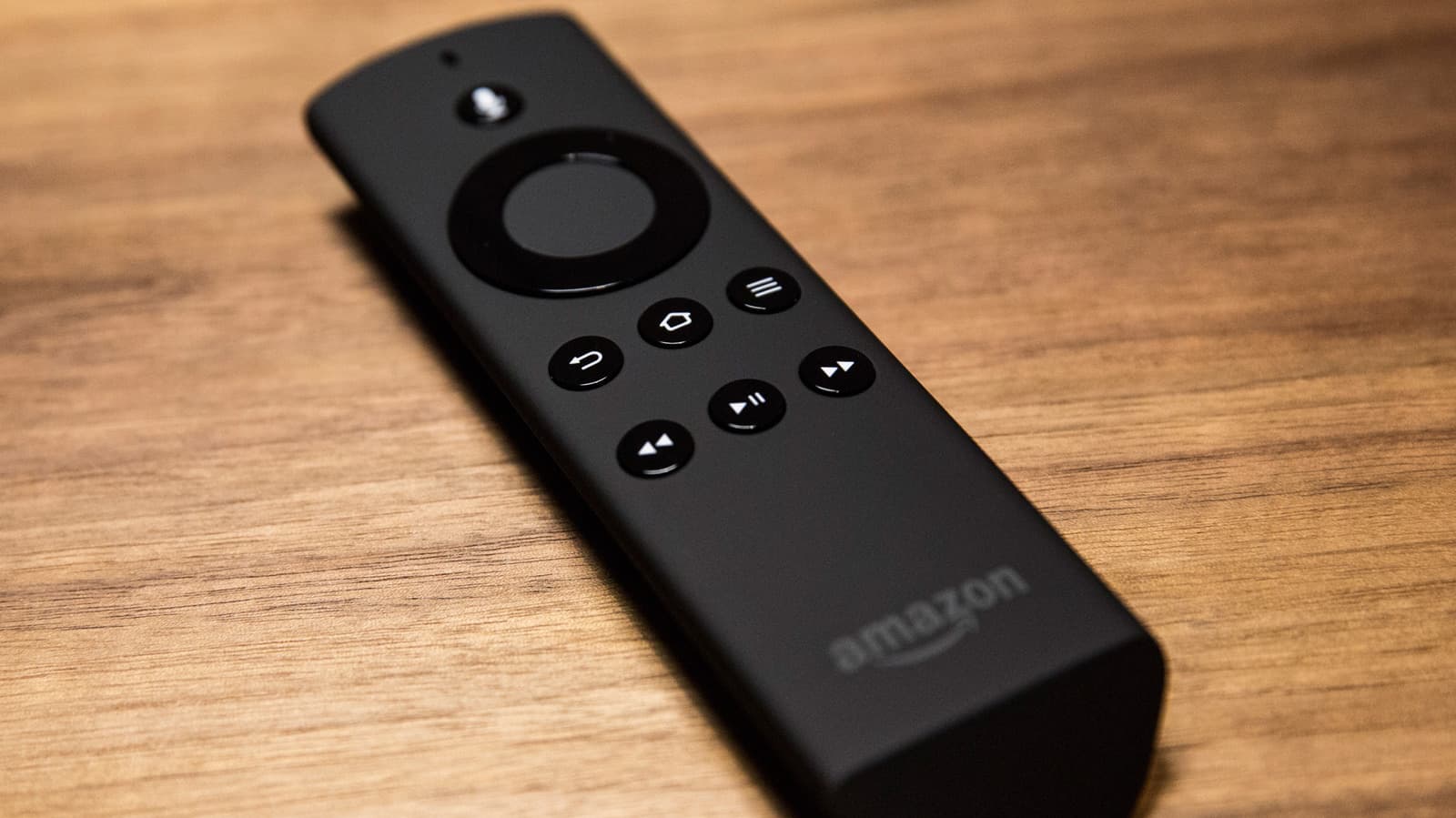
What Does the Flashing Red Light Mean on a Fire TV Stick Remote?
If you've ever settled in for a relaxing evening of streaming only to notice a strange flashing red light on your Amazon Fire TV Stick remote, you're not alone. It's one of the most common issues Fire TV users encounter, and fortunately, it's also one of the easiest to fix. Unlike some of the other LED signals your remote might display, a flashing red light has a fairly straightforward set of causes — and equally straightforward solutions. In this guide, we'll walk you through exactly what that red light means, why it happens, and how to get your remote back to working order in just a few minutes.
Understanding Fire TV Stick Remote LED Indicators
Amazon's Fire TV Stick remotes use LED lights to communicate status information to the user. These small but meaningful signals can tell you everything from whether the remote is pairing to whether something has gone wrong. The remote may flash different colors — white, orange, yellow, or red — and each color corresponds to a different situation.
The red flashing light specifically is generally the least complicated of all the LED signals to diagnose. In most cases, it comes down to one or two very common culprits that you can address without any special tools or technical knowledge.
The Most Common Cause: Low or Dead Batteries
The number one reason your Fire TV Stick remote flashes a red light is simply that the batteries are low or completely drained. Amazon designed the remote to alert users when power is running critically low so you aren't left wondering why buttons aren't responding. The remote will typically begin flashing red before the batteries die entirely, giving you a small window to replace them before losing control of your device altogether.
This is great news because it means the fix is as simple as swapping in a fresh pair of batteries. Here's what you should do:
- Remove the back cover of your Fire TV Stick remote by sliding it off from the bottom of the device.
- Take out the two existing AAA batteries and dispose of them properly.
- Insert two brand-new AAA alkaline batteries, making sure the positive and negative ends are aligned correctly with the markings inside the battery compartment.
- Replace the back cover and press any button to wake the remote.
In the vast majority of cases, replacing the batteries will make the red light disappear entirely and restore full functionality to your remote. If the red light was your only issue, you should be back to streaming within about 60 seconds.
What If New Batteries Don't Stop the Red Light?
If you've installed fresh batteries and the red light continues to flash, don't panic. There are a few additional things worth checking before you consider replacing the remote altogether.
Check the Battery Contacts
Over time, the metal contacts inside the battery compartment can become slightly corroded or bent, which can prevent the batteries from making proper electrical contact even when they're new. Open the battery compartment and take a close look at the small metal springs and plates. If you notice any greenish residue or corrosion, gently clean the contacts with a dry cotton swab or a small amount of rubbing alcohol on a cloth. Allow the compartment to dry completely before reinserting the batteries.
If the contacts appear bent inward and aren't touching the battery terminals properly, you can carefully use a small flathead screwdriver or a toothpick to gently bend them back into position.
Re-Pair the Remote with Your Fire TV Stick
In some cases, a flashing red light may indicate that the remote has lost its pairing connection with your Fire TV Stick device. After replacing the batteries, the remote should attempt to re-pair automatically, but if it doesn't, you can force the pairing process manually.
- Make sure your Fire TV Stick is powered on and displaying the home screen or any active interface on your TV.
- Hold the remote approximately one to two feet away from the Fire TV Stick (or the TV it's plugged into).
- Press and hold the Home button on the remote for at least 10 seconds.
- Wait for the on-screen pairing confirmation or for the LED light to change from red to a steady or differently colored blink.
If the remote still doesn't pair, you can also navigate to Settings on your Fire TV using the Fire TV app on your smartphone as a temporary remote, then select Controllers & Bluetooth Devices, followed by Amazon Fire TV Remotes, and choose Add New Remote to initiate pairing from the device side.
Restart Your Fire TV Stick
Sometimes a simple restart of the Fire TV Stick itself can resolve connectivity or communication issues between the stick and the remote. Unplug the Fire TV Stick from its power source, wait about 30 seconds, and then plug it back in. Once it finishes rebooting, try using the remote again.
When to Consider Replacing the Remote
If you've tried new batteries, cleaned the contacts, re-paired the device, and restarted your Fire TV Stick — and the remote still isn't functioning properly — it may be time to consider a replacement. Amazon sells official Fire TV Stick remotes at a relatively low cost, and they're also available from third-party retailers. Before purchasing, double-check compatibility with your specific Fire TV Stick model, as different generations may use different remote versions.
You can also use the Amazon Fire TV app on iOS or Android as a fully functional remote while you wait for a replacement to arrive, which means you won't have to go without your streaming services in the meantime.
Tips for Preventing the Red Light Issue in the Future
A little proactive maintenance goes a long way toward keeping your Fire TV Stick remote in good working condition. Consider these habits to avoid running into the flashing red light problem again:
- Keep a spare set of AAA batteries nearby so you're never caught off guard when the remote starts flashing.
- Use quality alkaline batteries from reputable brands rather than bargain options, which tend to drain faster and may leak inside the compartment.
- Remove the batteries from the remote if you know you won't be using your Fire TV Stick for an extended period, such as during a long trip or vacation.
- Periodically check the battery compartment for any signs of corrosion, especially if you've left batteries in the remote for many months.
Final Thoughts
Of all the LED warning signals your Amazon Fire TV Stick remote can display, the flashing red light is arguably the most manageable. In nearly every case, it simply means your batteries need to be replaced — a fix that takes less than a minute and costs almost nothing. Even in the rarer scenarios where a battery swap alone doesn't solve the problem, the additional troubleshooting steps are straightforward enough that most users can resolve the issue without any outside help. So the next time that red light starts blinking, don't stress — just reach for a new set of batteries and you'll almost certainly be back to binge-watching your favorite shows in no time.