
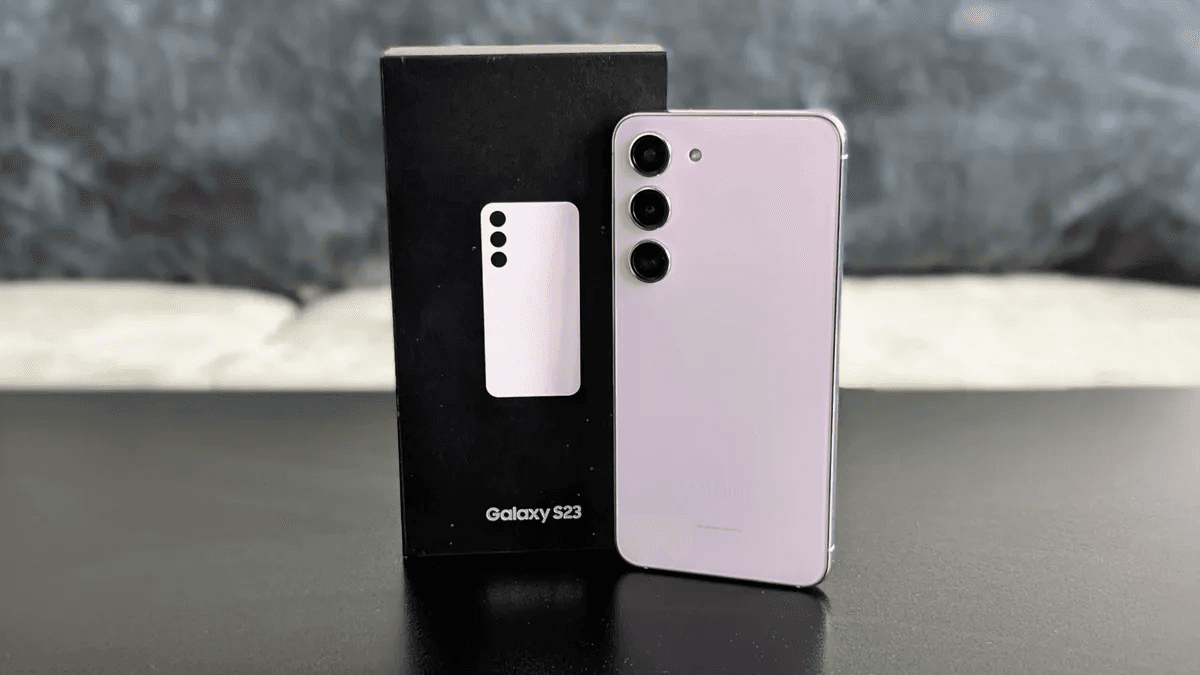
Galaxy S23 Owners Are Sounding the Alarm Over One UI 8.5
Samsung's software update pipeline has generally been praised in recent years for its reliability and long-term support commitments. But something appears to have gone seriously wrong with the rollout of One UI 8.5 for Galaxy S23 users. Since the update began reaching devices, online forums, Reddit threads, and Samsung's own community boards have been flooded with reports of performance degradation, battery issues, unexpected crashes, and features that simply no longer work as intended. If you own a Galaxy S23, Galaxy S23+, or Galaxy S23 Ultra and you haven't yet pulled the trigger on this update, you may want to hold off — at least until Samsung issues a patch.
The sheer volume and consistency of the complaints is what makes this situation particularly alarming. It isn't just a handful of isolated edge cases. Across multiple regions and carriers, Galaxy S23 owners are describing nearly identical problems, suggesting the issues are baked into the update itself rather than caused by individual device conditions or third-party apps.
What Problems Are Galaxy S23 Users Reporting After One UI 8.5?
Severe Battery Drain
Perhaps the most widely reported issue following the One UI 8.5 installation is dramatic battery drain. Users who previously enjoyed a full day of comfortable usage are now finding their Galaxy S23 struggling to reach mid-afternoon. Screen-on time that once hovered around six to seven hours has reportedly been cut nearly in half for some users. Background processes appear to be running more aggressively after the update, preventing the device from entering efficient low-power states the way it did under previous software versions.
Battery-related complaints are not unusual after major Android skin updates, but the scale of what Galaxy S23 users are describing goes well beyond the typical adjustment period. Several users have noted that even after a full factory reset post-update, the battery behavior remains erratic.
Overheating During Basic Tasks
Closely tied to the battery drain problem is a troubling increase in device temperature. Owners report that their Galaxy S23 units are running noticeably hot during tasks that would never have caused thermal stress before — scrolling through social media feeds, watching streaming video, or simply leaving the phone idle on a desk. In more extreme cases, the device reportedly becomes uncomfortable to hold during prolonged use.
Overheating is a serious concern not just for user comfort but for long-term hardware health. Sustained high temperatures can degrade battery capacity and, in severe cases, affect processor performance through thermal throttling. If Samsung does not address this through a software fix quickly, Galaxy S23 users could be looking at lasting consequences.
Lag, Stuttering, and Sluggish Animations
Another persistent complaint centers on general UI responsiveness. One UI has long been celebrated for its smooth animations and fluid navigation experience, which makes post-update reports of stuttering and lag particularly jarring for longtime Samsung fans. App switching, scrolling through menus, and opening the camera have all been flagged as noticeably slower or jerkier on affected devices.
Given that the Galaxy S23 series runs on Qualcomm's Snapdragon 8 Gen 2 platform — one of the most powerful mobile chips available at the time of its release — there is no hardware justification for this kind of sluggishness. The problem clearly lies in how One UI 8.5 is managing system resources on this specific device generation.
Connectivity and Feature Bugs
Beyond performance, users are also flagging functionality issues. Reports include Wi-Fi connections dropping randomly, Bluetooth audio cutting out during playback, and problems with Samsung-specific features such as Bixby routines and certain lock screen customizations introduced in the update failing to behave consistently. Some users have also noted that notification delivery has become unreliable, with alerts arriving late or not at all from certain apps.
Is the Galaxy S23 Alone, or Is This a Wider One UI 8.5 Problem?
While the Galaxy S23 lineup appears to be at the epicenter of these complaints, some reports suggest that other Samsung devices updating to One UI 8.5 may also be experiencing milder versions of the same issues. However, the intensity and frequency of reports is significantly higher for the S23 generation, pointing to a possible incompatibility between One UI 8.5's underlying optimizations and the specific hardware and software configuration of those devices.
Samsung has not yet issued an official statement acknowledging the problems at the time of writing, which is frustrating for the affected user base. Typically, Samsung responds to large-scale update issues with a follow-up patch within weeks, but users are understandably anxious about the wait.
Should You Update Your Galaxy S23 to One UI 8.5 Right Now?
If your Galaxy S23 has not yet received the One UI 8.5 update prompt, the cautious move is to delay the installation until Samsung releases a corrective patch. You can defer updates on Samsung devices by simply dismissing the update notification when it appears, though be aware that Samsung devices will eventually install updates automatically if you do not act.
If you have already updated and are experiencing these issues, the standard troubleshooting steps worth trying include clearing the device's cache partition, checking for any subsequent minor update Samsung may have already pushed, and as a last resort, performing a full factory reset. None of these are guaranteed fixes, but they can sometimes alleviate software conflicts that arise after a major version jump.
The Bigger Picture: Samsung's Update Responsibility
This situation is a reminder that aggressive software update schedules, while beneficial for security and feature delivery, carry real risks when quality assurance processes miss device-specific regressions. Galaxy S23 owners invested significantly in their hardware and deserve a software experience that respects that investment. Samsung has built an admirable reputation for long-term update support, and the company will need to move quickly to protect that reputation here.
Keep an eye on Samsung's official community forums and tech news outlets for patch announcements. When a fix lands, it should be safe to update — but for now, patience may be the most practical protection available to Galaxy S23 owners considering One UI 8.5.