
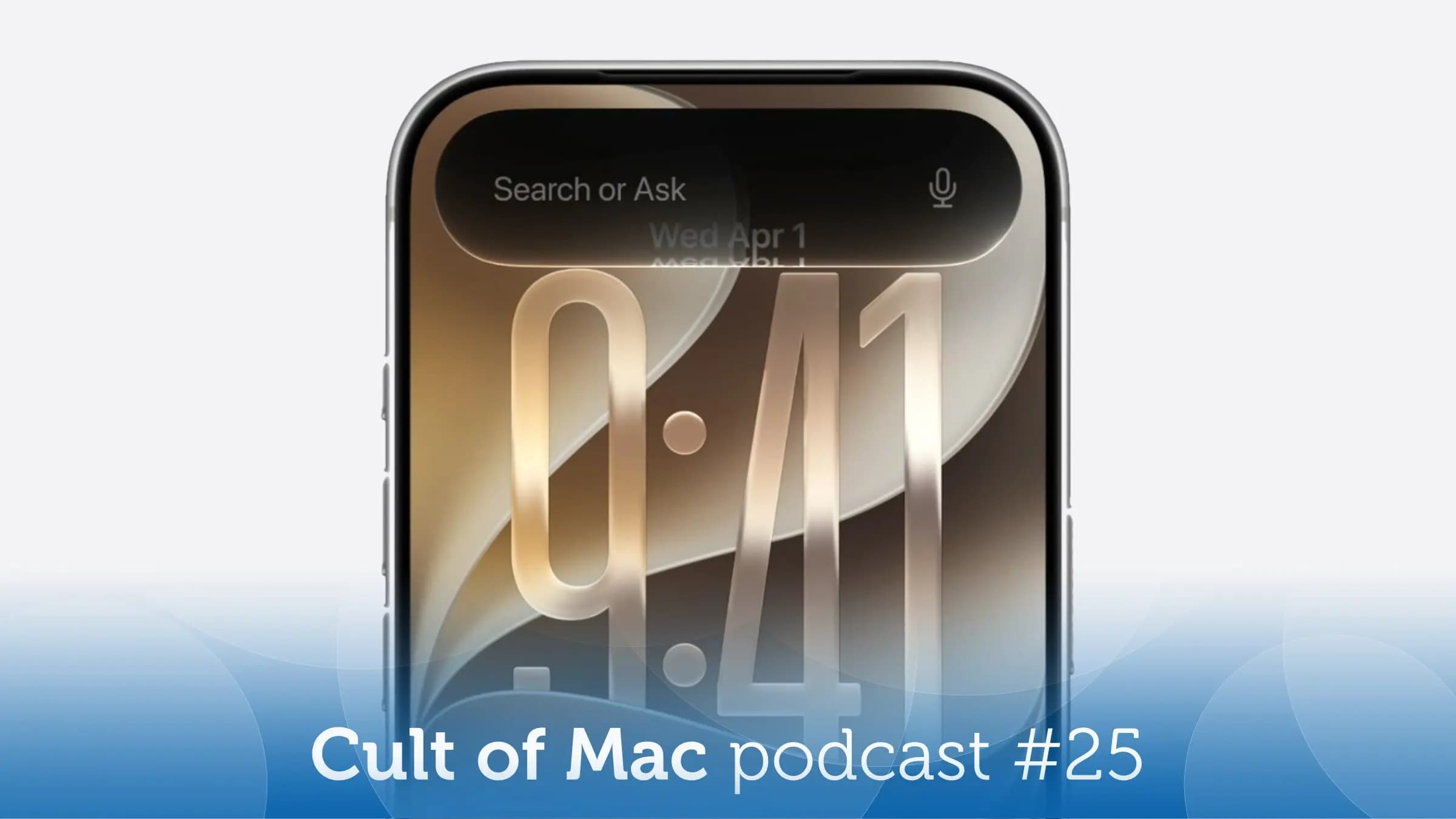
iOS 27 Developer Beta: 10 Days in Heaven and Hell
Apple dropped the iOS 27 developer beta, and for the bravest — or perhaps most reckless — iPhone users out there, the temptation to install it immediately was simply too strong to resist. After spending a full 10 days living with the iOS 27 developer beta as a daily driver, it's time to give an honest, unfiltered status update. Spoiler: it's been a ride that swings between genuinely exciting and frustratingly broken — sometimes within the same hour.
Whether you're a developer needing to test your apps, an Apple enthusiast hungry for what's coming next, or simply someone wondering if the iOS 27 beta is worth the risk, this hands-on breakdown covers everything you need to know before making the jump.
What Is the iOS 27 Developer Beta?
Each year, Apple releases early developer builds of its upcoming iOS version alongside its WWDC announcements. These betas are primarily intended for app developers to test compatibility and take advantage of new APIs before the software ships to the public in the fall. However, anyone with an Apple Developer account — and increasingly, a healthy appetite for risk — can download and install them.
The iOS 27 developer beta represents Apple's most ambitious iPhone software update in years. From sweeping visual design overhauls to deeper artificial intelligence integration, the changes on offer are far more than incremental. But being a beta, it arrives with an equally significant number of rough edges, crashes, and head-scratching inconsistencies that remind you, firmly, why these builds carry a warning label.
The Good: What's Working Beautifully in iOS 27
A Redesigned Interface That Feels Fresh
The most immediately obvious change in iOS 27 is the visual redesign. Apple has introduced a more fluid, layered aesthetic throughout the operating system — one that feels like a meaningful evolution rather than a coat of paint. Animations are smoother, menus feel more intentional, and the overall design language strikes a cohesive tone that iOS has arguably been missing for several years. After a few days, going back to iOS 26 felt noticeably dated.
Smarter Notifications and Focus Modes
Notifications in iOS 27 have been meaningfully reorganized. The system is better at grouping, prioritizing, and surfacing what actually matters, with AI-assisted summaries that distill clusters of messages or alerts into digestible one-liners. Focus Modes have also received an upgrade, offering more granular control over which apps and contacts can reach you and when. For anyone who has struggled with notification overload, this alone makes the beta worth exploring.
Performance on Compatible Hardware
On recent iPhone models, the raw performance of iOS 27 is impressive. App launch speeds feel snappy, multitasking is responsive, and the system rarely feels bogged down even while running beta software. This suggests Apple has put meaningful engineering effort into optimization alongside the feature work — a good sign for the public release later this year.
Apple Intelligence Enhancements
Apple's AI platform, Apple Intelligence, receives notable upgrades in iOS 27. Writing tools are more capable, image generation has improved, and Siri feels measurably smarter in handling multi-step requests. These aren't revolutionary leaps, but they represent steady, meaningful progress that makes the AI features more practically useful in day-to-day life rather than just impressive in demos.
The Bad: Bugs and Frustrations You Need to Know About
App Crashes Are a Daily Reality
Living with the iOS 27 developer beta means making peace with unexpected app crashes. Some third-party apps that haven't yet been updated for iOS 27 quit without warning, and even a handful of Apple's own first-party apps have proven unreliable in this early build. If you rely on a specific app for work or daily communication, installing this beta on your primary device is a gamble you might not want to take.
Battery Life Takes a Hit
One of the most consistent complaints with any early iOS beta is battery drain, and iOS 27 is no exception. Background processes, indexing, and under-optimized code all conspire to chew through battery reserves faster than a stable release would. On a full day of moderate use, expect to lose roughly 15 to 25 percent more battery than you'd normally see — a meaningful difference if you're away from a charger.
Connectivity and Bluetooth Quirks
Several Bluetooth connectivity issues have surfaced during hands-on testing, including intermittent disconnects from AirPods and delayed pairing with certain accessories. Wi-Fi behavior has also been occasionally erratic, with the phone sometimes failing to automatically reconnect to known networks. These are classic early-beta growing pains, but they're worth flagging for anyone who depends on wireless audio or stable connectivity throughout the day.
Should You Install the iOS 27 Developer Beta Right Now?
The honest answer depends entirely on your situation. If you're a developer who needs to test app compatibility, installing the iOS 27 beta is not just reasonable — it's part of the job. If you're an enthusiast with a spare iPhone lying around, it's a genuinely exciting preview of where Apple is headed. But if your iPhone is your only device and you rely on it for work, banking, health tracking, or anything else where reliability is non-negotiable, waiting for the public beta or the final release is the far safer play.
What to Expect as the Beta Matures
Apple typically releases multiple developer betas over the summer, followed by a public beta and eventually the gold master build that ships to all users in September. With each successive beta, the crash count drops, battery performance improves, and the experience gets progressively closer to the polished product Apple intends to ship. The rough edges visible today will, in most cases, be sanded down well before iOS 27 reaches your iPhone automatically.
- Developer Beta 1 and 2 are typically the buggiest — expect crashes and inconsistencies
- By Developer Beta 4 or 5, the experience usually stabilizes significantly
- The public beta, available to anyone with a free Apple account, arrives mid-summer
- The final release typically lands in September alongside new iPhone hardware
The Verdict After 10 Days With iOS 27
Ten days with the iOS 27 developer beta paints a picture of a genuinely exciting software update that is, predictably, not yet ready for everyone. The design refresh is compelling, the AI improvements are real, and the performance headroom suggests a fast and fluid final product. At the same time, the bugs, battery drain, and app instability are real costs that not every user should absorb right now.
If you're patient, the best version of iOS 27 is coming — and based on what's already here in beta form, it looks like it will be worth the wait. Keep an eye on Apple's developer beta updates over the coming weeks, and consider jumping in once the build number climbs a little higher. Your daily workflow will thank you.