
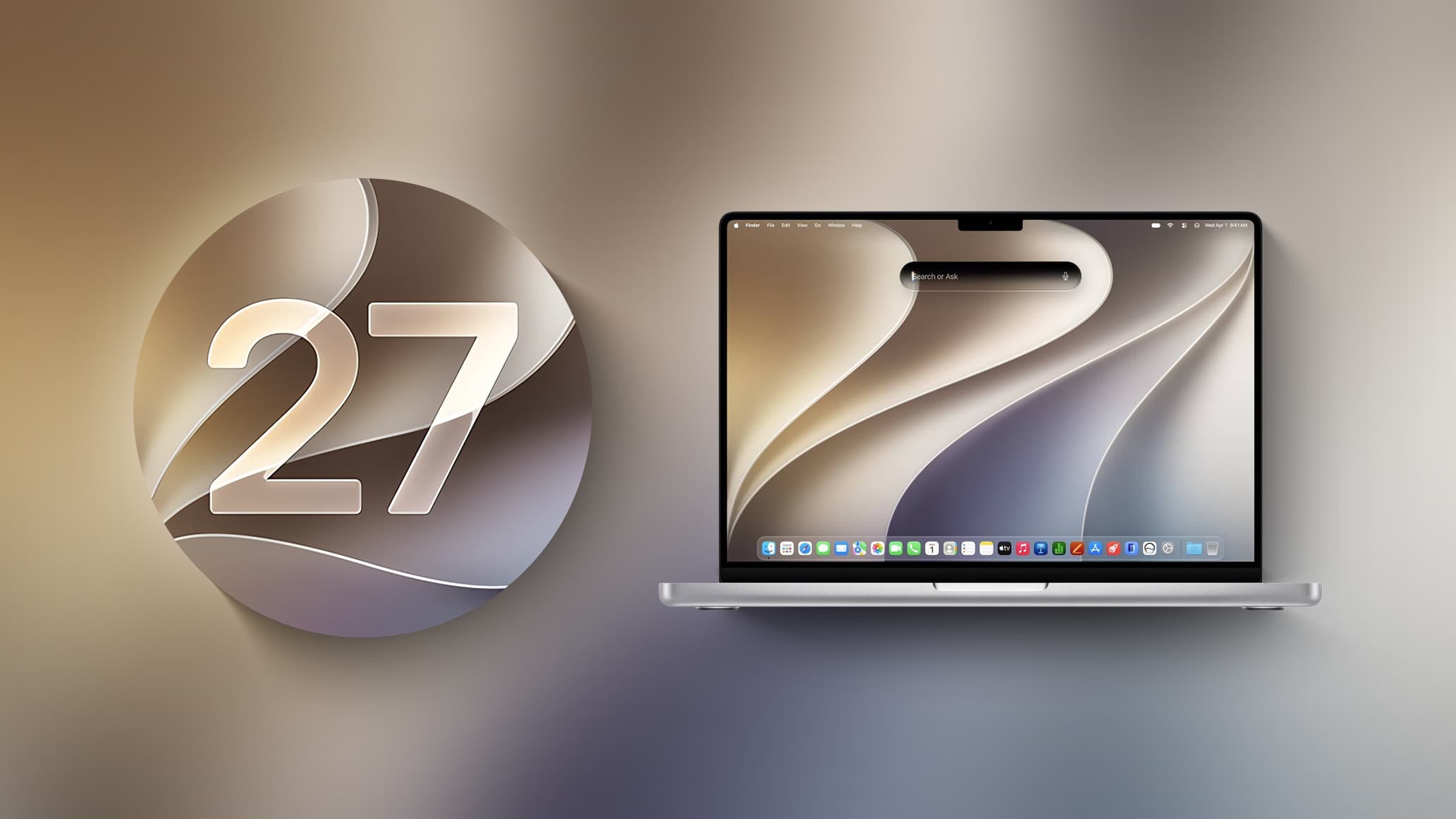
Apple Seeds macOS Golden Gate Beta 2 to Developers
Apple has officially released the second developer beta of macOS Golden Gate, arriving approximately two weeks after the first beta was seeded to registered developers. This marks another significant step forward in Apple's most ambitious macOS update in recent memory, giving developers an early look at the sweeping changes coming to the Mac later this year. If you are a developer eager to explore what's new, here is everything you need to know about macOS Golden Gate Beta 2 and how to get it installed today.
How to Download macOS Golden Gate Beta 2
Getting your hands on macOS Golden Gate Beta 2 is straightforward, provided you have the right account setup. Developers can download the update directly through the built-in Software Update mechanism on their Mac. Simply navigate to System Settings > General > Software Update, make sure Beta Updates are enabled, and the update will appear ready to install. Keep in mind that a free Apple developer account is required to access the beta. If you have not yet enrolled your Mac in the developer beta program, you will need to do so before the option becomes visible in Software Update.
As always with early beta software, Apple recommends installing developer betas on secondary machines rather than your primary Mac, since pre-release builds can include bugs and unexpected behavior that may affect everyday workflows.
Liquid Glass Design Refinements and Visual Overhaul
One of the most talked-about aspects of macOS Golden Gate since its initial announcement has been the introduction of Liquid Glass, Apple's new design language that brings a translucent, fluid aesthetic to the Mac interface. Beta 2 refines this design language in several meaningful ways that address early feedback from the developer community.
In this latest build, Liquid Glass opacity has been improved with a specific focus on readability. Early impressions of the first beta suggested that certain interface elements could be difficult to read due to the heavy use of translucency, and Apple appears to be responding to that criticism directly. Alongside the opacity improvement, Apple has introduced a slider that allows users to control the level of transparency throughout the system, giving individuals greater flexibility to tailor the visual experience to their preferences.
Changes to window shadowing also make it considerably easier to distinguish which window is currently active on screen, a subtle but genuinely useful improvement for anyone who works with multiple open applications simultaneously. Beyond these refinements, apps throughout the operating system now feature uniform toolbars, edge-to-edge sidebars, and slightly less rounded corners compared to earlier design iterations. Apple has also reduced the number of icons that appear in menu bars, resulting in a cleaner, less cluttered look at the top of the screen.
Siri Gets a Major AI-Powered Transformation
Perhaps the most transformative change coming to macOS Golden Gate is the complete reimagining of Siri. The virtual assistant has evolved into what Apple is now calling Siri AI, a chatbot-style assistant that marks a dramatic departure from the command-based Siri users have known for years.
A Smarter, More Conversational Assistant
Siri AI combines three powerful layers of intelligence: general world knowledge, your personal data stored on the device, and real-time onscreen awareness. This combination allows Siri to answer a far broader range of questions and to do so with much greater contextual understanding than before. Instead of relying on specific voice commands, users can now have open-ended conversations with Siri and receive genuinely helpful, nuanced responses.
Siri now lives inside Spotlight, and Apple has introduced a new Search or Ask interface that makes initiating interactions feel natural and intuitive. Whether you are looking something up or asking a complex question, the experience is designed to feel more like consulting a knowledgeable assistant than querying a search engine.
A Dedicated Siri App and Custom Voices
Beyond Spotlight integration, macOS Golden Gate includes a standalone Siri app where users can chat with the assistant and revisit past conversations. This persistent conversation history is a notable addition that brings the Mac experience more in line with dedicated AI chat tools that have become popular in recent years.
On newer Mac models, users will also have the ability to set a custom voice for Siri, complete with personalized pace and expressivity settings. This level of personalization signals Apple's intent to make Siri feel less like a generic system feature and more like a genuinely tailored assistant.
Visual Intelligence and Write with Siri
Visual Intelligence, a feature previously available on iPhone, is now making its way to the Mac. This capability enables Siri to analyze and answer questions about whatever is currently displayed on your screen, opening up powerful new possibilities for research, troubleshooting, and productivity. Alongside this, a new Write with Siri feature allows the assistant to generate text on your behalf or provide constructive feedback on writing you have already drafted, functioning much like an integrated AI writing companion available across the entire operating system.
AI Photo Editing Tools Also on the Way
The source material also hints at AI-powered photo editing tools coming to macOS Golden Gate, though full details were not available at the time of publication. Based on what Apple has previewed, these tools are expected to integrate directly into the Photos app and leverage on-device machine learning to offer intelligent editing capabilities, continuing Apple's push to bring powerful AI features to everyday creative workflows without requiring a subscription to third-party software.
What macOS Golden Gate Beta 2 Means for the Mac Ecosystem
The arrival of Beta 2 suggests that Apple is progressing through its development cycle at a healthy pace, with the update landing on schedule roughly two weeks after the first developer build. Each successive beta typically brings stability improvements, bug fixes, and further refinements to features that may have been rough around the edges in earlier releases.
For developers, this is the ideal time to begin testing applications against the new APIs and interface conventions introduced in macOS Golden Gate. The shift to uniform toolbars, edge-to-edge sidebars, and the revised Liquid Glass design language will require developers to revisit the visual presentation of their apps to ensure they look and feel consistent with the new system aesthetic.
For everyday Mac users looking forward to macOS Golden Gate's public release, Beta 2 represents a promising sign that Apple is listening to early feedback and actively polishing the experience. With features like Siri AI, Visual Intelligence, Write with Siri, improved Liquid Glass design, and AI photo editing all on the horizon, macOS Golden Gate is shaping up to be one of the most feature-rich macOS updates Apple has shipped in years. Stay tuned for continued coverage as additional betas roll out in the weeks ahead.