
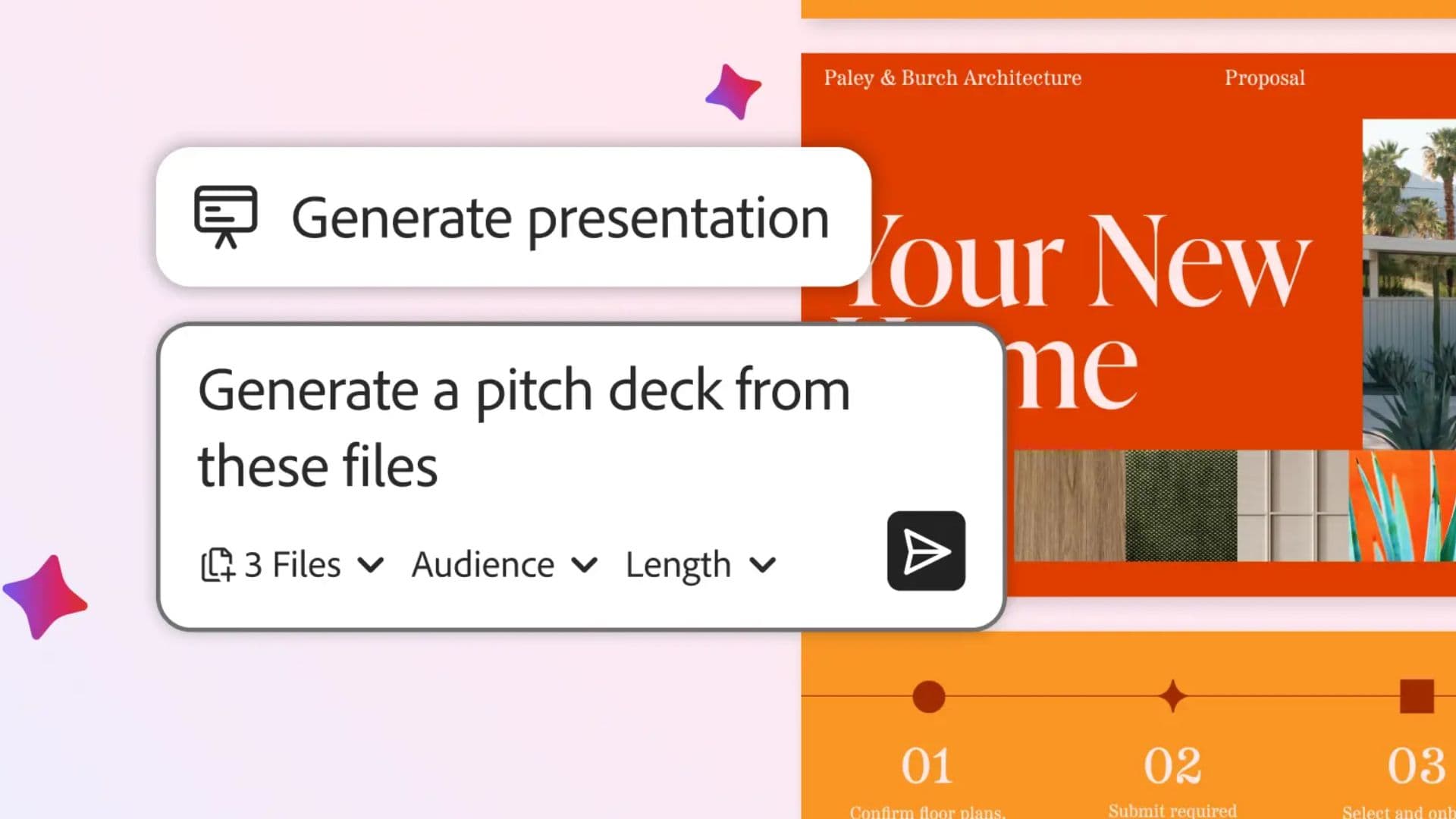
Adobe Is Bringing AI Assistants to Its Biggest Creative Apps
Adobe has announced a major expansion of artificial intelligence across its suite of creative tools. Chatbot-style AI assistants are now rolling out in public beta for some of the company's most widely used applications, including Photoshop, Premiere Pro, Illustrator, InDesign, and Frame.io. The move marks one of the most significant shifts in how Adobe users will interact with their software, allowing them to describe what they want in plain language and letting the tools handle the technical execution.
For designers, video editors, and creative professionals who have spent years navigating complex menus and memorising keyboard shortcuts, this development could fundamentally change day-to-day workflows. Rather than learning the intricacies of every feature, users can now simply type or speak a prompt and watch the software respond accordingly.
What Are the New Adobe AI Assistants?
The new AI assistants are designed to handle repetitive tasks and streamline editing processes using natural language prompts. Instead of digging through nested menus or consulting tutorial videos to find a specific function, users can describe the result they want and the assistant will execute the necessary steps automatically.
This approach builds on the AI-powered capabilities Adobe has already introduced through its Firefly platform, but extends them considerably. While Firefly focused heavily on generative image creation and content-aware editing, the new assistants are more conversational and task-oriented, acting as an intelligent co-pilot within each application.
The tools are currently in public beta, meaning that a wide range of users can access and test them before any full release. Adobe is clearly gathering feedback at scale, and the breadth of apps included from the start signals that this is not a small experiment — it is a foundational shift in how the company envisions its software being used.
What Can the Photoshop AI Assistant Do?
For Photoshop users, the new assistant introduces a conversational way to manage some of the application's most time-consuming tasks. Users can reorganise layers, swap backgrounds, resize assets for different platforms, and carry out a wide range of edits simply by describing what they want to achieve.
This is particularly significant for professionals who work across multiple output formats, such as social media managers or digital advertisers who regularly need to adapt a single design for different aspect ratios and platform specifications. What previously required manually duplicating and resizing artwork can now, in theory, be triggered with a single prompt.
It is also worth noting that these capabilities are available in the web version of Photoshop, not just the desktop application. This broadens access considerably, allowing users who rely on lighter devices or browser-based workflows to benefit from the same AI-powered editing experience.
Premiere Pro Gets Some of the Most Powerful New Features
While the Photoshop implementation is compelling, Premiere Pro may be receiving some of the most immediately practical AI assistant features of the entire rollout. Video editors often work with enormous amounts of raw footage, and organising, labelling, and navigating that material is one of the most labour-intensive parts of the post-production process.
The Premiere Pro assistant can organise footage into bins automatically, rename clips based on what is happening in a scene, and analyse spoken dialogue to place markers on the timeline without any manual input. For editors who cut interviews, documentaries, or any dialogue-heavy content, that last feature alone could save a significant amount of time.
Adobe has also indicated that the assistant can help create an initial edit or rough cut, giving editors a starting point to refine rather than a blank timeline to fill from scratch. This kind of first-pass automation has the potential to dramatically reduce turnaround times on projects where speed is critical.
Illustrator and InDesign Also Benefit
The AI assistant rollout extends beyond photo and video editing. Illustrator and InDesign, the go-to tools for graphic design and print layout, are also receiving the new conversational assistant features. While Adobe has not detailed every specific capability for these applications, the underlying principle remains the same: describe what you want, and the software does the work.
For InDesign users working on long-form documents, editorial layouts, or marketing materials, the ability to instruct the software in natural language could be a meaningful time-saver. Similarly, Illustrator users who regularly work with vector graphics, icons, or brand assets stand to benefit from a more intuitive way to interact with the tool's deep feature set.
Frame.io Joins the AI Expansion
Frame.io, Adobe's cloud-based video collaboration and review platform, is also part of the expansion. Bringing AI assistant capabilities to a tool focused on team workflows and client review processes suggests Adobe is thinking about the entire production pipeline, not just individual applications in isolation. The integration could make managing feedback, organising media, and coordinating projects across teams considerably more efficient.
What This Means for Creative Professionals
The arrival of conversational AI assistants across Adobe's creative suite reflects a broader trend in the software industry toward making powerful tools more accessible through natural language interfaces. For experienced professionals, this means spending less time on mechanical tasks and more time on creative decision-making. For newcomers, it lowers the barrier to entry significantly.
It is important to note that these tools are still in public beta. Features may change, and the quality of the AI's responses will likely vary depending on the complexity of the task. However, the scale of this rollout — covering five major applications simultaneously — makes it clear that Adobe is committed to making AI assistance a core part of the creative experience going forward.
Whether you are a seasoned designer, a video editor working to tight deadlines, or a creative professional exploring new workflows, Adobe's AI assistant expansion is worth watching closely. The public beta is your opportunity to shape how these tools develop.