
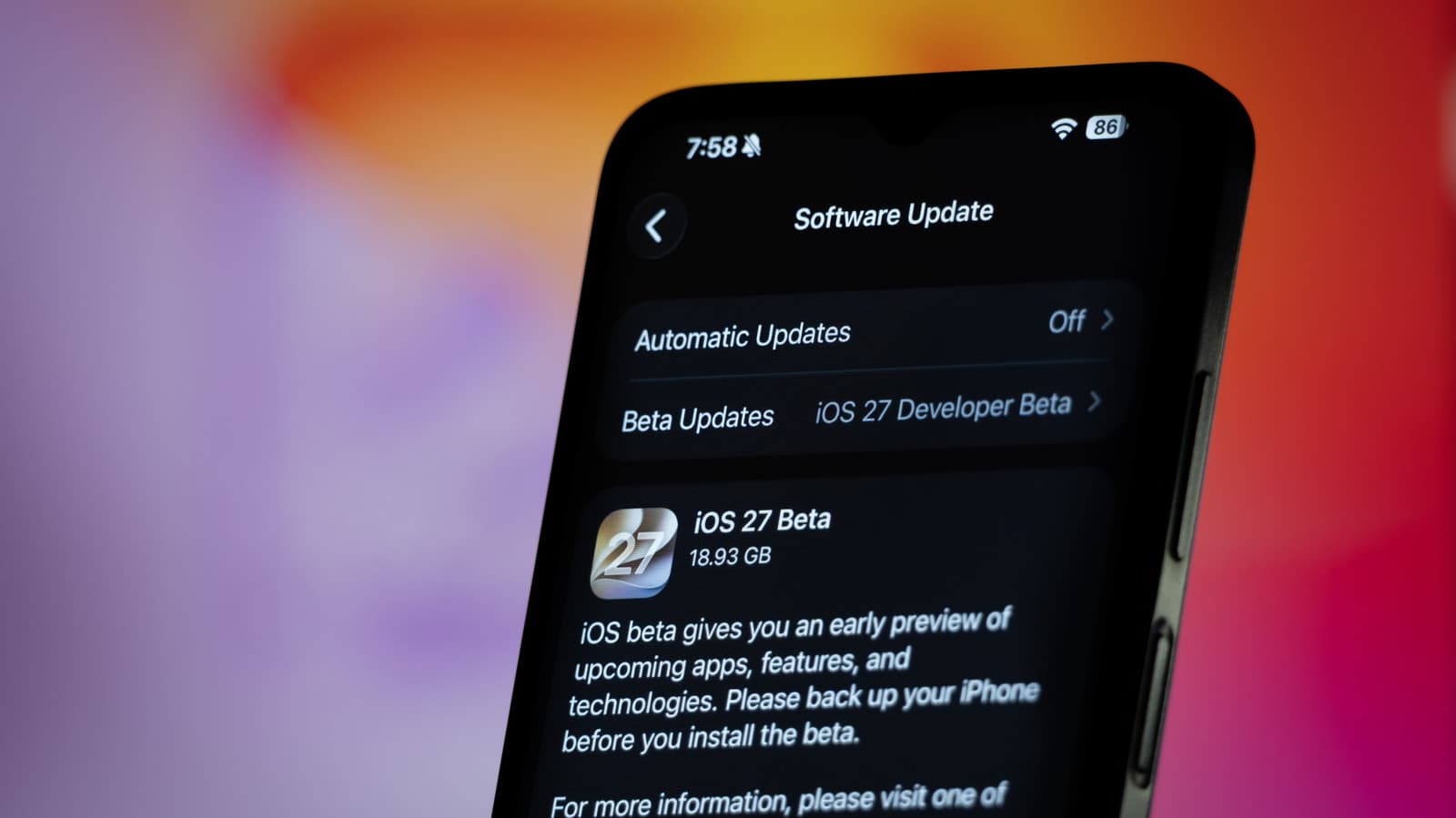
iOS 27 Gives the iPhone Action Button a Major Upgrade
Apple has always had a talent for taking a simple hardware feature and evolving it into something far more capable with a software update. That tradition continues with iOS 27, which dramatically expands what your iPhone's Action Button can actually do. If you own an iPhone 15 Pro, iPhone 16, or any newer model equipped with the Action Button, this update is one you won't want to ignore. With just one click, you can now trigger an almost limitless range of custom shortcuts — and the whole process of setting them up has never been more intuitive.
What Is the iPhone Action Button?
For those who are newer to the iPhone ecosystem, the Action Button is the small, programmable physical button that Apple introduced with the iPhone 15 Pro lineup. It replaced the traditional mute switch that had been a staple of iPhones for over a decade. Rather than simply toggling between ring and silent mode, the Action Button was designed to be customizable — giving users a fast, tactile shortcut to their most-used functions.
At launch, the Action Button could be assigned to a handful of preset actions including toggling silent mode, launching the camera, activating a flashlight, turning on Voice Memos, or running a single Shortcut from the Shortcuts app. It was a great concept, but many power users quickly found the initial implementation to be a bit limited. iOS 27 changes that in a meaningful way.
What's New in iOS 27 for the Action Button?
With the release of iOS 27, Apple has significantly expanded the framework behind the Action Button, making it easier than ever to build and assign complex, multi-step custom shortcuts. Here's what has changed:
- Deeper Shortcuts integration: The Action Button now connects more seamlessly with the Shortcuts app, allowing users to build elaborate automation workflows and assign them with fewer taps than before.
- Contextual actions: iOS 27 introduces context-aware behavior, meaning the Action Button can behave differently depending on which app is currently open or what time of day it is, without requiring manual switching.
- Multi-press support: Apple has reportedly added the ability to distinguish between a single press, a double press, and a long press on the Action Button — effectively tripling the number of assignable actions from one physical button.
- Shortcut discovery: A new built-in shortcut suggestion engine helps users discover useful automations they may not have thought to create, lowering the barrier to entry for people who've never used the Shortcuts app before.
- Third-party app support: Developers can now hook into the Action Button API more deeply, meaning your favorite apps can offer their own dedicated quick actions through the button.
How to Set Up Custom Shortcuts on the Action Button in iOS 27
Setting up your Action Button in iOS 27 is a straightforward process, and Apple has made it even more accessible than in previous versions. Here's how to get started:
Step 1: Open Settings
Navigate to the Settings app on your iPhone and scroll down until you find the "Action Button" option. This will be available on any compatible model running iOS 27.
Step 2: Browse Available Actions
You'll be presented with an expanded list of available actions. Swipe through the carousel to explore everything from accessibility features and Focus modes to specific app shortcuts and custom Shortcuts automations. The new suggestion cards at the top of the screen will also highlight popular or relevant options based on your usage patterns.
Step 3: Assign Press Types
Thanks to multi-press support in iOS 27, you can now assign different actions to a single press, double press, and long press. Tap each press type individually to assign its own dedicated action or shortcut, giving you up to three distinct functions from one button.
Step 4: Build a Custom Shortcut
If you want to go beyond the presets, tap "Shortcut" from the action list and then select or create a workflow in the Shortcuts app. iOS 27 includes new shortcut templates specifically designed for Action Button use, making it easier to build powerful automations even if you have no prior experience with the app.
Why This Update Matters for Everyday iPhone Users
It's easy to underestimate how much a single hardware button can improve your daily smartphone experience — until you've used one properly configured. With iOS 27, the Action Button is no longer a novelty feature for tech enthusiasts. It's a genuinely practical tool for anyone who wants to move faster on their phone.
Think about the small friction points in your day: unlocking a specific app, triggering a translation, starting a workout log, or sending a templated message. Each of those micro-tasks might only take ten seconds individually, but across dozens of interactions per day, that adds up. The Action Button in iOS 27 lets you collapse any of those actions into a single physical press.
For accessibility users especially, this upgrade is significant. The ability to trigger complex, multi-step actions through one easy-to-reach button — without navigating through menus — can make a real difference in day-to-day usability.
The Bigger Picture: Apple's Push Toward Deeper Personalization
The Action Button improvements in iOS 27 are part of a broader trend Apple has been pursuing in recent years: giving users more meaningful control over how their devices behave without overwhelming them with complexity. From customizable Lock Screen widgets introduced in iOS 16 to the expanded home screen options in later updates, Apple has been steadily closing the gap between iOS and the highly customizable Android experience — while maintaining the simplicity and reliability that iPhone users expect.
iOS 27's Action Button enhancements signal that Apple sees hardware-software integration as a key differentiator going forward. As more iPhone models ship with the Action Button as a standard feature, investing in its software capabilities makes strategic sense.
Final Thoughts
The iPhone's Action Button was always a promising idea waiting for the right software to back it up. With iOS 27, Apple has finally delivered on that promise. Whether you use it to launch a single app or trigger an elaborate multi-step automation, the Action Button is now one of the most versatile tools on your iPhone. If you haven't already updated to iOS 27, this feature alone makes a compelling case for doing so — and once you've set it up exactly the way you want it, you'll wonder how you ever managed without it.