
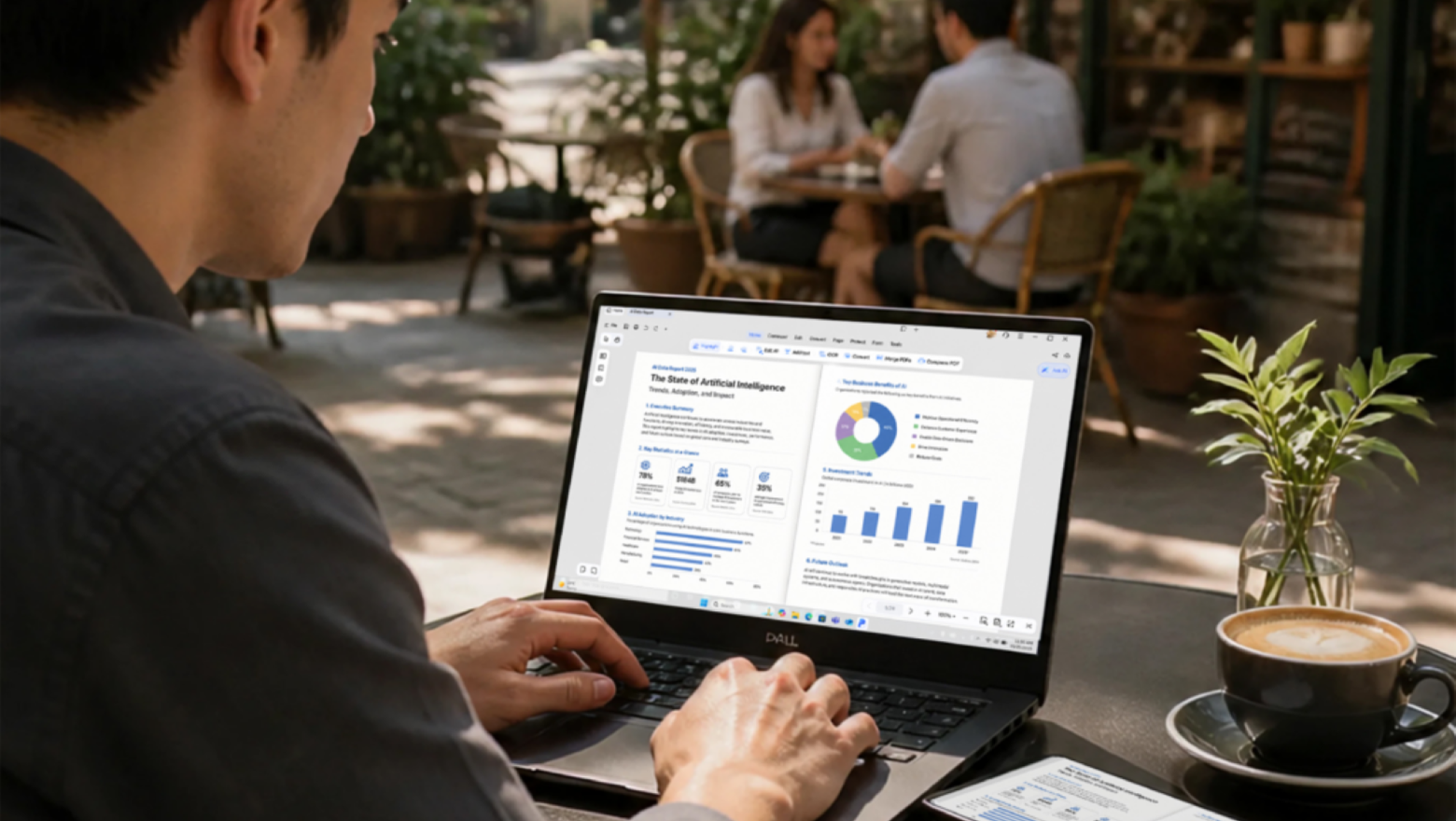
PDNob Pro PDF Editor: The AI-Powered PDF Solution You Didn't Know You Needed
PDF files are everywhere. Contracts, research papers, invoices, tax forms, onboarding documents — the portable document format has become the backbone of professional and personal paperwork alike. Yet for years, truly powerful PDF editing software has been expensive, clunky, or locked to a single operating system. That changes with PDNob Pro PDF Editor, an AI-powered tool that combines everything you need — and several features you didn't even realize were missing — into one sleek, cross-platform package.
Whether you're a Mac power user, a Windows professional, or someone who needs to work on the go from an iPhone, PDNob Pro is designed to meet you where you are. Let's break down exactly what makes this tool stand out in an increasingly crowded market.
What Is PDNob Pro PDF Editor?
PDNob Pro PDF Editor is a comprehensive document management and editing application available for macOS, Windows, and iPhone. At its core, it offers the full suite of tools you'd expect from a premium PDF editor — text editing, annotations, digital signing, file conversion — but it layers in a genuinely useful set of AI-driven features that elevate the experience well beyond what most competitors offer at a similar price point.
The product targets anyone who regularly works with PDF documents: freelancers reviewing client contracts, students annotating research papers, small business owners managing invoices, and enterprise teams collaborating on complex documentation. The cross-platform availability means your workflow doesn't have to pause just because you've switched devices.
AI-Powered PDF Chat: Ask Your Document Anything
The headline feature that truly sets PDNob Pro apart is its built-in AI PDF chat capability. Rather than manually scrolling through a lengthy document to find a specific clause, figure, or passage, you can simply ask the AI a direct question and receive an instant, contextually accurate answer drawn from the content of the document itself.
This is transformative for anyone who regularly handles long-form PDFs. Imagine uploading a 200-page legal contract and asking, "What are the termination conditions?" or loading a technical manual and typing, "How do I reset the device to factory settings?" The AI surfaces the relevant information immediately, saving significant time and reducing the risk of missing critical details buried deep in the text.
For students, researchers, and knowledge workers, this feature alone could justify the investment. It turns passive reading into an active, conversational experience with your own documents.
Optical Character Recognition (OCR): Making Scanned PDFs Editable
One of the most frustrating realities of working with PDFs is encountering a scanned document — a digitized photograph of a printed page — that cannot be searched, selected, or edited. PDNob Pro addresses this head-on with its integrated OCR (Optical Character Recognition) engine.
OCR technology analyzes the visual content of a scanned page and converts it into real, machine-readable text. With PDNob Pro, you can take a scanned invoice, a photographed contract, or an old archived report and transform it into a fully editable, searchable PDF within seconds. This is an essential feature for legal professionals, accountants, archivists, and anyone who regularly processes physical paperwork that has been digitized.
Full PDF Editing and Annotation Tools
Beyond the AI extras, PDNob Pro delivers robust core editing functionality. Users can:
- Edit existing text directly within a PDF, adjusting fonts, sizes, colors, and formatting without converting the file to another format first.
- Insert, delete, rotate, and reorder pages to restructure documents quickly and cleanly.
- Add images, shapes, and custom elements to enhance visual documents or brand materials.
- Annotate freely using highlights, underlines, strikethroughs, sticky notes, and freehand drawing tools, which are particularly valuable for reviewers and educators giving feedback on documents.
- Add watermarks and headers or footers to maintain consistent branding or confidentiality markings across multi-page files.
The interface is clean and intuitive, keeping the learning curve low even for users who haven't worked extensively with PDF editors before. Power users will appreciate how quickly they can access advanced tools without navigating through layers of menus.
PDF Conversion: In and Out of Any Format
PDNob Pro supports bidirectional format conversion, meaning you can convert PDFs into other widely used formats — Word, Excel, PowerPoint, image files — and convert those formats back into PDFs. This flexibility is crucial for collaborative workflows where team members may be working in different applications.
The conversion engine preserves formatting with impressive accuracy, reducing the amount of cleanup work required after a conversion. Tables, columns, images, and styled text all transfer with fidelity, which is something many cheaper conversion tools notoriously fail to do.
Digital Signing and Cloud Storage
PDNob Pro also includes a fully functional digital signature tool, allowing users to sign documents electronically without printing, physically signing, scanning, and re-uploading. You can create a signature using your trackpad, mouse, or touchscreen, then apply it to any PDF document with a single click.
Cloud storage integration ties everything together by allowing documents to sync across devices automatically. Start reviewing a contract on your Mac in the morning, make annotations on your iPhone during lunch, and finalize it from a Windows PC in the afternoon — all without manually transferring files.
Why PDNob Pro Makes Sense in 2026
The PDF editor market is competitive, but PDNob Pro carves out a compelling position by combining AI intelligence with practical, everyday editing features across all major platforms. For users who have grown tired of paying for multiple tools to accomplish what one application should handle, PDNob Pro offers a genuinely unified solution.
From AI document chat and OCR to conversion, signing, annotation, and cloud sync, PDNob Pro PDF Editor is the kind of tool that quietly becomes indispensable. Once you've used it, working any other way starts to feel unnecessarily complicated.