
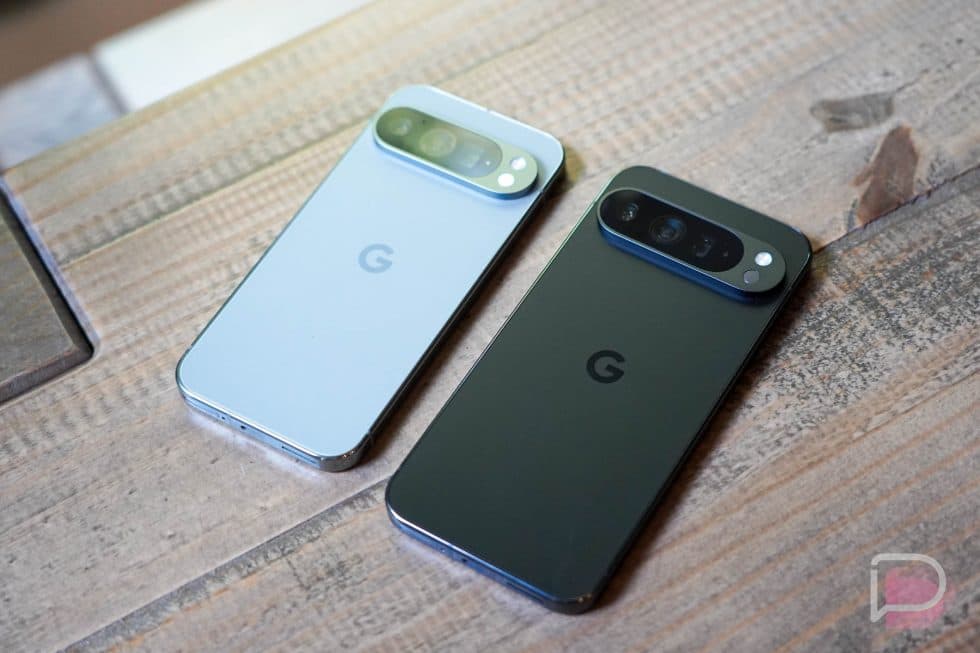
Google's June Pixel Update Is Here — and It's Packed With 38 Bug Fixes
If you own a Google Pixel smartphone, there's good news waiting for you this month. Google has rolled out its June software update for Pixel devices, and it comes loaded with an impressive 38 bug fixes. Whether you've been dealing with random app crashes, frustrating Bluetooth dropouts, or a finicky camera, this update is designed to address a wide range of issues that have been affecting Pixel users in recent weeks. Here's everything you need to know about what's been fixed, what devices are affected, and why this update matters for your day-to-day experience.
What Is the Google June Pixel Update?
Google releases monthly software updates for its Pixel lineup, and June's update is one of the more substantial ones in recent memory. Rather than focusing primarily on security patches alone, this particular release is heavily oriented toward functional bug fixes — a total of 38 of them. These aren't broad, sweeping changes to the Android operating system itself, but targeted corrections to specific problems that users have reported or that Google's engineering teams have identified through internal testing.
It's worth noting that not every fix applies to every Pixel device. The bugs addressed in this update are largely device-specific, meaning a fix listed for the Pixel 9 Pro may not apply to the Pixel 8 or Pixel 7a. Google has published a detailed changelog, and Pixel owners are encouraged to review it carefully to understand which fixes are relevant to their specific model.
This update also arrives alongside a major milestone: Android 17 is now officially available for all supported Pixel phones. That makes June a particularly significant month for the Pixel ecosystem, combining a major OS release with a comprehensive batch of targeted bug fixes.
Key Bug Fixes Highlighted in the June Update
Google has spotlighted several categories of fixes that are likely to have the most noticeable impact on users. Here's a closer look at the main areas addressed:
Unexpected App Crashes
One of the most disruptive issues any smartphone user can experience is an app that suddenly closes without warning. The June update addresses multiple instances of unexpected app crashes across various Pixel models. These kinds of crashes can stem from memory management issues, software conflicts, or problems introduced in prior updates, and Google has worked to resolve the underlying causes rather than just patching symptoms.
Bluetooth Instability
Bluetooth has long been a pain point for Android users broadly, and Pixel devices haven't been immune. This update includes fixes for Bluetooth instability, which could manifest as dropped connections to headphones, smartwatches, car audio systems, or other paired peripherals. If you've noticed your Pixel struggling to maintain a stable Bluetooth connection, the June update should bring meaningful improvement.
Wireless Charging Performance
Wireless charging is a convenience feature that many Pixel users rely on daily, so issues with its performance can be genuinely frustrating. The June update includes fixes targeting wireless charging behavior, potentially addressing problems like slower-than-expected charging speeds, intermittent charging interruptions, or failure to initiate charging in certain conditions.
Camera Instability
The camera is arguably the most celebrated feature of the Pixel lineup, making any instability in that department especially unwelcome. Google has addressed camera-related bugs in this update, which could include issues like the camera app freezing, crashing during video recording, or producing errors when switching between lenses. For a device whose camera is central to its identity, this is a critical area of improvement.
Face Unlock Issues
A specific Face Unlock bug has also been called out in the June update. Face Unlock is a biometric security feature that many users depend on for quick, hands-free access to their devices. The exact nature of the bug hasn't been detailed publicly, but the fact that Google highlighted it specifically suggests it was impacting a meaningful number of users — potentially causing failures to recognize the user's face or unexpected lockouts.
User Interface Corrections
Beyond the headline fixes, the update also includes a range of user interface (UI) corrections. These are the kinds of fixes that might not grab headlines but make a real difference in daily usability — things like misaligned elements, display rendering glitches, animation stutters, or menu behaviors that weren't working as intended. Good UI polish is a hallmark of the Pixel experience, and Google is clearly committed to maintaining that standard.
How to Check If Your Pixel Device Is Affected
Since the 38 bug fixes are not universally applicable to all Pixel models, the first step is to consult Google's official changelog for the June update. This document lists each fix alongside the specific devices it applies to. You can find this information through Google's official Pixel update support pages or through trusted Android news outlets that publish the full changelog breakdown.
To install the update manually, head to Settings > System > System update on your Pixel device. If the June update is available for your model, you'll see an option to download and install it. It's generally a good idea to install these updates promptly, as they often contain security improvements in addition to bug fixes.
Why Monthly Pixel Updates Matter
Google's commitment to monthly updates for Pixel phones is one of the strongest arguments for choosing a Pixel over other Android devices. While many Android manufacturers deliver updates infrequently or inconsistently, Google ensures that Pixel owners receive regular improvements to security, stability, and performance throughout the supported lifespan of their device.
The June update is a testament to that commitment. With 38 individual bug fixes addressing everything from core functionality like Bluetooth and wireless charging to quality-of-life improvements in the UI, it's clear that Google continues to listen to user feedback and act on it in a timely manner. If you haven't updated yet, now is the time to do so.
Final Thoughts
The June Pixel update may not be the flashiest software release of the year — that honor goes to Android 17, which launched alongside it — but its 38 bug fixes represent exactly the kind of diligent, ongoing maintenance that keeps a smartphone running smoothly over time. From Bluetooth instability and camera crashes to Face Unlock quirks and wireless charging hiccups, Google has taken a comprehensive approach to addressing the issues that matter most to everyday Pixel users. Check the changelog, install the update, and enjoy a more stable and refined Pixel experience.